# Apple Starts Charging $49.99 When You Run Out of AI in Its Apps
> Logic Pro now sells a $49.99 Intelligence Usage Pack to Apple Creator Studio subscribers who hit their monthly AI limit. Here's which features have limits, how much you get before you need a pack, the rules on refunds and expiry, and how to check your usage.
By AI for Mortals Staff · November 9, 2026 · 5 min
Canonical: https://www.aiformortals.co/blog/apple-intelligence-usage-packs
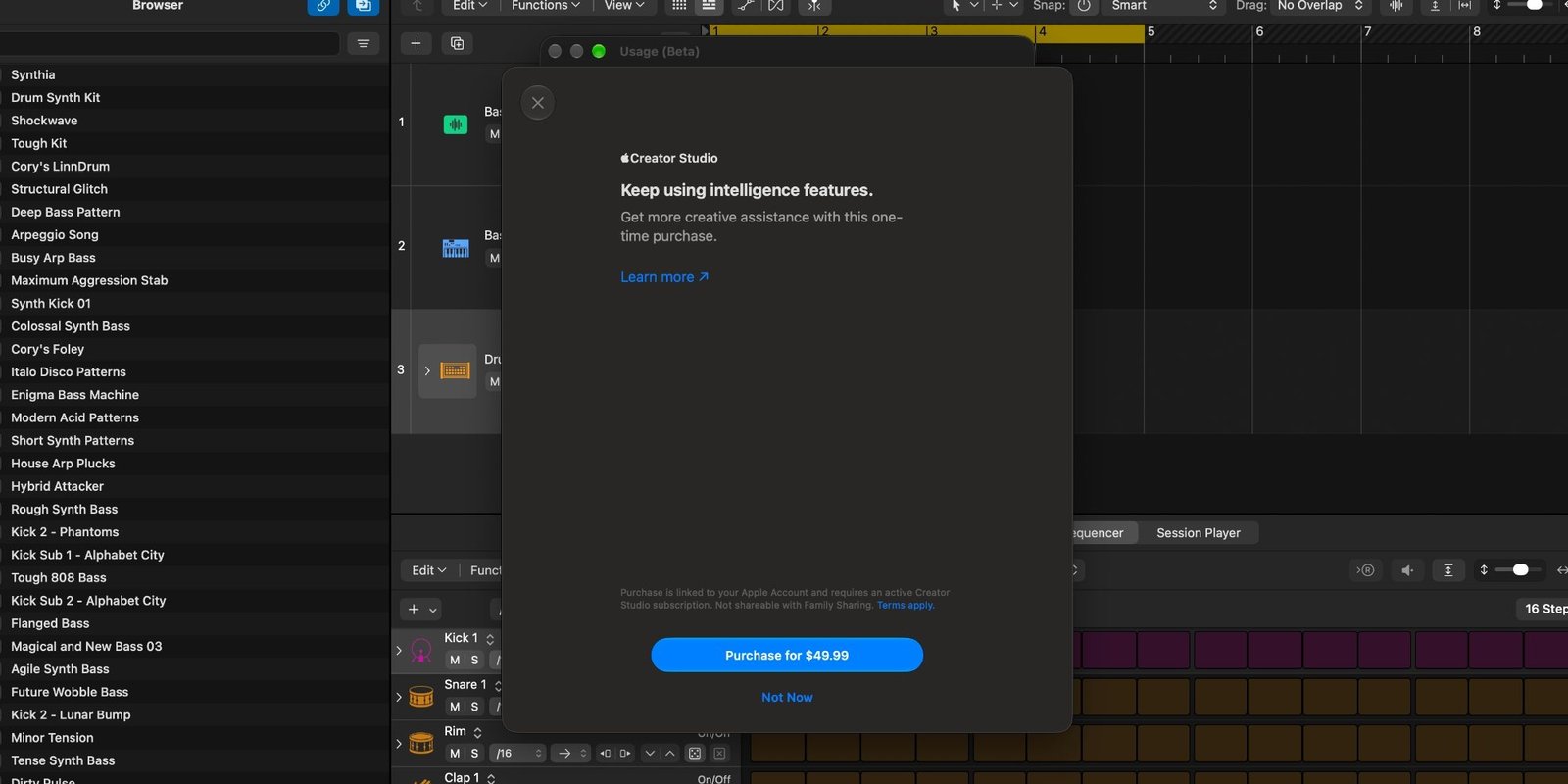
Apple Creator Studio subscribers who run out of AI in Logic Pro can now pay to keep going. Logic Pro's latest update adds a **Buy More Usage** button, and the only option behind it is a [$49.99 one-time Intelligence Usage Pack](https://9to5mac.com/2026/11/09/apple-launches-50-intelligence-usage-packs-for-select-ai-features/).
It's the first time Apple has sold extra AI use. Until now, every Apple Intelligence feature came free with the device or the subscription.
The purchase sheet inside Logic Pro, with the $49.99 pack. Screenshot from 9to5Mac
## Who can buy a usage pack, and where
Packs are only for people who pay for [Apple Creator Studio](https://www.apple.com/apple-creator-studio/), Apple's $12.99-a-month bundle of creative apps. The bundle is also what unlocks the AI features in Keynote, Pages and Numbers, which Apple [added an assistant to last month](https://www.aiformortals.co/blog/apple-iwork-assistant).
According to [Apple's support page](https://support.apple.com/en-us/127888), you can buy packs in the US, Canada, the UK, Brazil, France, Germany, India and Mexico.
Logic Pro is the only app selling them today. Packs are expected in Keynote, Pages, Numbers, Final Cut Pro and Pixelmator Pro when the rest of Creator Studio's updates arrive later this month.
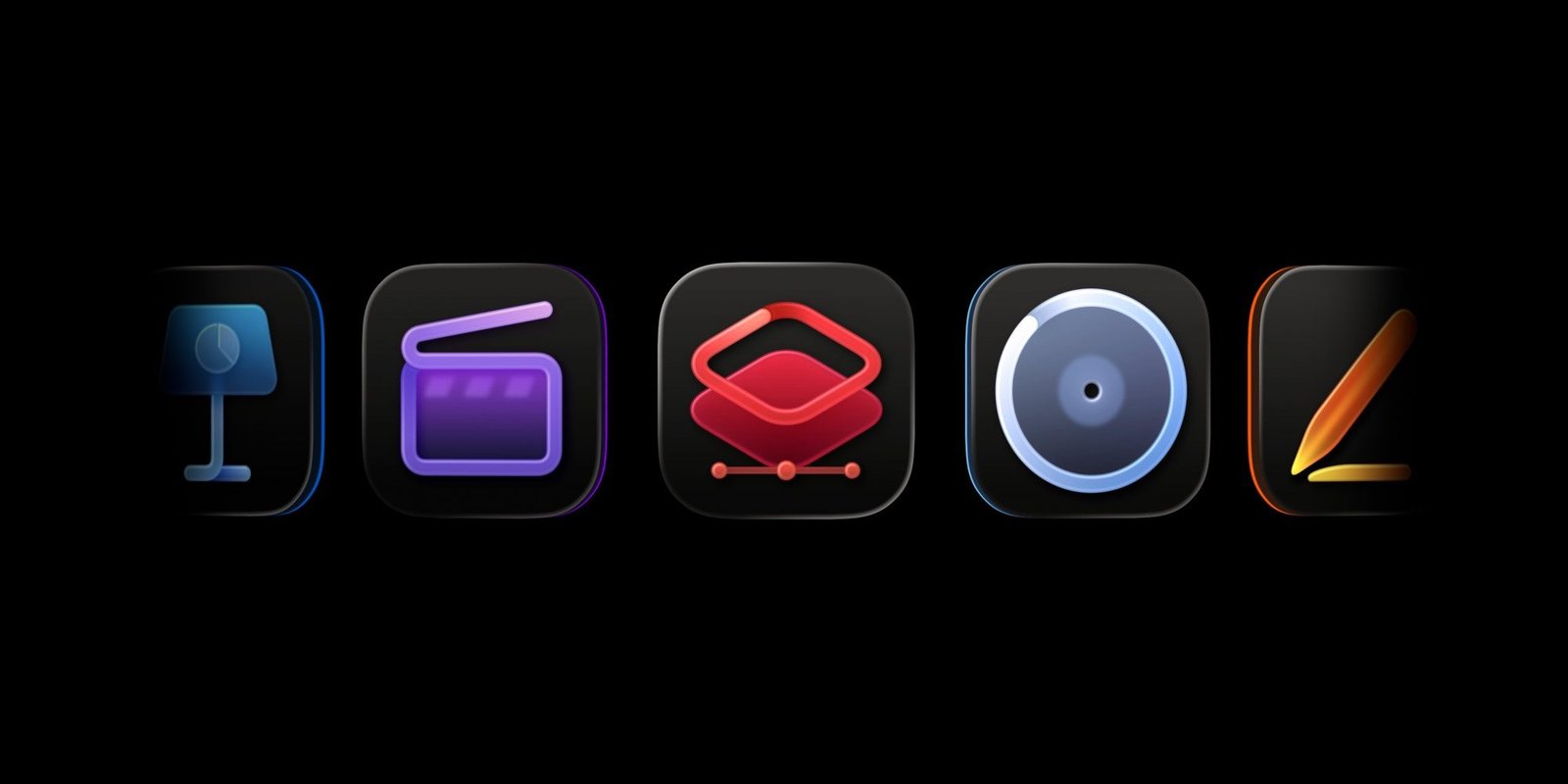
Some of the apps in Apple Creator Studio. Image from 9to5Mac
## Which Apple Creator Studio AI features have a monthly limit
The limits cover the features that send your request to **OpenAI's models or Google's Gemini models in the cloud**. Apple's support page lists them:
- **Generate Presentation** in Keynote, which builds a whole deck from a description. OpenAI powers it, including the images on the slides.
- **Generate Image** in Keynote, Pages, Numbers, Pixelmator Pro and Freeform, and **Generate Shape** in Keynote, Pages, Numbers and Pixelmator Pro, powered by Gemini.
- **Generate Presenter Notes** in Keynote, also Gemini.
- **The assistant in Logic Pro for Mac**, Gemini again. It needs macOS 27 and only works in US English.
For now, packs are limited to Creator Studio apps.
Your ChatGPT or Gemini subscription doesn't help here. Apple says these features don't connect to personal ChatGPT or Google accounts, so the only way past the limit is Apple's pack.
On privacy, Apple says your request goes to the provider without your Apple Account or IP address attached, and the provider doesn't store it unless the law requires it, and can't train on it.
## How much Apple Creator Studio AI you get before the limit
Apple only gives a minimum, because heavier requests use more. Each number below assumes you used only that one feature all month. Apple says you could make at least:
- **50 images**
- **250 shapes**
- **50 presentations of about 8 to 10 slides each**
- **Presenter notes for 700 slides**
For the Logic Pro assistant, Apple gives no number. Longer, more complex conversations use up the limit faster. Limits reset every month.
The usage window in 9to5Mac's screenshot also says "Enjoy increased monthly usage for a limited time," so today's allowance appears to be higher than where it will settle.
## How to check your usage and buy more in Logic Pro
**1.** In Logic Pro on your Mac, click **Logic Pro** in the menu bar.
**2.** Choose **Intelligence Features**, then **Show Usage**. You'll see how much of this month's allowance you've used and the date it resets. The **History** tab shows what used it.
**3.** To buy a pack, click **Buy More Usage**.
The same Show Usage menu works in Keynote, Pages, Numbers and Pixelmator Pro on a Mac. On an iPhone or iPad, tap the More button, then Intelligence Features, then Show Usage Status.
## The fine print on refunds, sharing and expiry
The rules are in [Apple's usage pack terms](https://www.apple.com/legal/internet-services/intelligence-usage-pack/en/) and the support page:
- A pack is a **one-time purchase**, and only the Apple Account that bought it can use it. **No Family Sharing.**
- Sales are final. **No refunds**, except where the law requires one.
- The extra use only kicks in after you've hit the monthly limit. Whatever you don't use rolls over month to month and **expires 12 months after you buy it**.
- Apple hasn't said how much extra use a pack actually buys.
That last point is what most people asking about this want to know. A lot of early reactions also call a $50 pack that expires after 12 months a yearly subscription under another name.
## Why most subscribers don't need a pack yet
Fifty presentations a month is more than almost anyone makes, so few Creator Studio subscribers will hit the limit soon, even if the allowance drops after the limited-time boost. Without knowing what $49.99 buys, it's hard to call a pack good value.
The bigger change is how Apple's AI works in these apps. You now get a monthly allowance and a price for going past it, the same setup as ChatGPT and Claude. [Notion moved its AI onto monthly credits](https://www.aiformortals.co/blog/notion-ai-credits) last month, and [ChatGPT and Codex will share one allowance from December](https://www.aiformortals.co/blog/chatgpt-codex-shared-usage).
If you subscribe, open Show Usage once this month to see how much you actually use before you think about a pack.
## Sources
- [Apple Support: Intelligence usage in Apple Creator Studio apps](https://support.apple.com/en-us/127888)
- [9to5Mac: Apple launches $50 intelligence usage packs for select AI features](https://9to5mac.com/2026/11/09/apple-launches-50-intelligence-usage-packs-for-select-ai-features/)
- [Apple: Intelligence Usage Pack terms](https://www.apple.com/legal/internet-services/intelligence-usage-pack/en/)
- [Apple: Apple Creator Studio](https://www.apple.com/apple-creator-studio/)
- [Apple Newsroom: Apple Creator Studio adds powerful new AI features](https://www.apple.com/newsroom/2026/10/apple-creator-studio-adds-powerful-new-ai-features-and-even-more-creative-tools/)
- [9to5Mac: Apple Creator Studio gets new AI features using OpenAI models](https://9to5mac.com/2026/11/05/apple-creator-studio-gets-powerful-new-ai-features-using-openai-models/)