# You Can Now Text Your ChatGPT Dot
> OpenAI's always-on Dot now lives in your phone's messages app over iMessage or RCS. Send it a task as a text, photo or voice note, and it texts you back on its own when something needs you.
By Pat Simmons · October 28, 2026 · 4 min
Canonical: https://www.aiformortals.co/blog/chatgpt-dots-texting
OpenAI [now lets you text your Dot](https://x.com/ChatGPT/status/2115496387613786374), the always-on agent that works for you in the background inside ChatGPT. It shows up in your phone's regular messages app, over iMessage on an iPhone or RCS, the newer texting standard, on Android.
You can send it a task or something to keep an eye on, and it texts you first when there's an update. It's rolling out now as a preview for ChatGPT Pro subscribers in the US.
## Turn on texting from your Dot's profile
According to [OpenAI's release notes](https://help.openai.com/en/articles/6825453-chatgpt-release-notes), setup happens in ChatGPT itself:
1. Open ChatGPT and go to your Dot's profile.
2. Select **Texting**.
3. Make sure iMessage is turned on if you have an iPhone, or RCS if you have an Android phone. Both live in your phone's messaging settings.
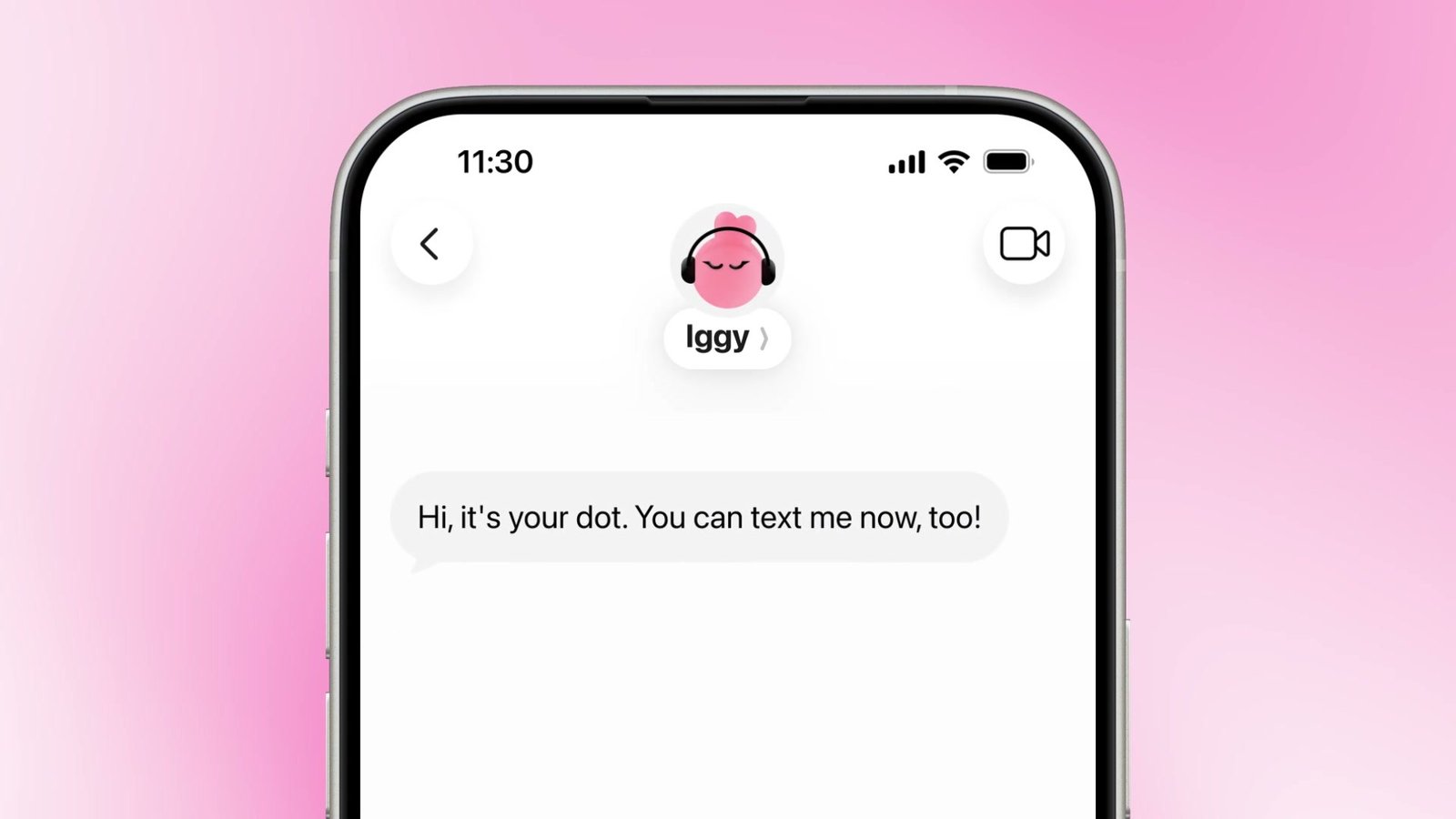
Your Dot then sends you its first text, and from there you can reply to it like any other contact.
The first text from a Dot named Iggy once texting is on. From ChatGPT's launch video on X
If you don't see Texting on your Dot's profile yet, the rollout probably hasn't reached your account.
## What you can hand your Dot over text
You can send your Dot a text, a photo or a voice note. A task goes in like any other message, and so does something you want it to watch.
It also texts you on its own when there's an update.
In OpenAI's launch video, a Dot named Iggy writes: "Your move is Friday, and I haven't seen a confirmation that your internet transfer is set up. Want me to start the process? I'll also check for any promotions available to lower your bill." The reply is a thumbs-up and "Yes please!"
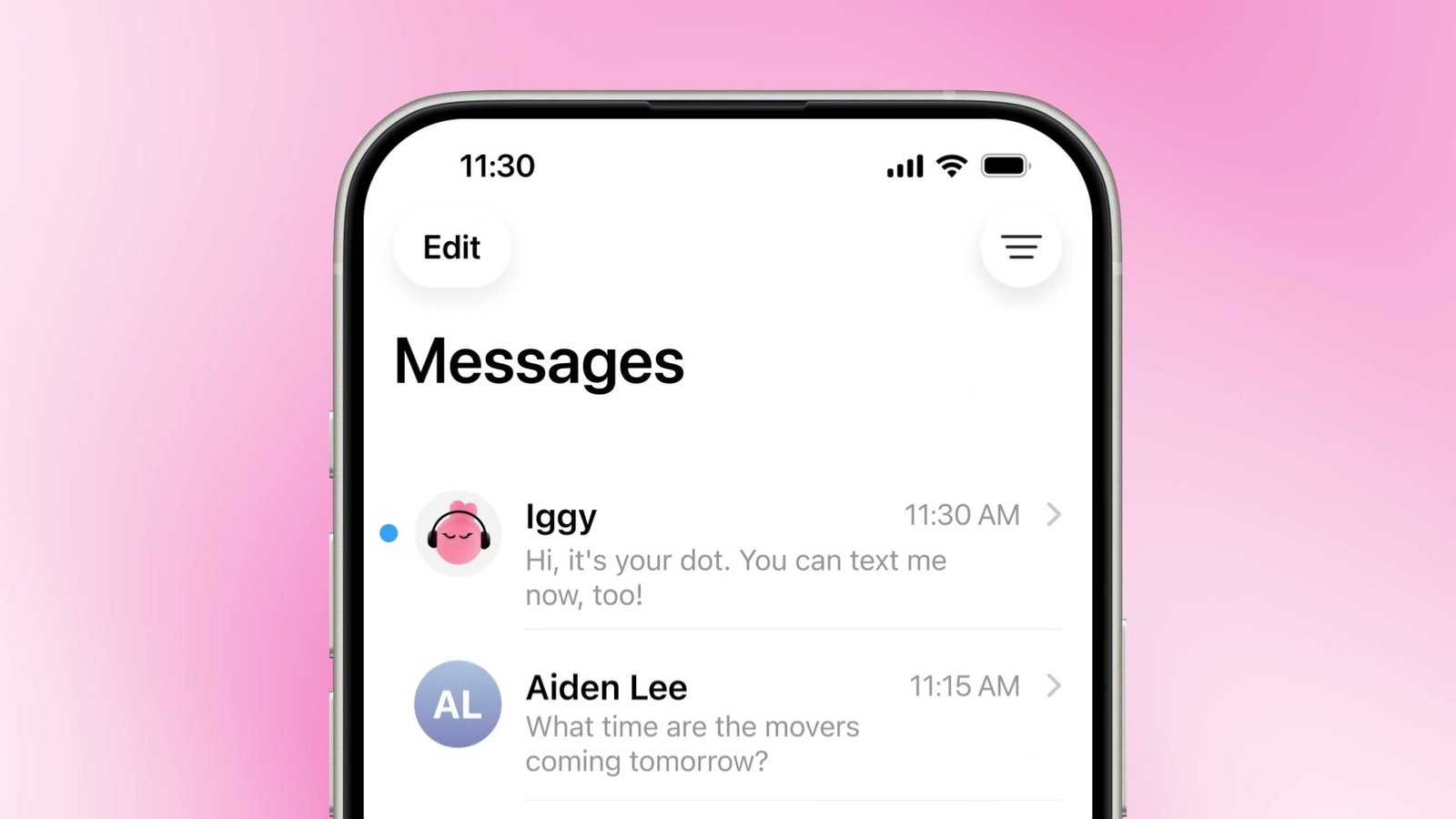
Your Dot sits in your Messages list next to everyone else you text. From ChatGPT's launch video on X
A few texts you could send yours:
> (with Gmail connected) Keep an eye on my inbox for the contractor's quote and text me when it comes in, with the total and the start date.
> (a photo of a parking sign) Remind me to move the car before this kicks in tomorrow.
> We're moving on the 15th. Check what still needs doing for internet, mail forwarding and utilities, and text me if anything isn't set up by the 10th.
The voice note option helps when you're walking or driving and want to hand something off without typing it out.
## What your Dot can see in your texts, and what it can't
Your Dot keeps the same memory and plugins it has in ChatGPT, [OpenAI says](https://x.com/ChatGPT/status/2115497827845476525), so anything you've connected there, like your email or calendar, is still in reach when you text it.
It can't read your other texts. You're the only one who can text your Dot, your Dot can only text you, and turning this on doesn't give your Dot or OpenAI access to your other conversations.
OpenAI also says it uses [Linq](https://linqapp.com/), an outside messaging company, to send and receive the texts, and that it did security testing on the setup with outside firms.
ChatGPT's desktop app on Apple silicon Macs also has a separate Apple Messages plugin, in Work and Codex, that can read and search your texts and send messages for you, and by default it asks you to approve each message and recipient before it goes out. That's a plugin you'd install on purpose. Texting your Dot doesn't turn it on.
## Texting a Dot or waiting for Claude Duet
Texting isn't the only way to reach a Dot outside ChatGPT. You could already talk to it in Slack or Teams, and that's mostly how I've used mine since [I gave my Dot real jobs for a day](https://www.aiformortals.co/blog/openai-dots). Texting puts it in the messages app you already check all day.
The closest rival is [Claude Duet](https://www.aiformortals.co/blog/claude-duet), Anthropic's agent that messages you first with a morning brief and updates from your connected apps. Duet is a separate app instead of your texts, and it's still invite-only. Anthropic is letting people on Claude's US Max plan in this week, with Claude Pro next, [its team says](https://x.com/ahuja_karan/status/2115255882921672914).
The price gap is big. A Dot needs ChatGPT Pro, which starts at $100 a month, while Duet will be included in [Claude's $20 Pro plan](https://www.aiformortals.co/blog/claude-duet). Grok Bot and Meta's Muse are in the same race, and I put them up against Dots in [this side-by-side test](https://www.aiformortals.co/blog/grok-bot-vs-meta-muse-vs-chatgpt-dots).
## Why an agent in your texts feels different
This is a feature I've been waiting on since Dots launched, and after playing around with it, it's pretty incredible.
I already text [Instinct](https://www.aiformortals.co/blog/instinct-group-chats), another AI agent app, over iMessage, and something changes when an agent lives right there in your messages. I can't quite describe it, but maybe it just makes it feel more real.
Trying it means ChatGPT Pro, though, so once Duet opens up to Claude Pro, it may be the cheaper way to try an agent that checks in on its own.
Here's my test of Dots against Grok Bot and Muse on the same three jobs:
## Sources
- [OpenAI Help Center: ChatGPT release notes (Texting your dot)](https://help.openai.com/en/articles/6825453-chatgpt-release-notes)
- [@ChatGPT on X: you can now text your dot](https://x.com/ChatGPT/status/2115496387613786374)
- [@ChatGPT on X: how to set up texting](https://x.com/ChatGPT/status/2115497827845476525)
- [Anthropic: Claude Duet](https://claude.com/product/claude-duet)
- [@ahuja_karan on X: Claude Duet access update](https://x.com/ahuja_karan/status/2115255882921672914)