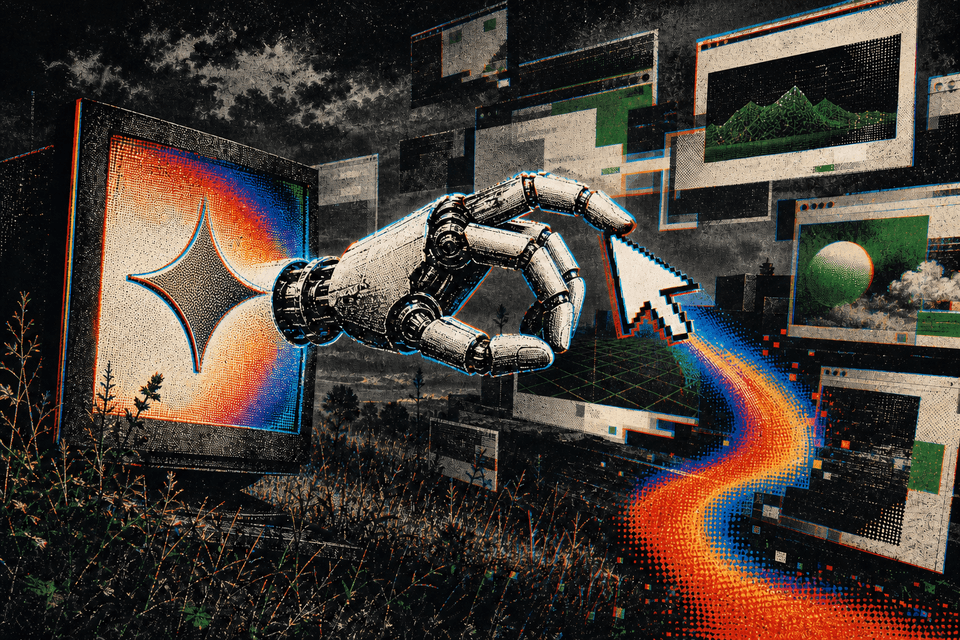
Gemini 3.5 Flash Can Now Drive Your Browser, Phone, and Desktop
Google built native computer use into its fast, low-cost Gemini model, so developers can hand an AI a screen and a goal and let it click, type, and navigate, with safety checks built in and the prompt-injection defense left opt-in.

Most AI you use today can describe how to do something on your computer. Google just shipped the version that does it for you, and it is about time. On June 24, the company added native computer use to Gemini 3.5 Flash, its fast and low-cost model, letting an AI look at a screen and take actions across a browser, a phone, or a desktop to finish a task. Google has had some of the strongest vision models in the business, so a Gemini that can see a screen and click through it is a catch-up move as much as a new one.
What it actually does
You hand the model a screen and a goal, and it works in a loop: take a screenshot, decide the next action, click or type or scroll, then look again. Philipp Schmid, who helped launch it, gave a real example. He pointed the agent at a documentation page and asked it to audit the page, run the code snippets, and find issues. It navigated through, captured screenshots along the way, and came back with a report.
The capability reaches developers through the Gemini API and the Gemini Enterprise Agent Platform, with support for Python, JavaScript, and plain REST calls. The headline targets are long-running, repetitive jobs: software testing, filing tickets, and knowledge work that spans several professional apps.
Why it is on the cheap model
Computer use used to be a separate, standalone Gemini model. Folding it into the main 3.5 Flash model matters because Flash is the fast, inexpensive tier. Running an agent that takes dozens or hundreds of steps adds up quickly, so putting the skill on the cheaper model is what makes long, multi-step automation realistic rather than a budget-burning demo. Some users pushed back and asked for it on the more capable Pro model instead, which is a fair tradeoff to watch.
The safety story has a footnote
This is the part to read closely. An agent that reads and acts on your screen can be hijacked by instructions hidden in the content it is looking at, a problem known as prompt injection. A malicious web page can carry text that tells the agent to do something its user never asked for.
Google built several defenses. The model gets adversarial training against injection attacks. Built-in policies flag sensitive moves like financial actions or data changes, and high-risk steps require explicit human confirmation under the recommended setup. But the automatic prompt-injection detection is opt-in, meaning a developer has to turn it on. Google also leaves the execution environment to you: developers run the agent inside their own sandbox, with examples built on Playwright and Docker, and they own the runtime security and the cost.
A little behind, and that is fine
The scores are a touch underwhelming for a company with Google's track record in vision: on this kind of agent task, Gemini 3.5 Flash lands a few points behind the latest Claude Opus. It is interesting to see, but the exact numbers are not the point. Flash is fast and cheap, which counts for more when an agent runs step after step to finish a job.
This lives in the developer API, so it is built for the people who make the apps you use. Here's the fastest way to actually try it: copy Google's computer-use docs, paste them into a coding agent like Claude Code or Cursor, and tell it to build you a small agent that can click around your browser for you, navigating pages and filling in forms on its own.
Two cautions. The agent can be fooled by instructions hidden on a page, and Google's automatic defense against that is opt-in, so the strongest guardrail ships switched off until someone turns it on. And on raw screen-driving skill, Gemini is not the front-runner yet, so for anything serious you might still reach for another model.





Comments
Sign in to join the conversation.