 Sprok
Cut a video on your phone. Get a real MP4.
Sprok is a video editor for iPhone. The preview sits on top, the timeline scrolls under a fixed playhead, and every tool opens over the live picture. It is a native app, and nothing you edit leaves the phone.
- Native SwiftUI
- iOS 26
- H.264 + AAC export
- 480p to 4K
- No account, no server
The whole flow, recorded in the iPhone 15 Pro Simulator: import, every tool, export. Waits between touches are cut out; nothing is sped up.
The screens
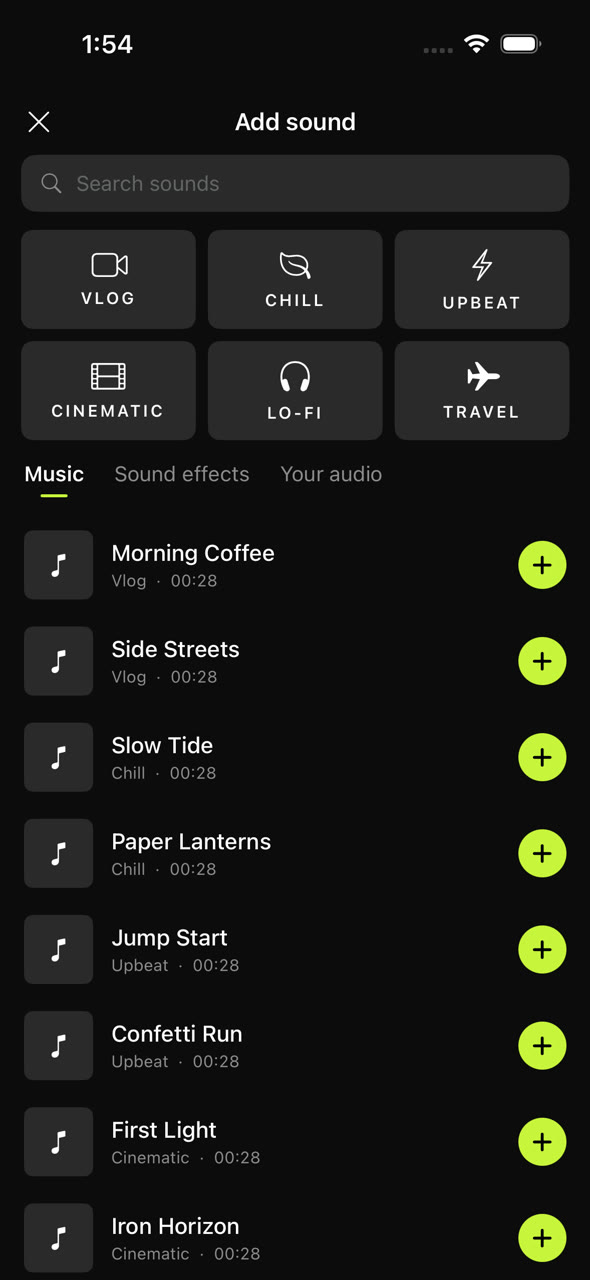
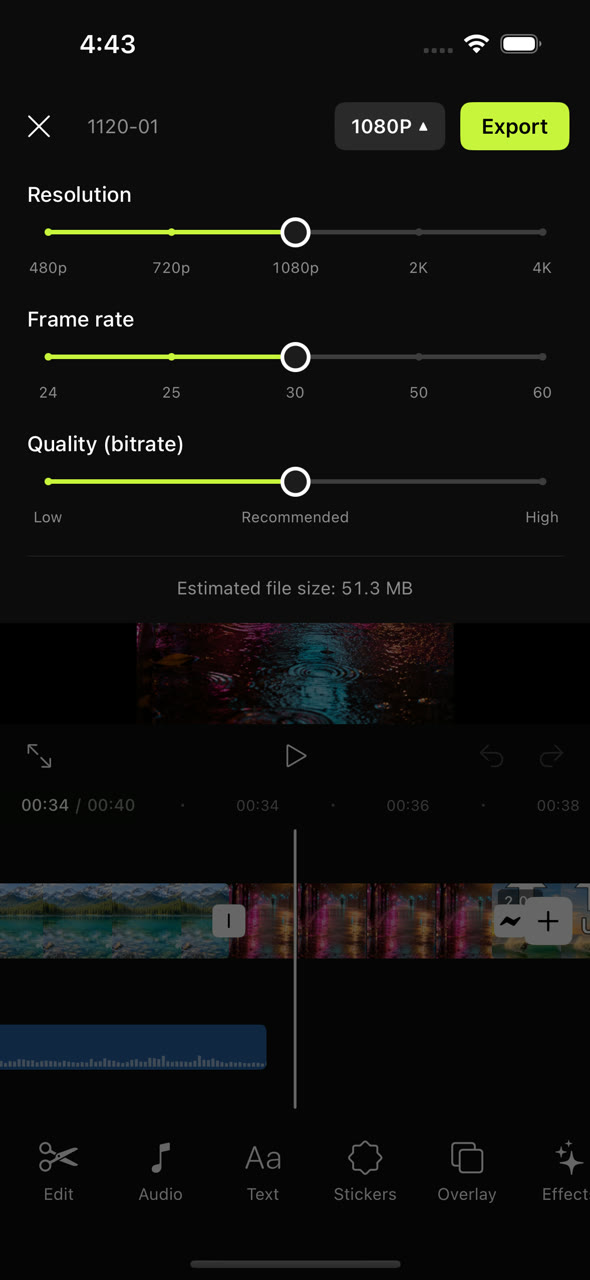
Straight from the Simulator, nothing retouched.
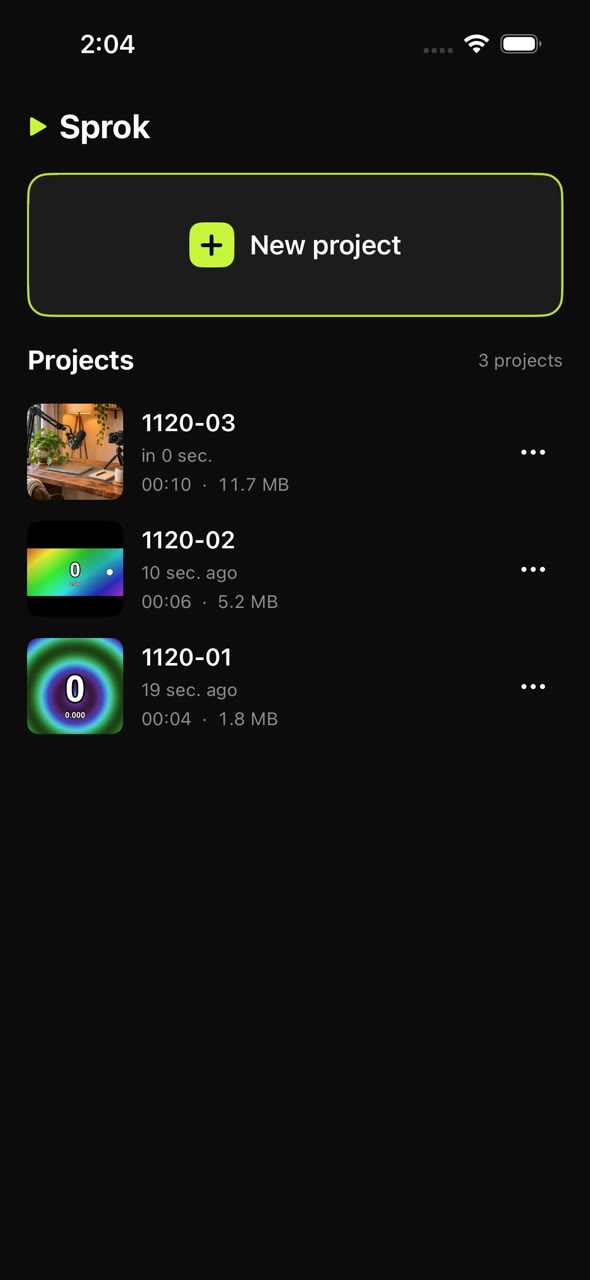
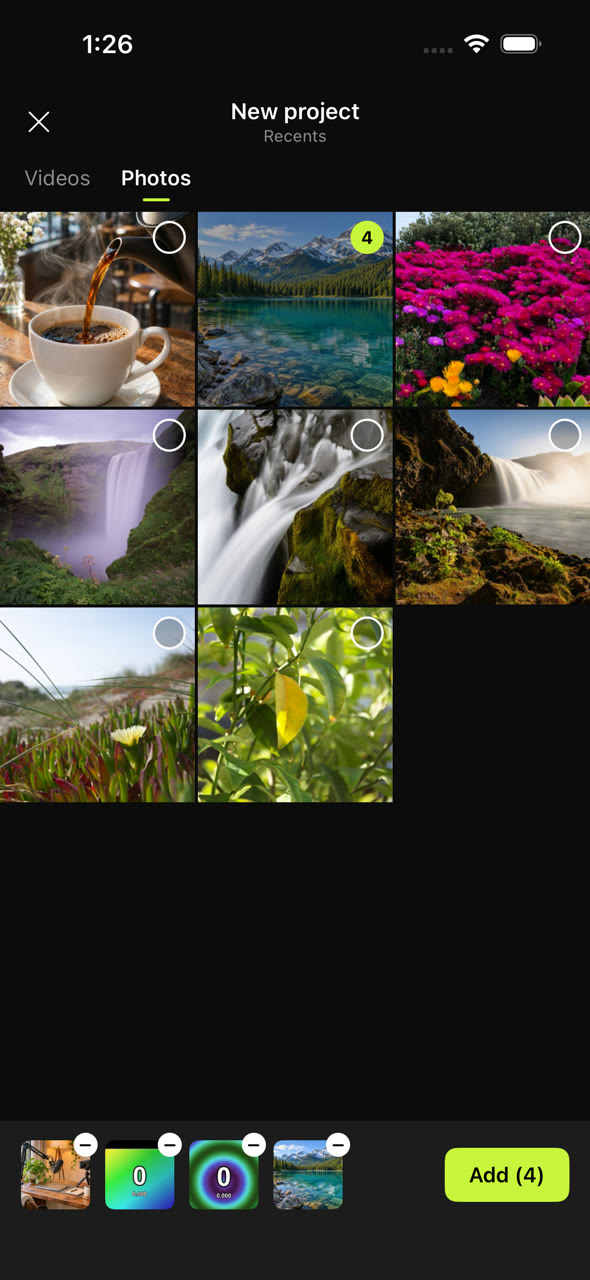
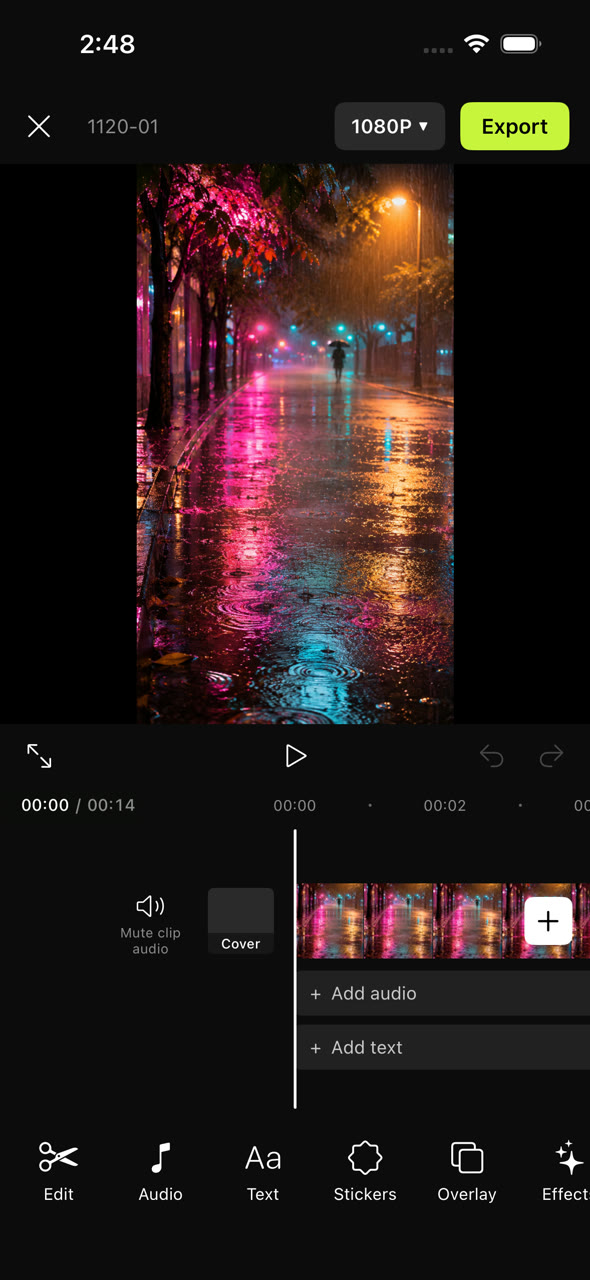
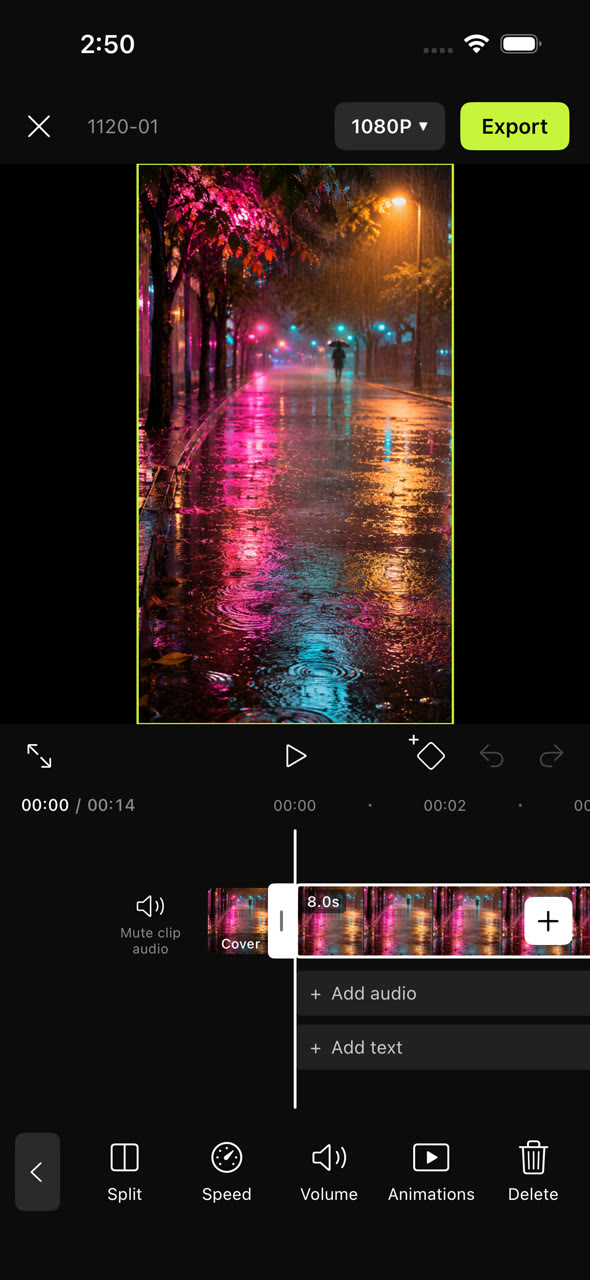
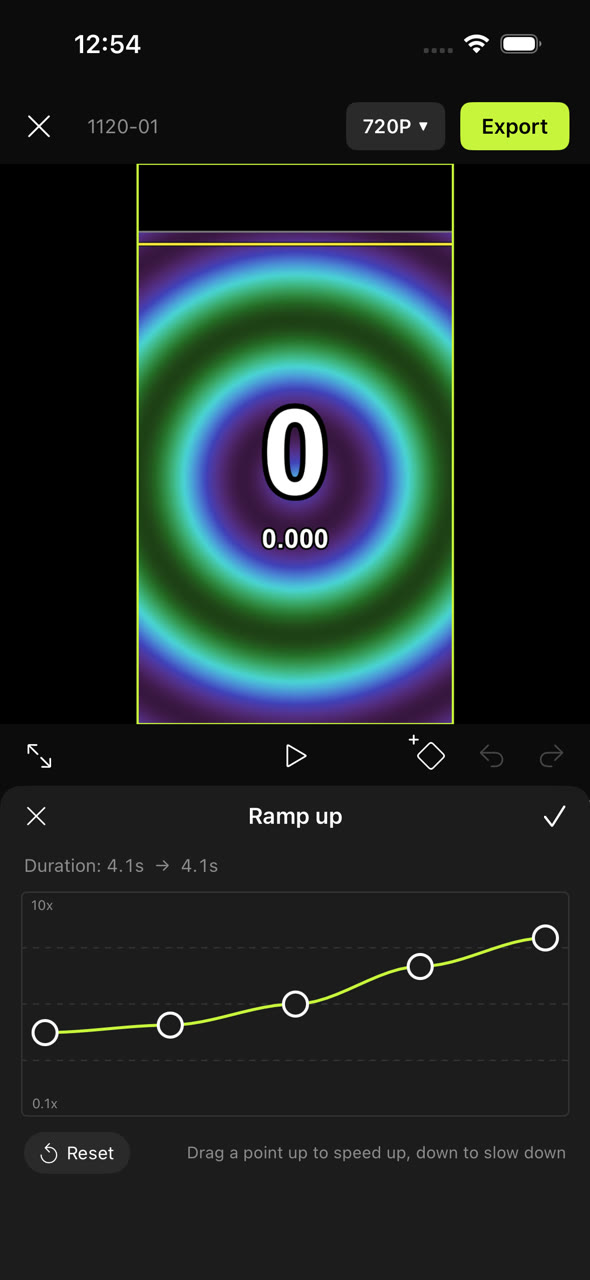
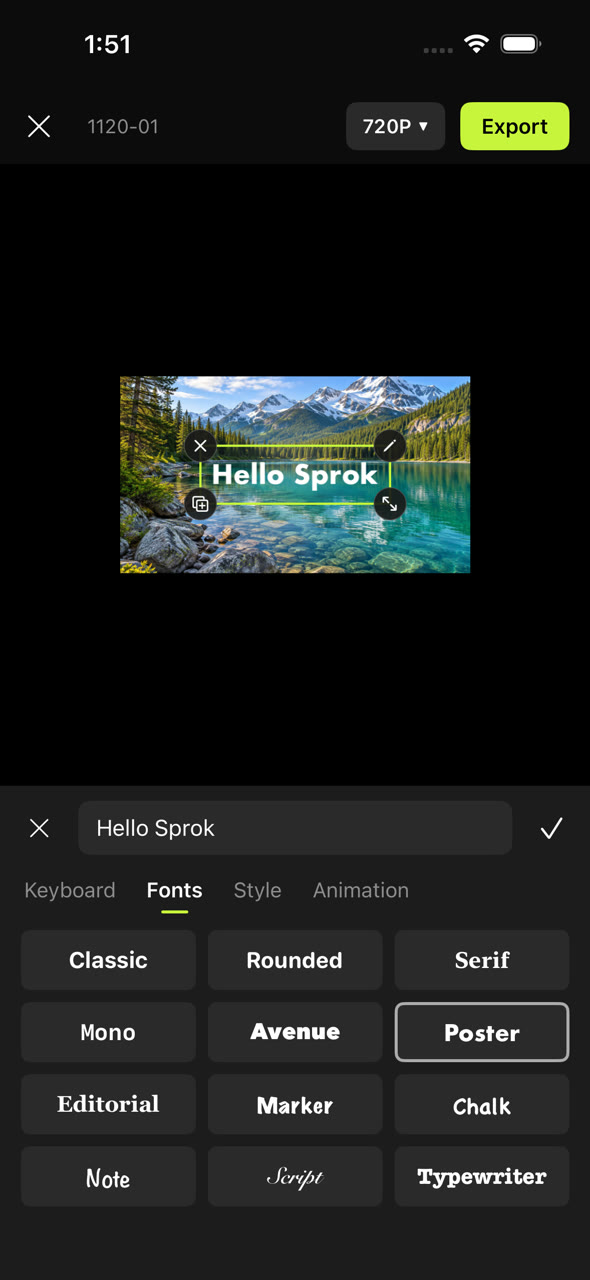
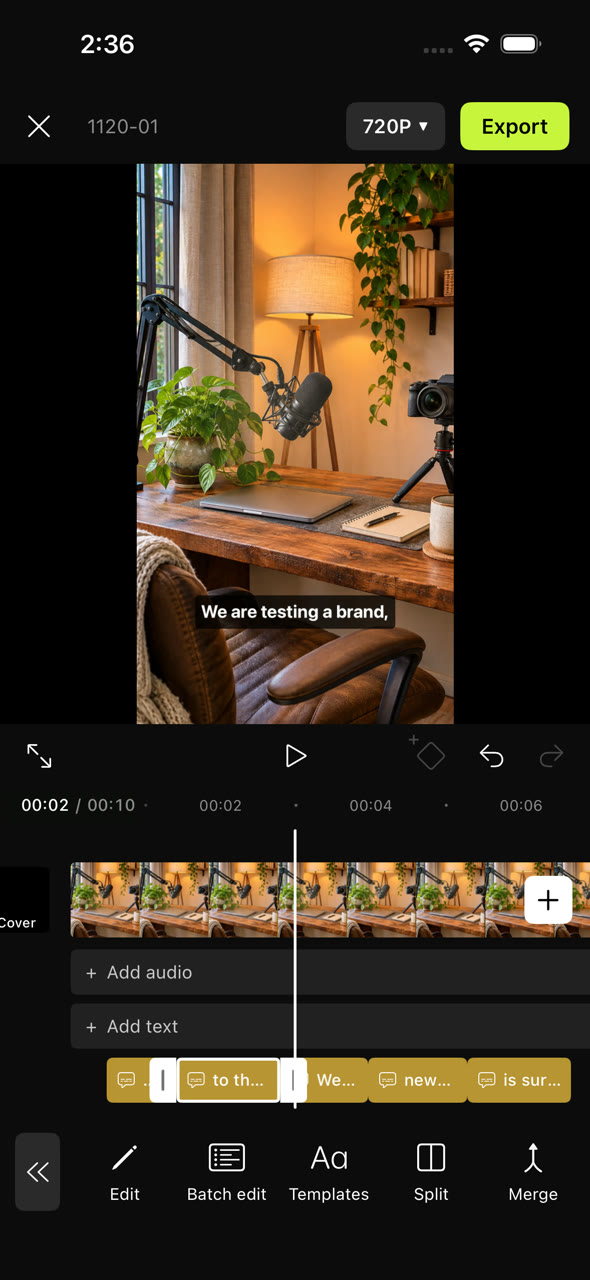
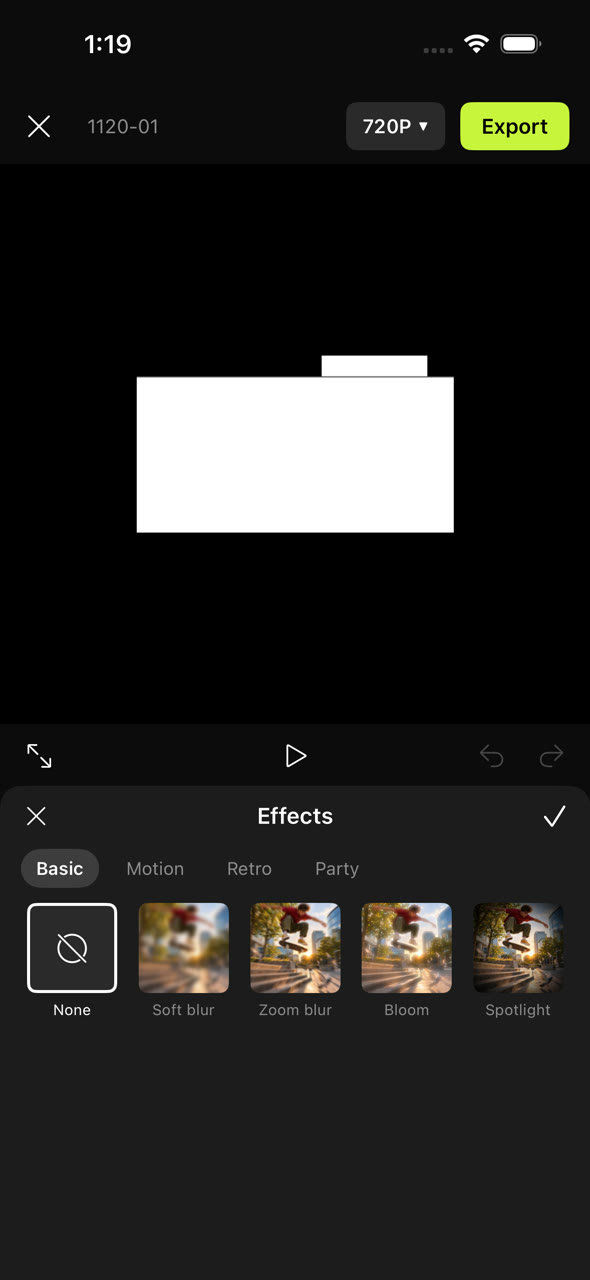
What it can do
Every control does what it says, in the preview and in the exported file.
Timeline
Scrub under a fixed playhead, pinch from the whole project down to single frames, snap to cuts and the playhead.
Cut
Trim by the handles, split, delete, duplicate, replace, and long-press to reorder clips.
Speed
0.1x to 10x with or without pitch correction, speed curves, freeze frame and reverse.
Sound
Volume to 200 %, fades, mute, extract audio, 12 music tracks and 14 sound effects.
Text and captions
12 fonts, stroke, box, shadow and animations. Captions written on the phone from the speech in your video.
Layers
28 stickers and picture-in-picture overlays you drag, pinch and rotate on the preview, with blend modes.
Looks
18 effects, 14 filters, 11 adjustments and 14 transitions, each previewed live.
Keyframes
Animate position, scale, rotation, opacity, volume and filter strength over time.
Export
480p to 4K at 24 to 60 fps, as an MP4 saved to Photos, with the share sheet. Projects save themselves.
Credits
Sprok ships no third-party code. It is built on Apple's AVFoundation, Core Image, Metal, Speech, Photos, SwiftUI and UIKit.
| What | Source |
|---|---|
| Interface icons | SF Symbols, by Apple |
| Typefaces | The system fonts that ship with iOS; none are bundled |
| App icon and canvas backgrounds | Drawn for this app with scripts |
| 28 stickers | Generated for this app with an image generator, then cut out by script |
| 12 music tracks, 14 sound effects | Generated for this app with a text-to-audio service |
| Clips in the walkthrough | Rendered and generated for this build, including the spoken line |
| Build tools (not in the app) | XcodeGen, FFmpeg, ShellCheck, Python with NumPy and Pillow |