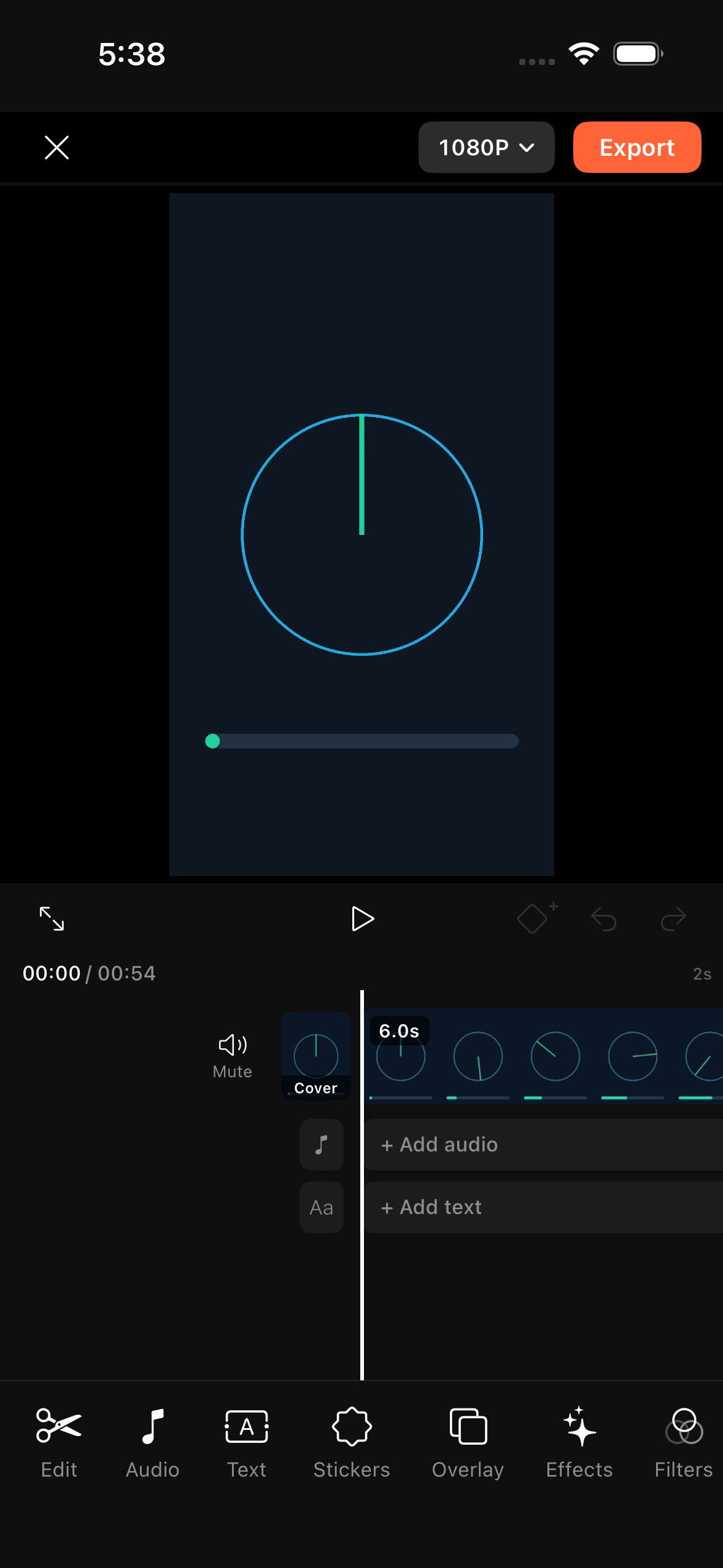
Multi-Track Editor
Fixed centre playhead, streaming filmstrip, transport controls & 11-tool main bar.

Fast, tactile multi-track iPhone video editing built natively for iOS 26 with SwiftUI, AVFoundation, Core Image, Metal & Speech.
Left: a finished 1080p 30 fps vertical reel cut entirely inside Kinora through its touch UI and exported to Photos. Right: the live Simulator session showing the app building and exporting edits end to end.
Edited strictly with Kinora's touch tools: multi-clip cuts, speed curves, auto captions, styled text, stickers, PIP overlay, effects, filters, transitions, keyframes & mixed music.
Unedited screen capture of Kinora importing from Photos, scrubbing, layering effects & captions, and exporting a real H.264/AAC MP4.
Captured directly at 393×852 pt (@3x) on iPhone 15 Pro Simulator.
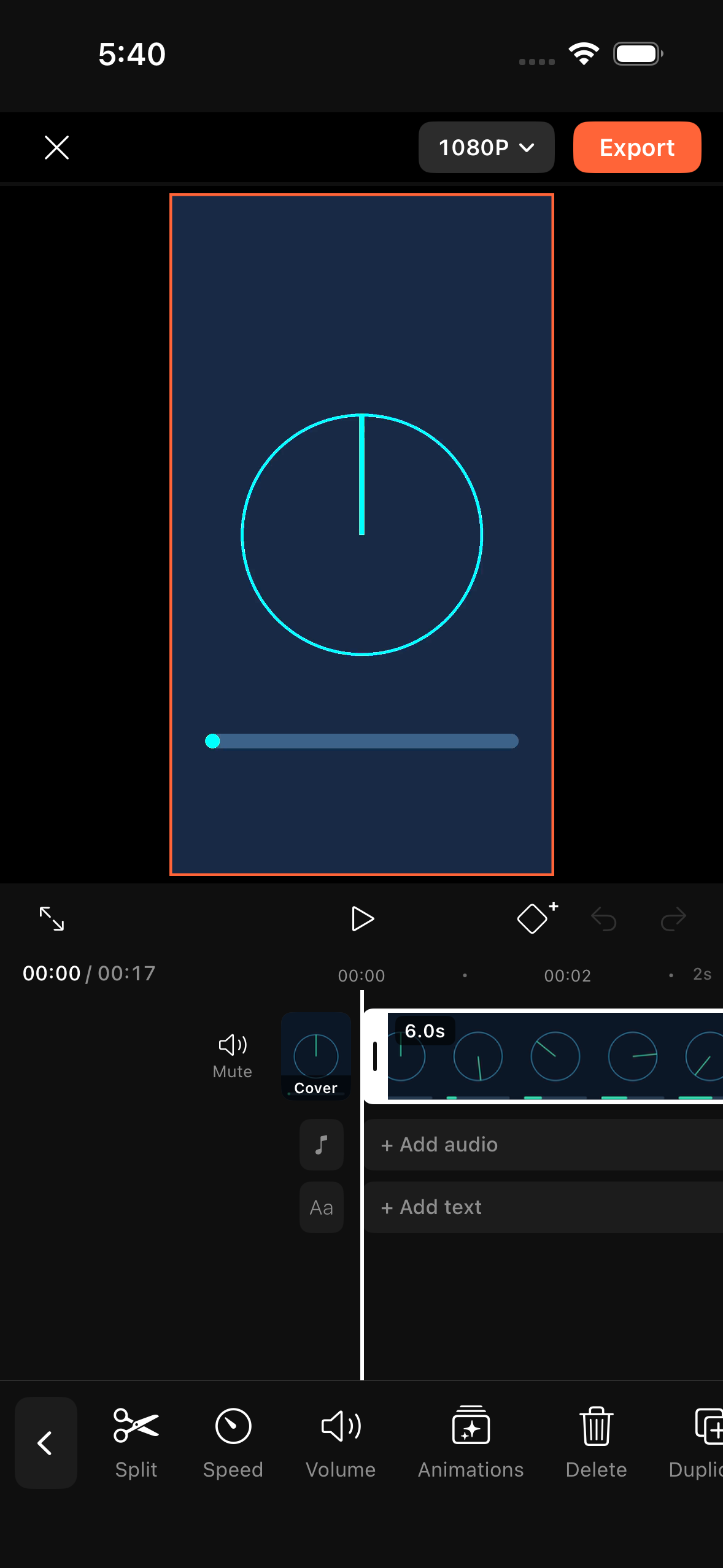
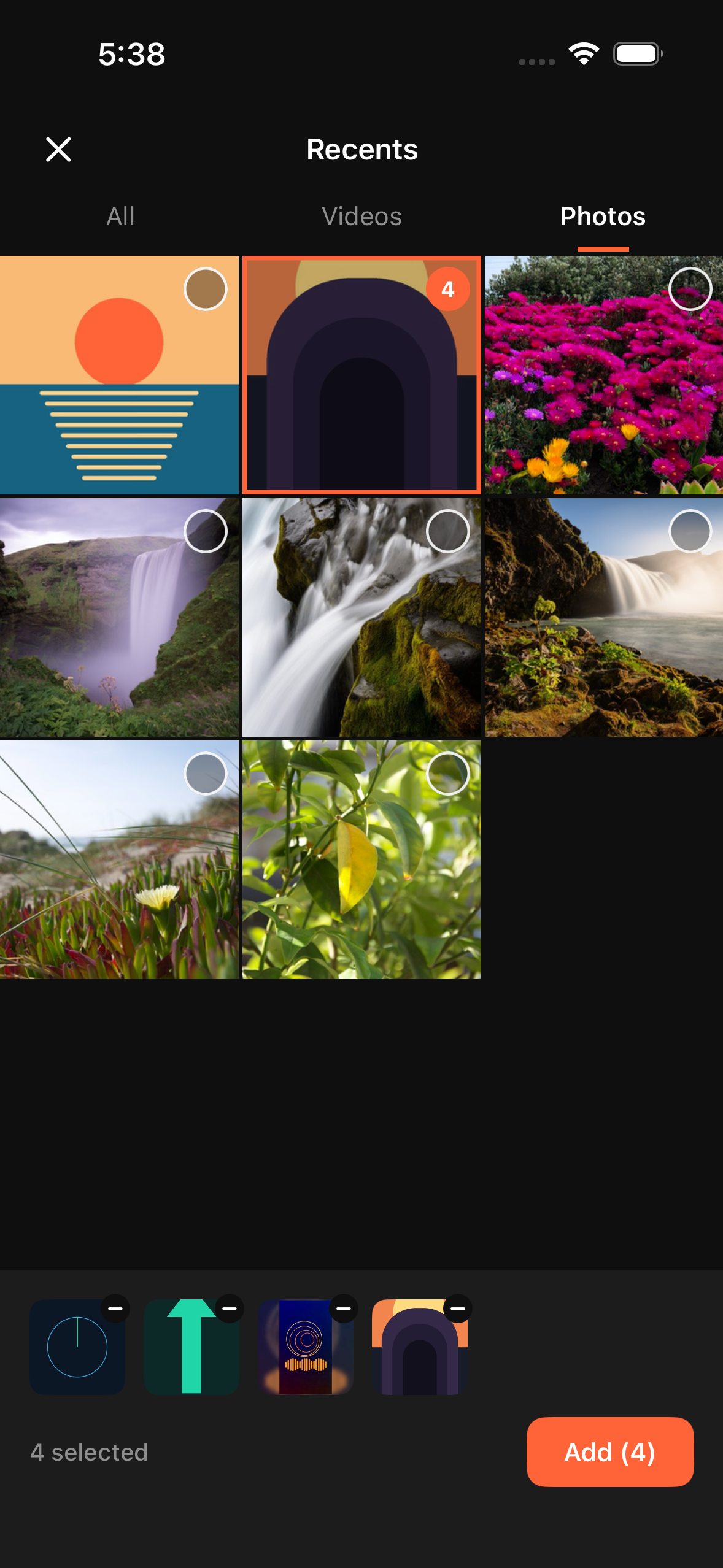
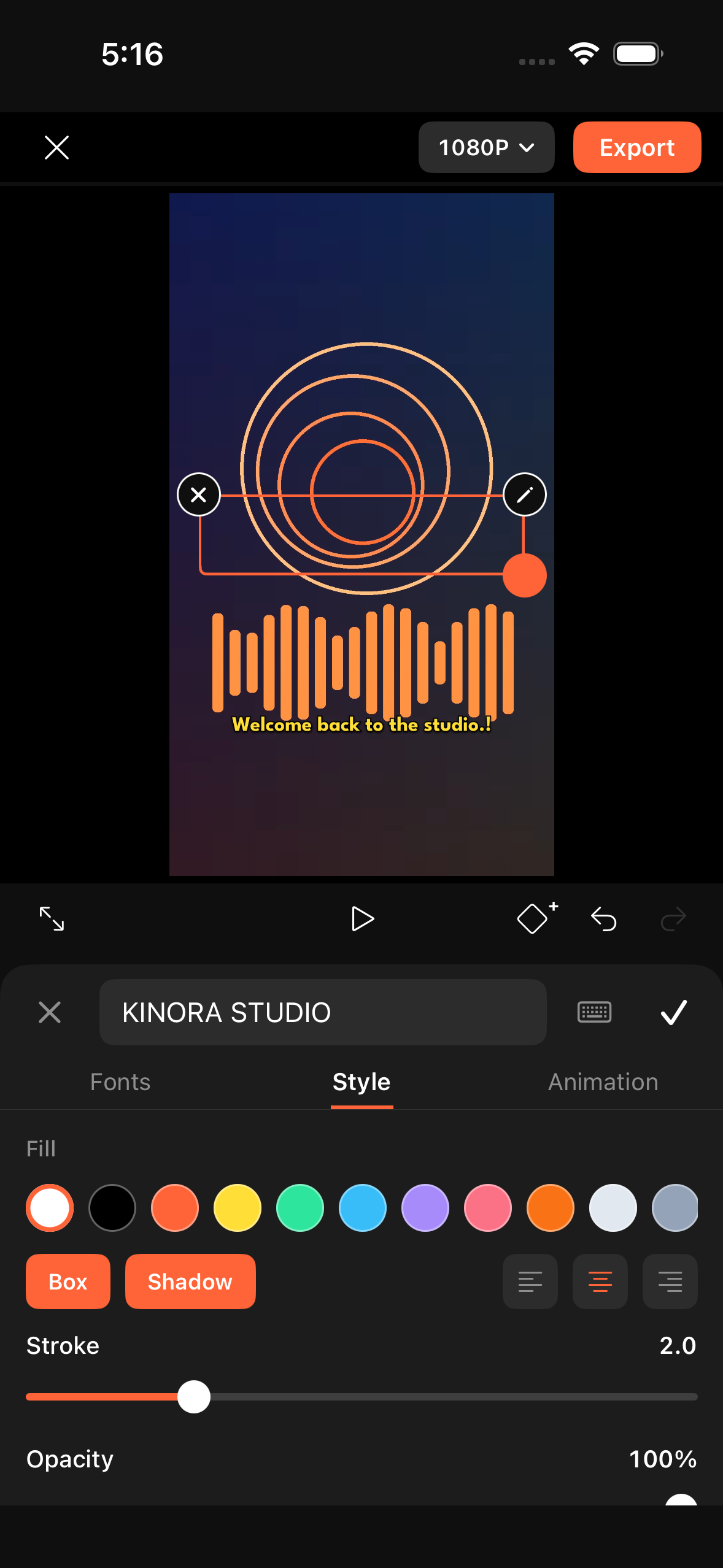
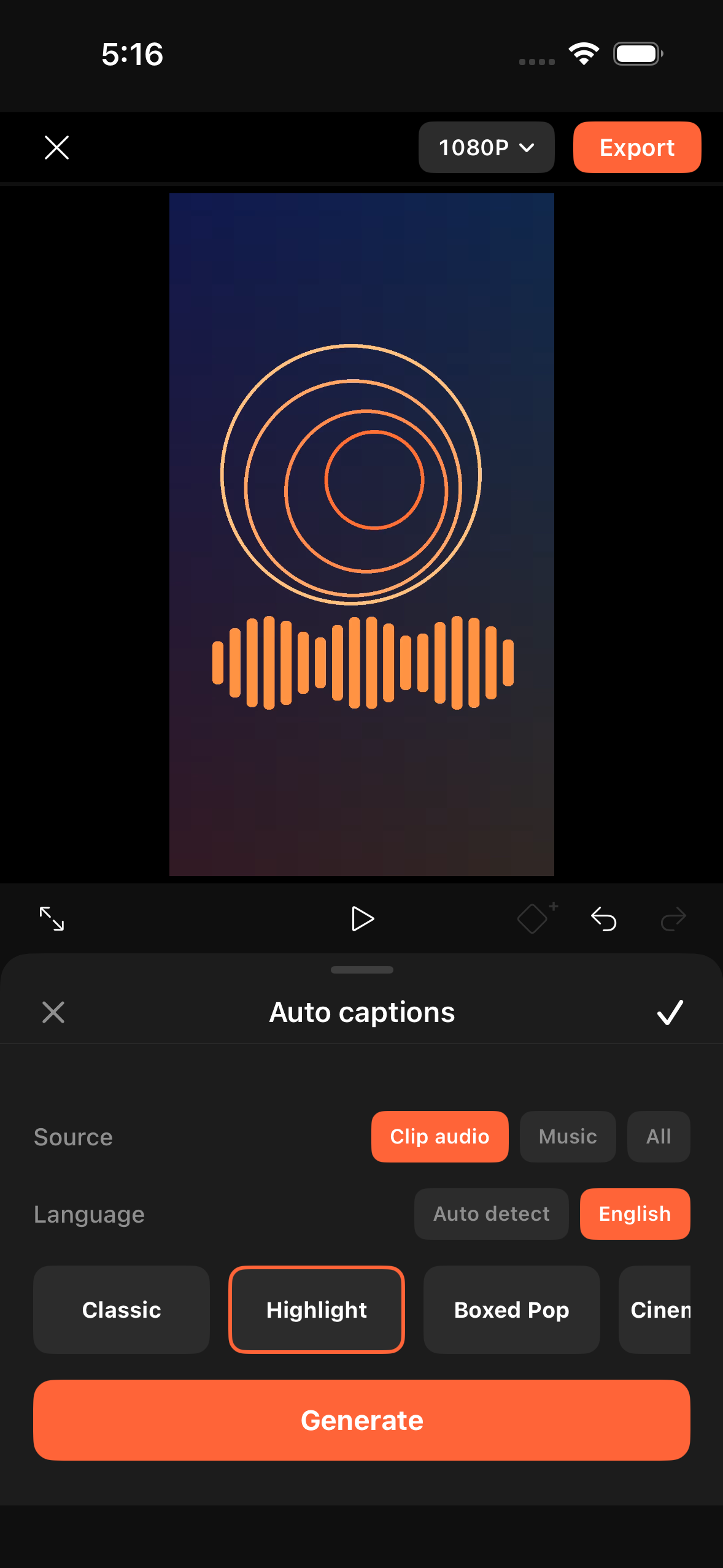
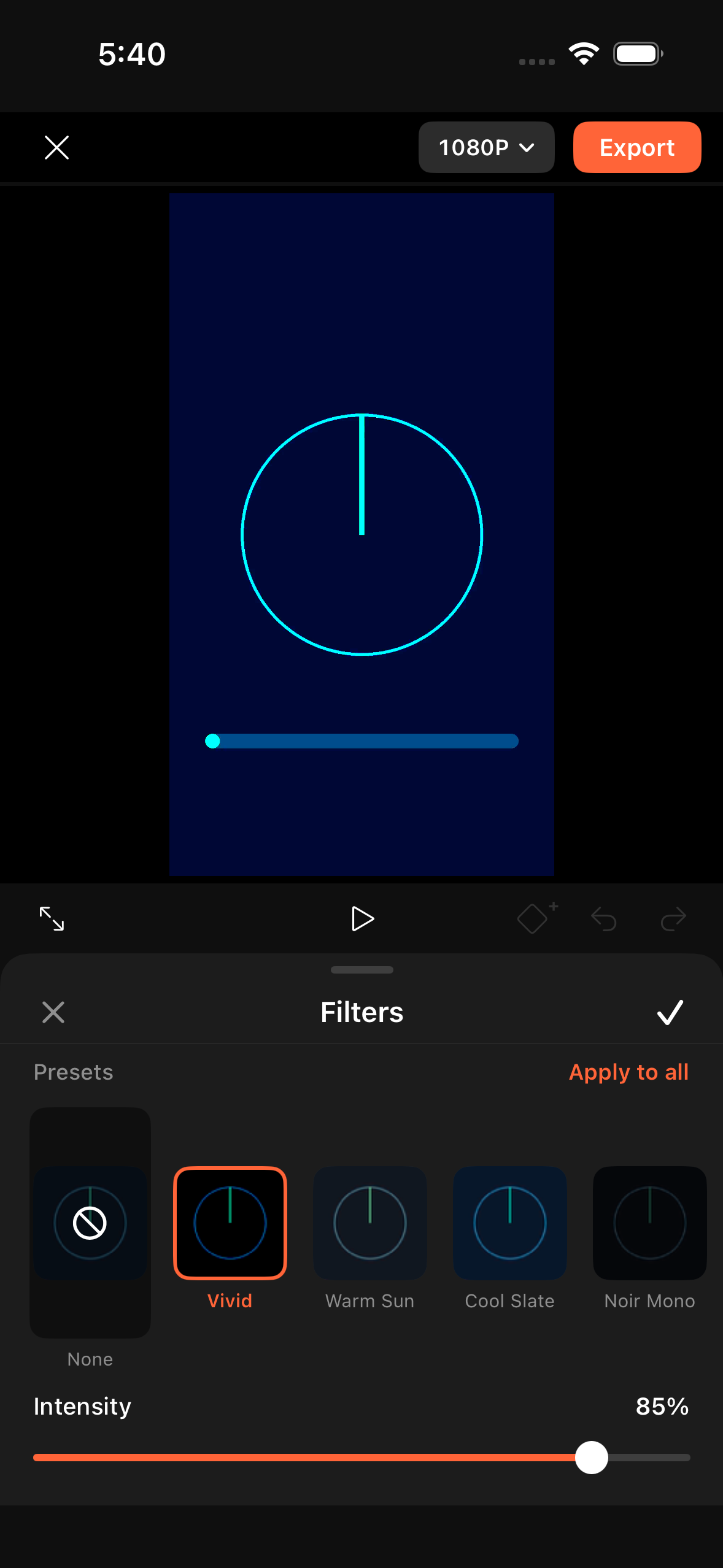
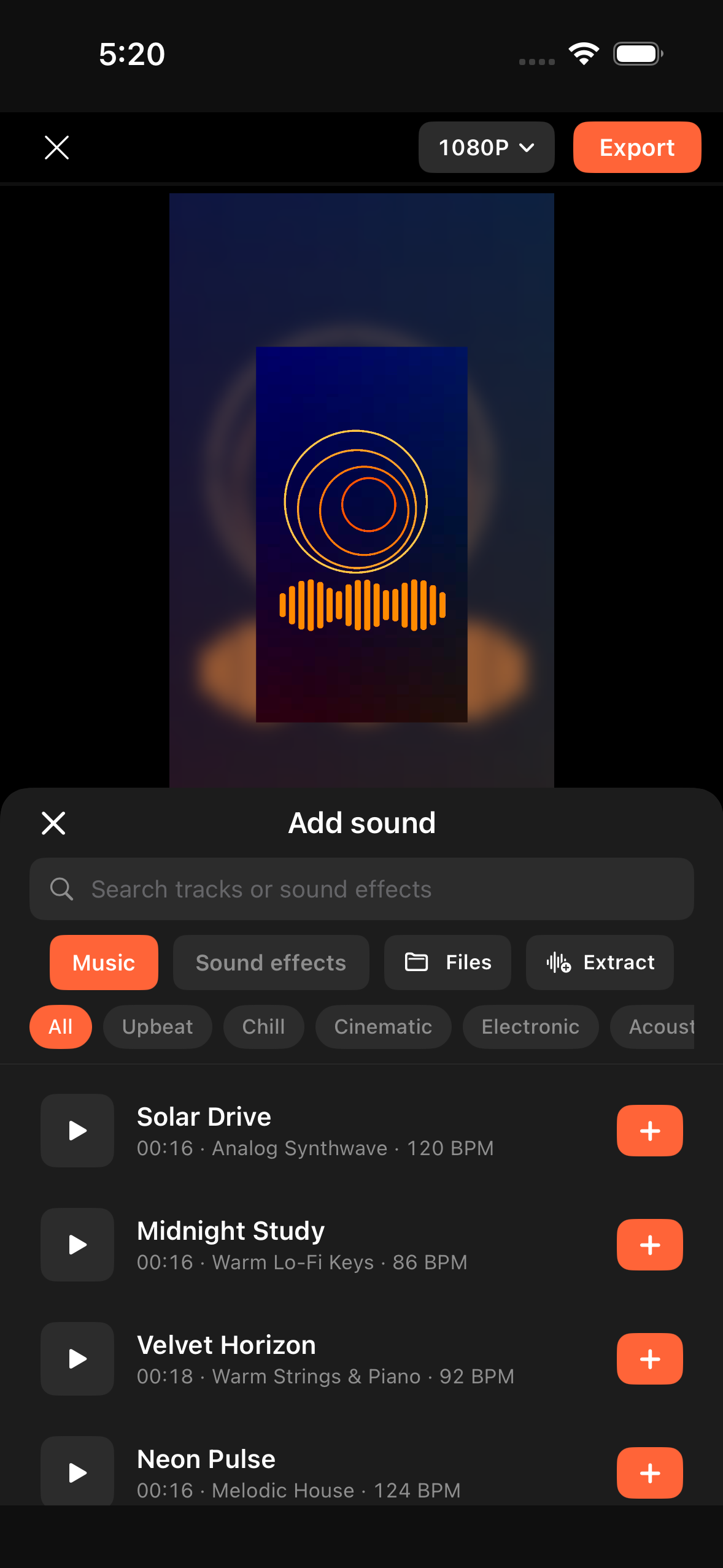
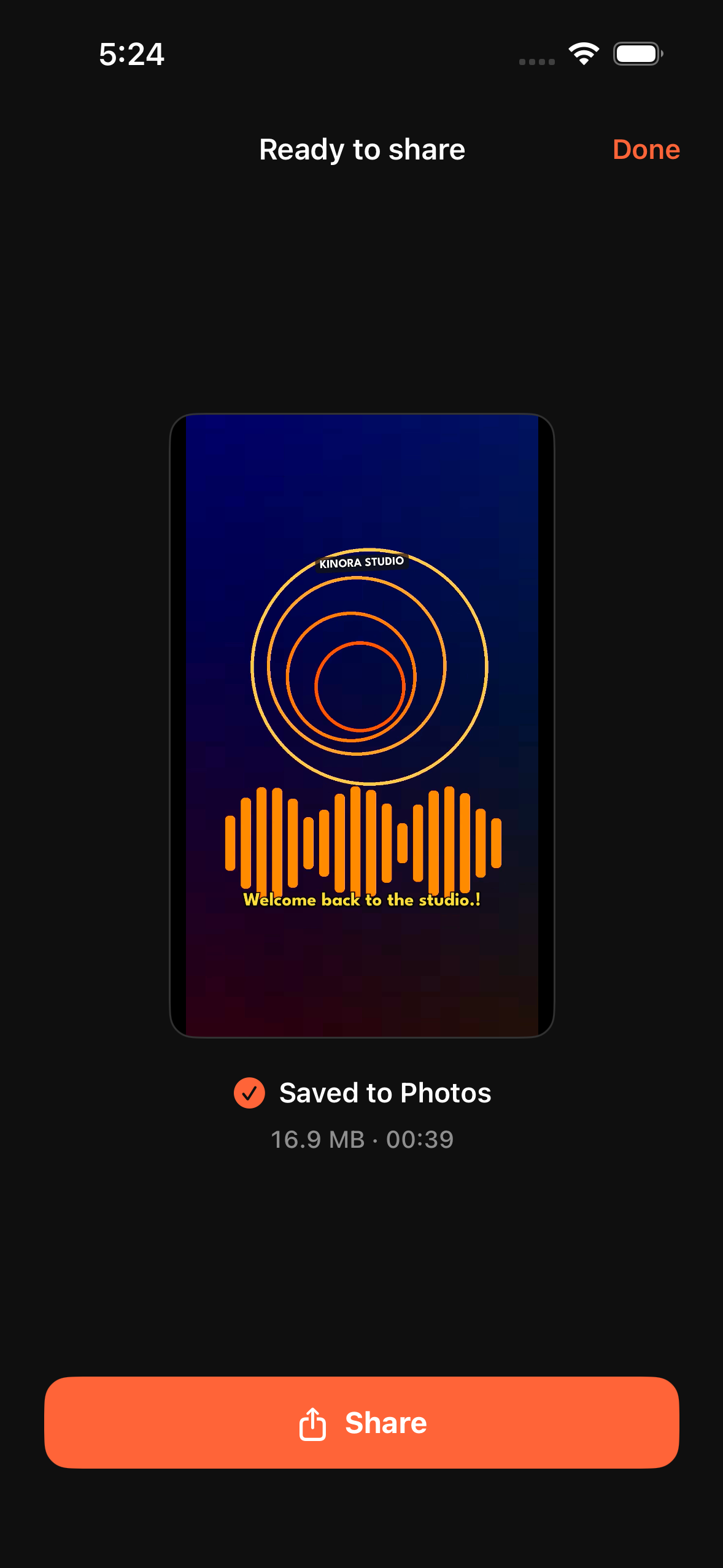
Every control is wired to one shared real-time preview and offline MP4 render pipeline.
60 fps zero-tolerance chase scrubbing under a fixed playhead, midpoint two-finger pinch zoom from overview to single frames, magnetic edge snapping with haptics, and spring-animated long-press tile reordering.
Ripple trim, instant split, delete, duplicate, replace, normal speed (0.1×–10×) with spectral pitch preservation, editable speed curves, 0–200% volume with fades, crop/rotate/mirror, freeze frame, reverse & audio extraction.
Direct canvas manipulation (drag, pinch, two-finger twist), on-device Speech auto-captioning with phrase split/merge, and 24 original static & animated stickers across 4 categories.
Picture-in-picture video and photo overlays with Normal, Screen, Multiply & Overlay blend modes, plus diamond keyframe animation with linear and smooth-ease interpolation.
12 timed video effects on dedicated lanes, 12 live-frame colour filters, 11 colour-grading sliders, 12 junction transitions with Apply to All, and 8 canvas aspect ratios with live blurred-clip backdrops.
Sub-second project autosave that survives force-quit, 120-step undo/redo across gestures and sheets, and faster-than-real-time H.264 + AAC MP4 encoding saved to the iOS Photos library.