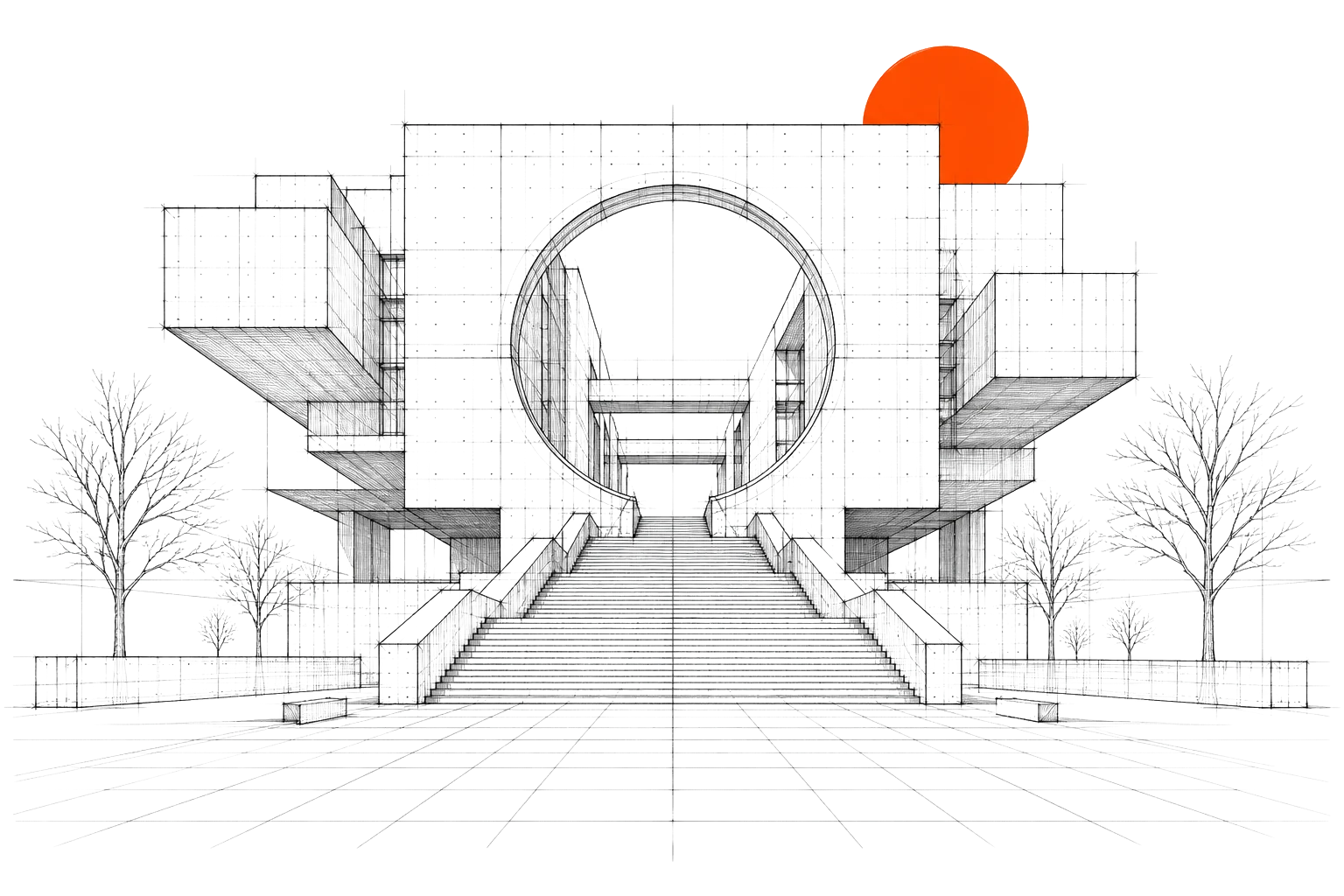
X: 0PX
Y: 0PX
Click and drag your mouse to see violations
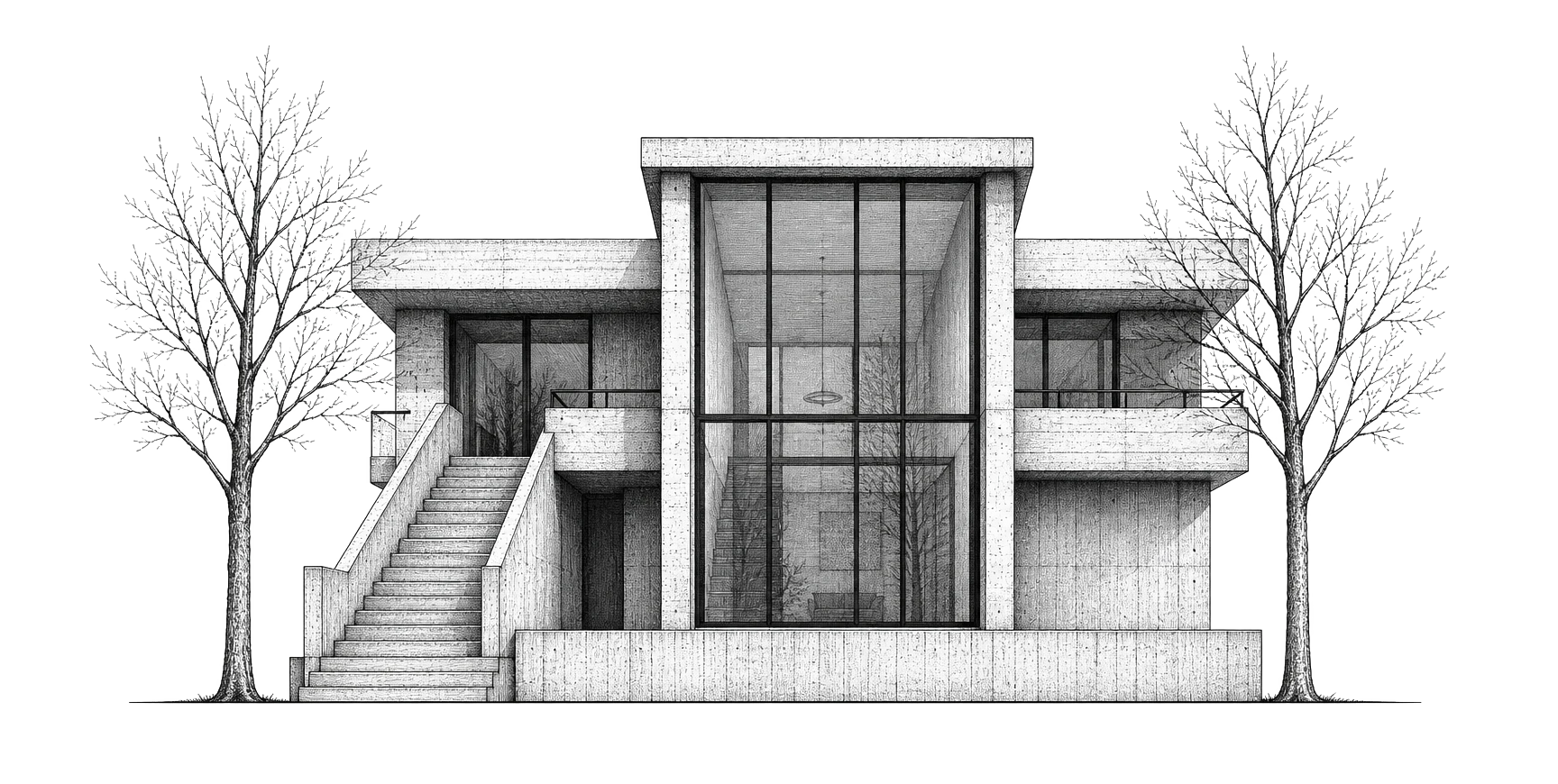
IBC 1015.3
Guardrail required for fall protection
IBC 1011.11
Handrails required.
An AI agent that works inside your design tools
Heron reviews your model, identifies issues, and proposes solutions. Upon approval, it edits automatically. This concept crafted by Bearplus agency, the award‑winning design agency.
Discover more
Discover more
Faster iterations
Fewer mistakes
Less busywork
The repetitive parts of modelling shouldn't eat your day. Heron handles the fiddly, manual work so you can stay focused on the design, not the software.
Learn more
Learn more
clients
Works natively inside the tools you already use, including Revit, Rhino, ArchiCAD and SketchUp.
PROBLEMS
Your design tools do what you tell them, nothing more
Design software is powerful but passive. It waits for every instruction, gives no advice, and can't act on its own, so all the repetitive work stays on you.
Right there with you
For the whole design
IBC 1017.2
Exit Access Travel Distance
Assembly occupancies without sprinklers are limited to 75 ft of exit travel distance. This layout exceeds the maximum allowable path length.
IBC 1010.1.2.1
Door Swing Direction
Doors serving rooms with an occupant load of 50 or more must swing in the direction of egress travel. This door swings against the path of exit.
ICC A117.1 §604.3.1
Accessible Toilet Clearance
Accessible restrooms require a 60” turning radius. This layout does not provide sufficient maneuvering space.
Introduction
Architects spend hours on manual modelling, coordination, and cleanup, work that pulls focus away from the actual design.
[Scroll to continue]
Most of it is repetitive and rule-based, the kind of task that shouldn't need a person doing it by hand every time.
[Scroll to continue]
Heron works inside your design tool as an agent that sees your model, flags issues, and makes edits on your approval, so the busywork stops eating your day.
[Scroll to continue]
Heron works inside your design tool as an agent that sees your model, flags issues, and makes edits on your approval, so the busywork stops eating your day.
[Scroll to continue]
[Click on violation]
Your model. Your tools.
Connected.
Connected.
RUN AN AGENT NATIVELY IN YOUR MODEL
Heron runs inside the design software you already use. It reads your model, understands what you're working on, and can make changes directly, with every action shown to you first so nothing happens without your say‑so.
[01]
Heron Chat widget
A chat that floats over your design tool. Ask it about your model or tell it what to change, and it acts inside the software on your approval.
Learn more
Learn more
[02]
Heron Dashboard
Ask code questions about your building and get answers that reflect how the code applies to your layout, occupancy, and conditions, not just what the requirements say in isolation.
Learn more
Learn more
WHY US
BUILT TO WORK THE WAY YOU DO
Heron fits into your process instead of replacing it. It watches quietly, speaks up when something needs attention, and only acts when you say so, so you stay in control the whole way through.
[Scroll to continue]
USE CASES
MADE FOR
THE PEOPLE IN
THE MODEL
See what Heron can do in your model
Book a demo and we'll show Heron working inside one of your own projects.