Focus Orb.
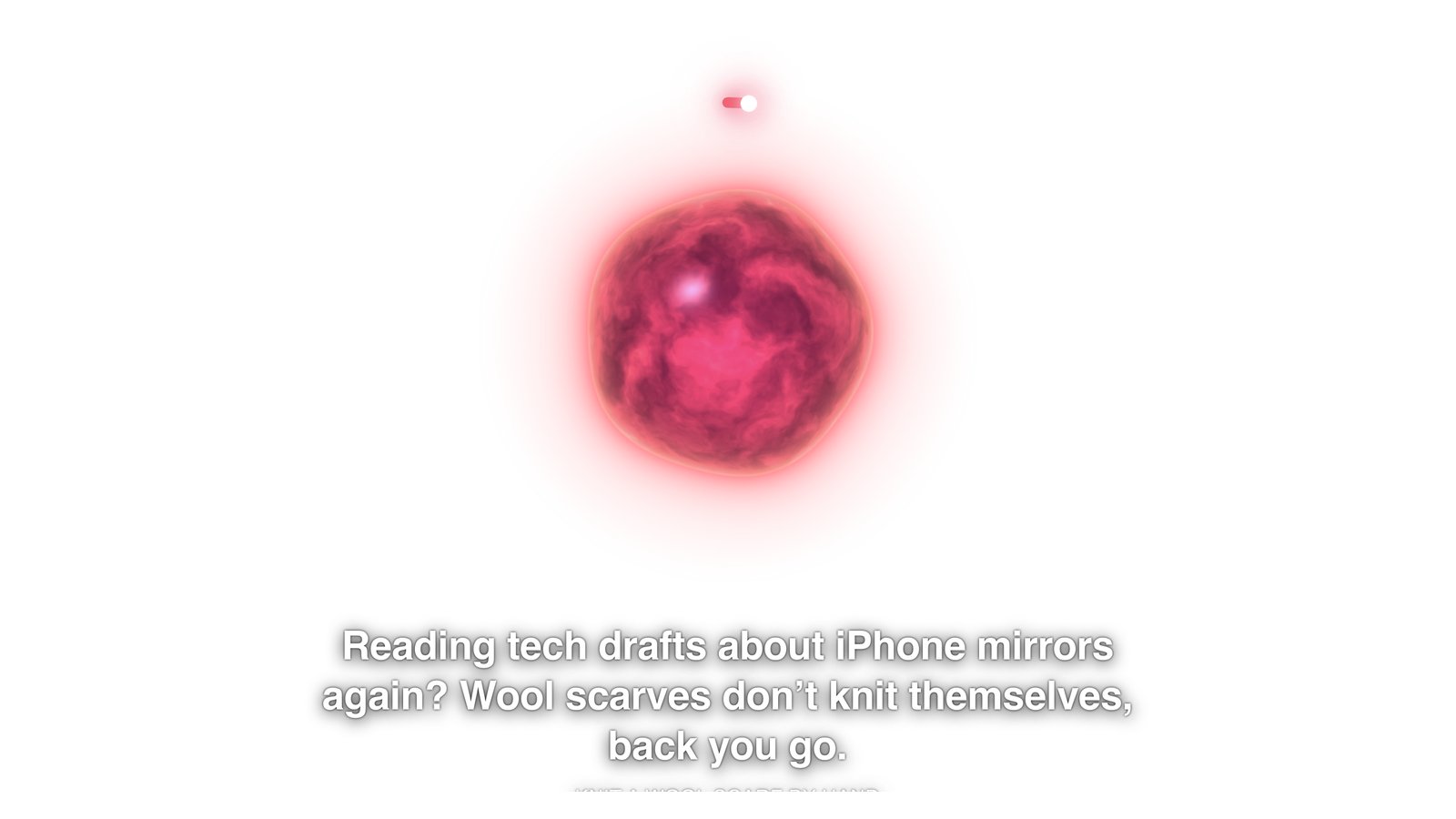
A glowing orb in the corner of your screen with a Pomodoro timer around it. Start a Pomodoro and type what you're working on. While the timer runs, every 10 seconds it looks at all your screens and asks the Decisions API whether you're still on it. Drift for more than a minute and it grows, moves to the front and tells you, out loud, what you're doing instead.
On GitHub. No API keys inside. You add your own OpenAI key during setup.
Set it up
- You need a Mac, Node.js 20 or newer, and an OpenAI API key.
- Get the code from GitHub (clone the repo, or Code, Download ZIP) and open Terminal in the
focus-orbfolder. - Copy
.env.exampleto.env.localand paste your OpenAI key into it. - Run
npm install, thennpm start. - Give it screen access: System Settings, Privacy & Security, Screen & System Audio Recording. Turn on the Terminal app (and Electron if it's listed), then quit and start the orb again.
- Type what you're working on into the small window that opens and press Return. The 25-minute timer starts.
What it cost in my tests
| Per check | About 0.8 seconds and $0.0003 (three screens in one request) |
| Per hour of focus time | About $0.11 |
| Per spoken nudge | About $0.002 extra |
| Test screens | 8 of 8 judged correctly |
Built with one prompt for the video I Tested OpenAI's Decisions API on 7 Real Use Cases. See all the demos.