From the video · I Tested OpenAI’s Decisions API on 7 Real Use Cases
OpenAI Decisions API: the demos.
Everything I built for the video. Open the ones that run in your browser, or get the code for the apps and run them on your Mac with your own OpenAI key.
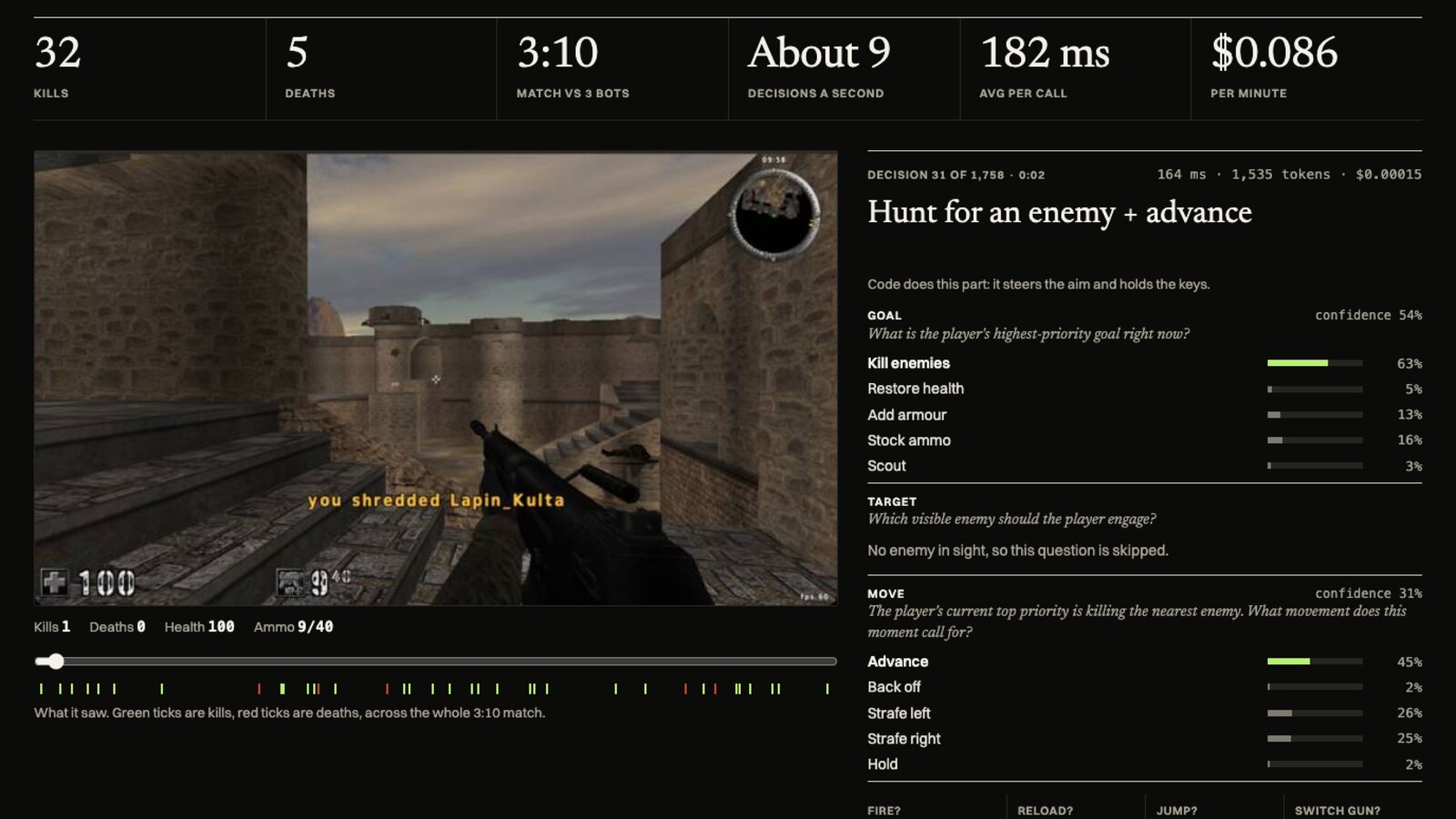
Replay3:10 match
AssaultCube match replay
A first-person shooter against 3 bots on the easiest setting, about 9 decisions a second: the goal, target and move it picked, and what it saw. 32 kills, 5 deaths.
Watch the replay
01CodeMac app
Focus Orb
A Pomodoro orb that watches your screens while the timer runs and talks to you when you drift off what you said you were working on.
02CodeMac app
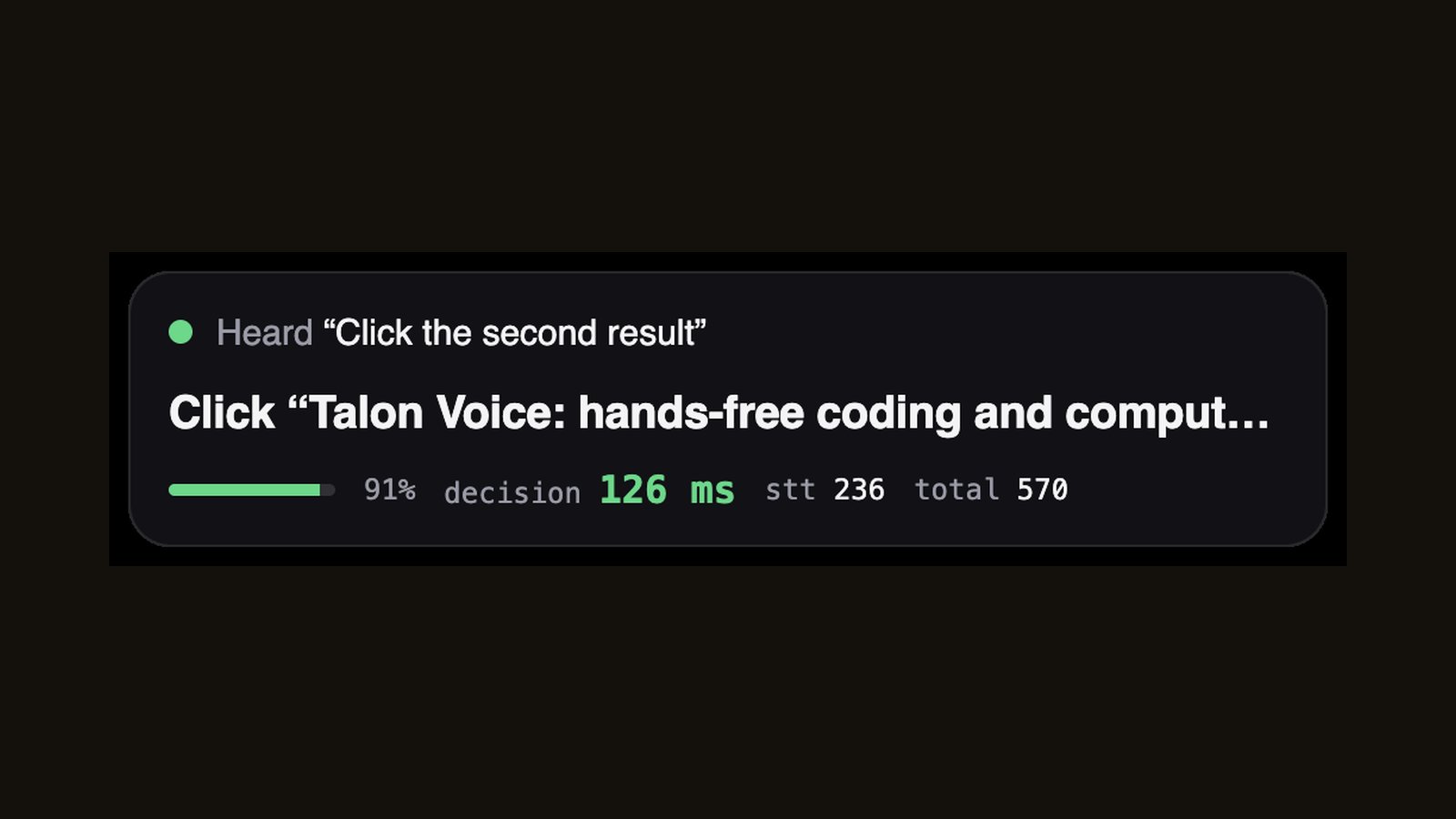
Voice control for your Mac
Hold a key and talk: open apps, switch tabs, scroll, click the second result. About a third of a second from letting go to done.
03CodeChrome extension
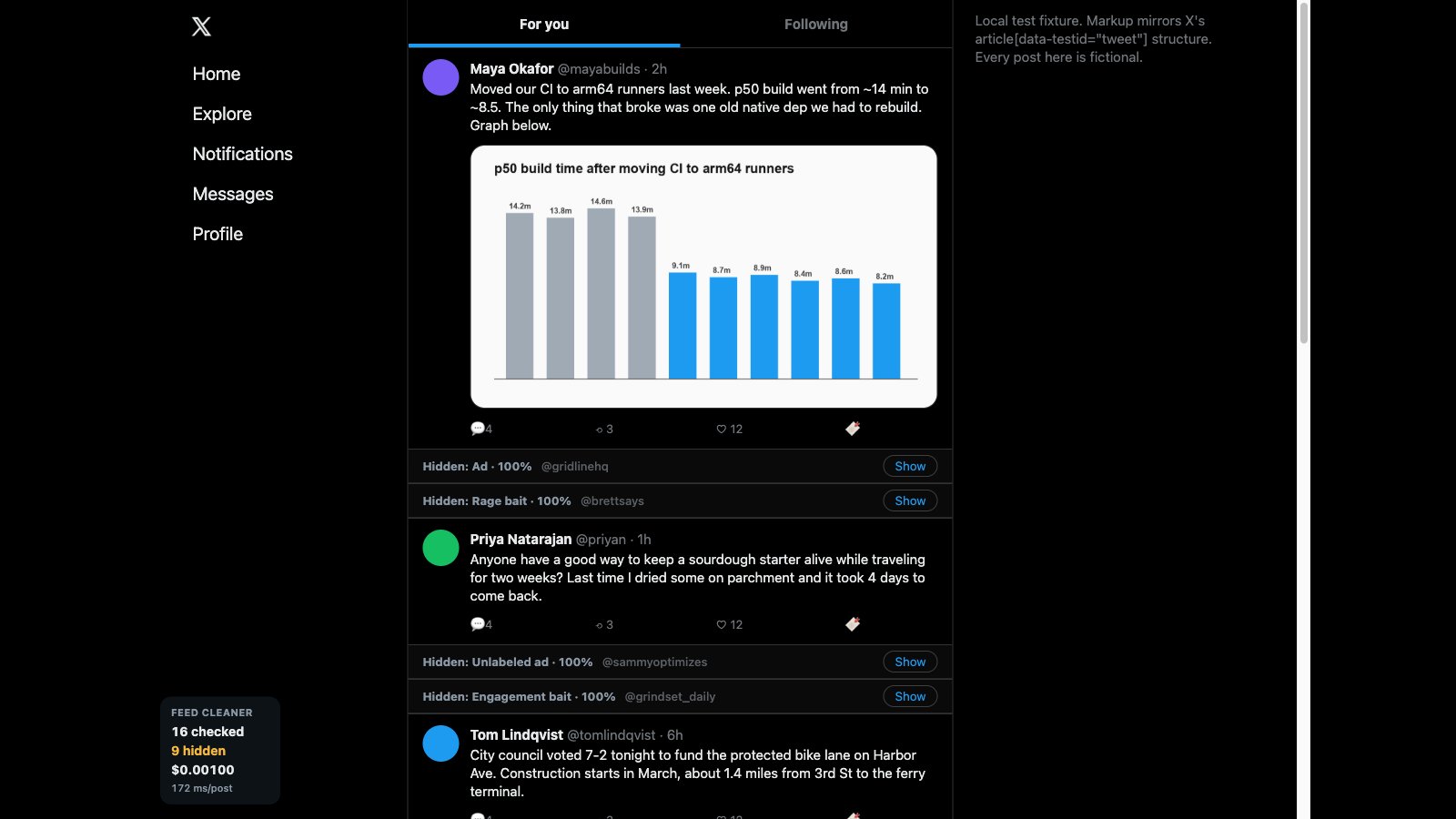
X Feed Cleaner
A Chrome extension that folds ads, hidden sponsored posts and bait on X into a thin bar while you scroll.
04ReportTwo videos
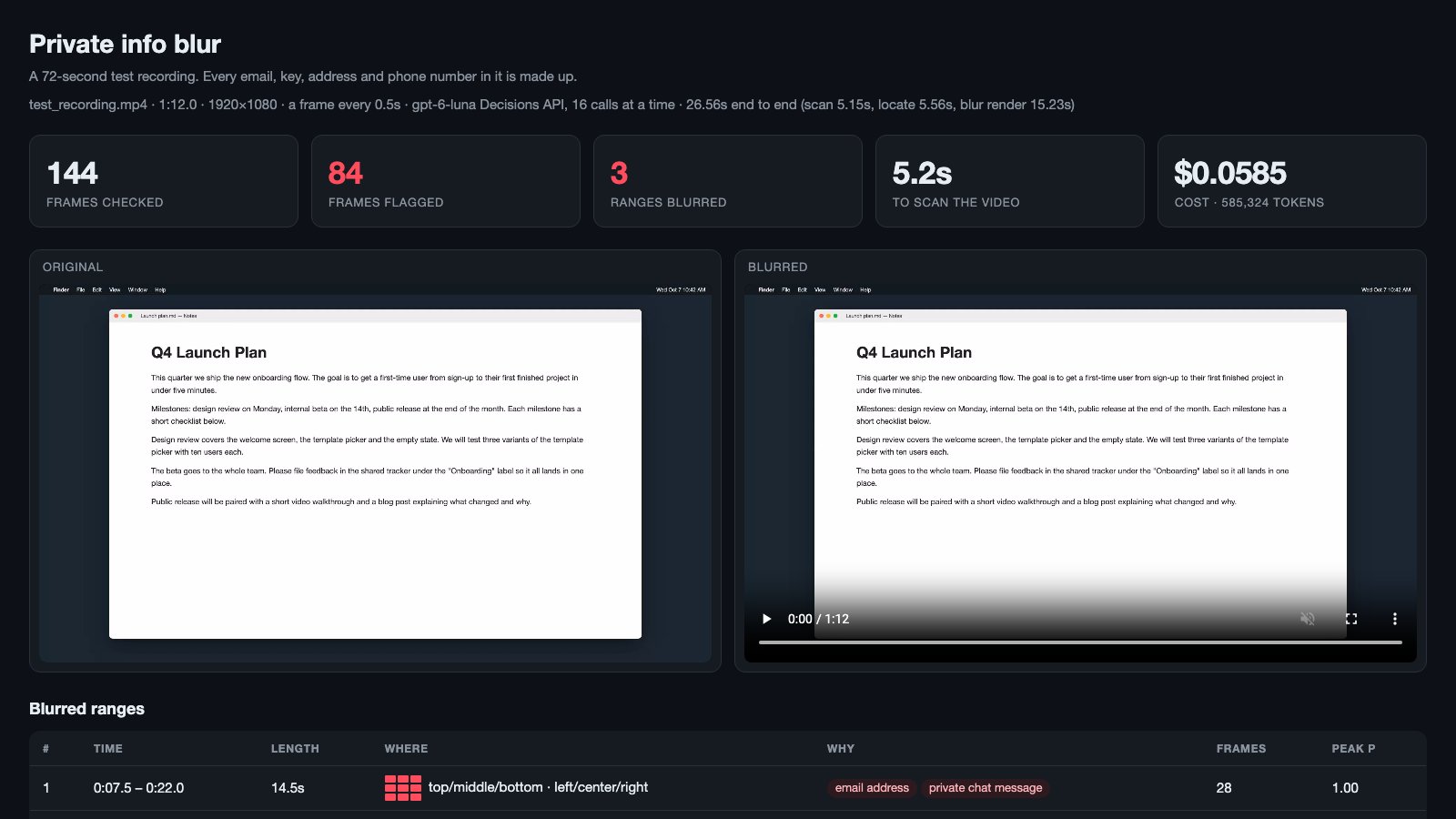
Auto-blur private info
A screen recording scanned frame by frame, with every email, key and address blurred. Before and after, side by side.
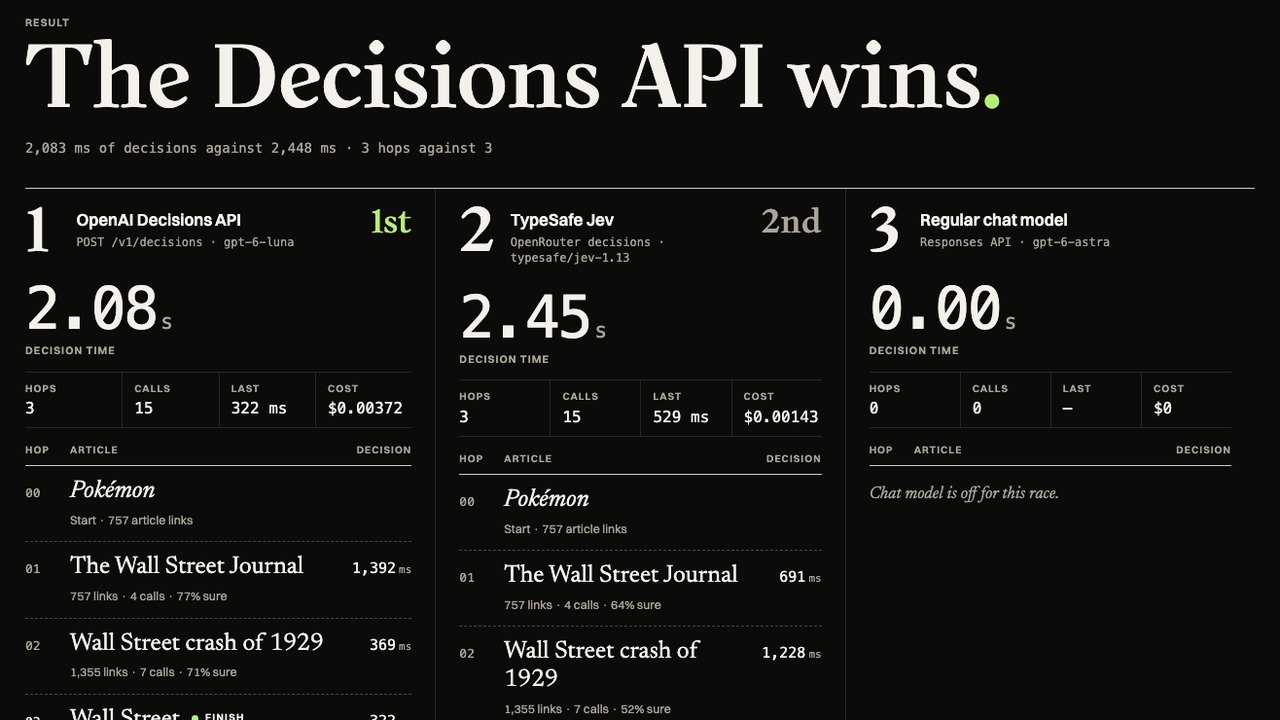
05Live in your browserBring your own keys
The Wikipedia race
Pick two articles and race OpenAI’s Decisions API against TypeSafe’s Jev link by link, then a regular chat model over the same course.
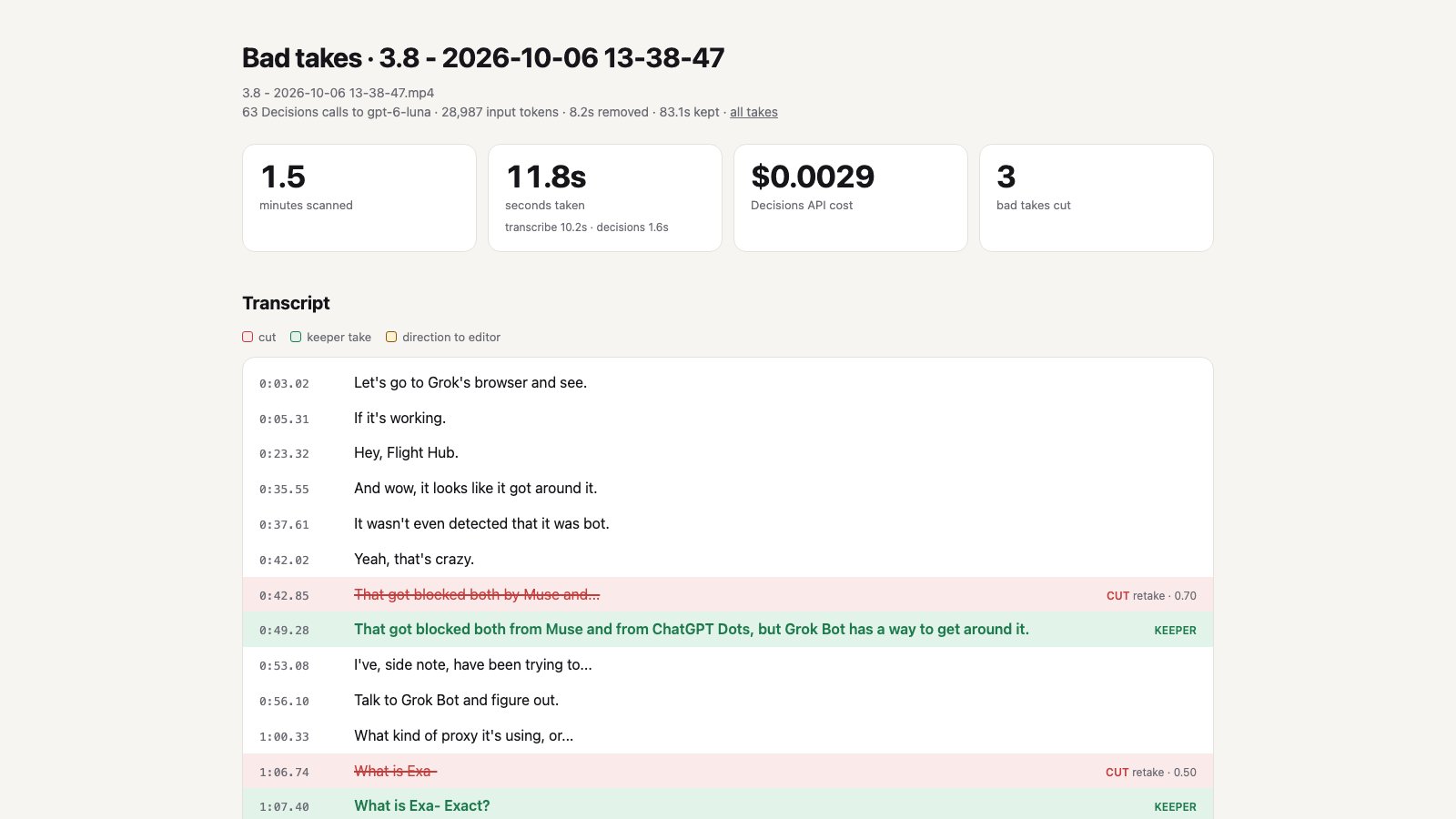
06ReportFour recordings
Bad-take finder
Four raw takes from my own recordings, checked sentence by sentence for flubs and restarts, with the bad takes cut out.
Every demo runs on gpt-6-luna through POST /v1/decisions. No API keys are stored on this site.