Voice Control for Your Mac.
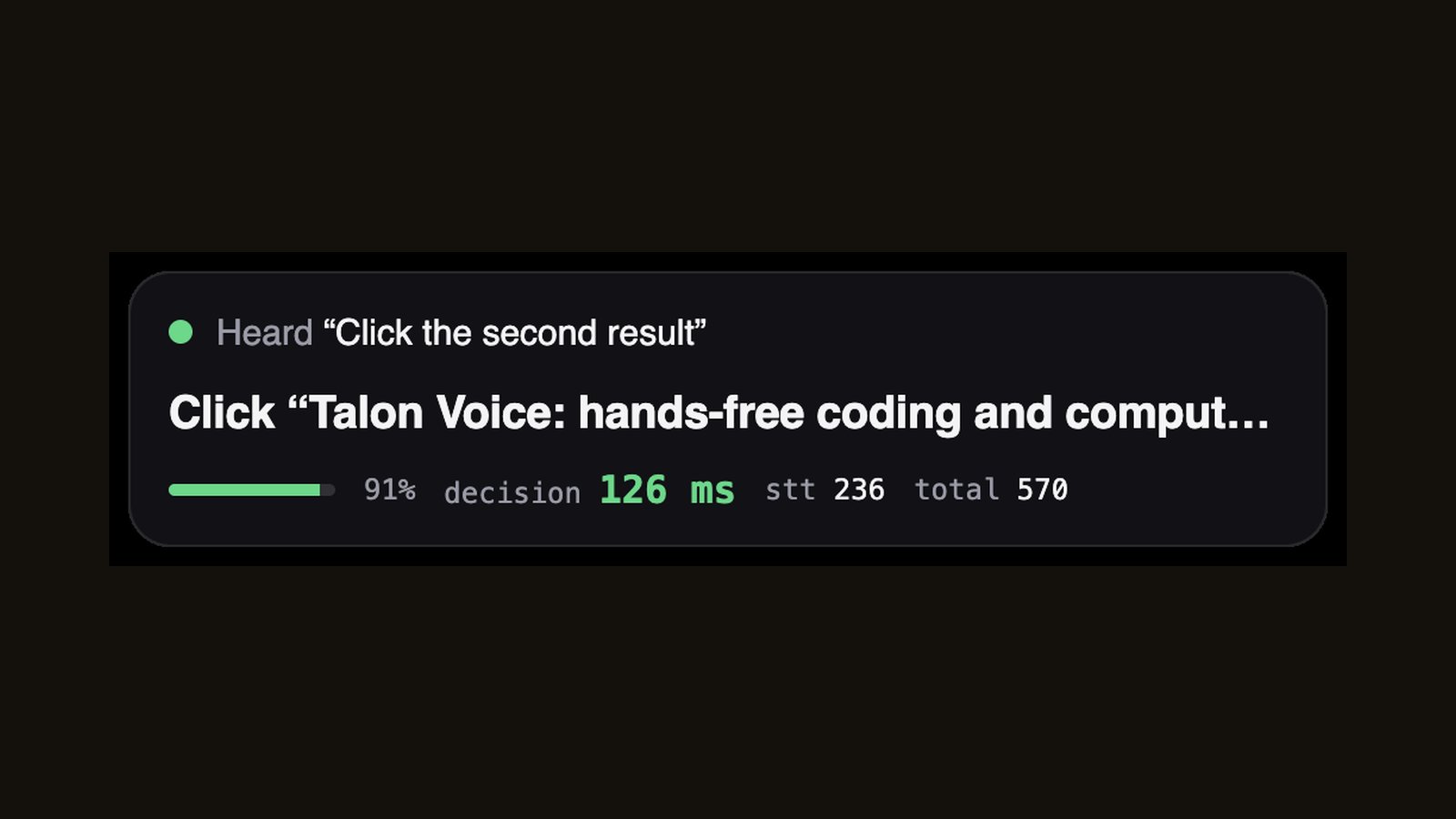
Hold Right Option, say what you want, let go. The Decisions API picks the action from a fixed list and runs it: open, switch to or quit any app, and in Chrome go back, reload, open or close tabs, scroll, or click any link or button you can see.
On GitHub. No API keys inside. You add your own OpenAI key during setup.
Set it up
- You need a Mac, Node.js 20 or newer, Xcode Command Line Tools (run
xcode-select --install), Google Chrome and an OpenAI API key. - Get the code from GitHub (clone the repo, or Code, Download ZIP) and open Terminal in the
voice-controlfolder. - Copy
.env.exampleto.env.localand paste your OpenAI key into it. - Run
npm install, thennpm run build:ptt. - Optional but faster:
brew install whisper-cpp, then putggml-small.en.bin(from huggingface.co/ggerganov/whisper.cpp) in a folder calledwhisper-modelsin your home folder. Without it, the app uses OpenAI's transcription, which adds about a second. - Run
npm start. Allow the microphone when asked, and turn on the Terminal app under Privacy & Security, Accessibility. - In Chrome, turn on View, Developer, Allow JavaScript from Apple Events. Scrolling and clicking links need it.
What it cost in my tests
| Decision | 175 ms (median) |
| Speech to text, local | 73 ms (median) |
| Let go of the key to done | 362 ms (median) |
| Per command | About 3,400 input tokens, roughly $0.0003 |
Built with one prompt for the video I Tested OpenAI's Decisions API on 7 Real Use Cases. See all the demos.