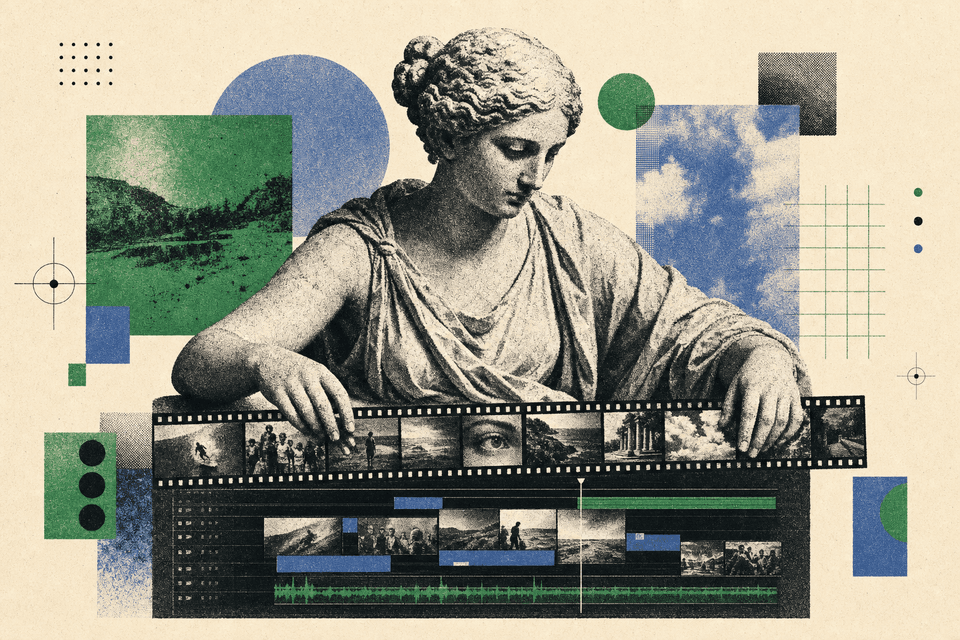
Higgsfield's AI now lives inside your Premiere timeline
The generate-and-export dance is gone. Higgsfield's new plugins put image, video, and cleanup tools straight into Premiere Pro and After Effects.

Higgsfield shipped plugins for Adobe Premiere Pro and After Effects, and they're live now. For a long time the AI part of an edit meant leaving your editor: generate a clip somewhere else, export it, find the file, drag it back in. These plugins put those steps inside the same timeline you already work in.
Here's what you can actually do with them:
- Generate images, videos, and transitions, then drag them straight onto your timeline.
- Reframe a clip to a different aspect ratio without cropping the shot.
- Remove the background from footage.
- Upscale to 4K on export.
- Draw directly on a clip to mark what you want changed, instead of describing it in words.
That last one is the part I'd reach for first. Pointing at the exact spot on a frame is faster than typing "the thing on the left," and it's how you'd brief a human editor anyway.
I'll be honest about who this is for. If you don't cut video in Adobe, none of this touches your day, and you can skip it. The plugins live inside Premiere and After Effects specifically, so a Final Cut or DaVinci editor gets nothing here yet.
If Adobe is where you spend your editing hours, the friction that used to sit between you and the AI tools just dropped to near zero. No more juggling a second app, a download folder, and a re-import. You point, you generate, you drop it on the timeline. The editor on your team who gets comfortable with this is going to turn around rough cuts noticeably faster than the one still tab-switching to a separate generator. Open Premiere, install the plugin, and try the draw-on-a-clip feature on one shot you'd normally fix by hand. You'll know in ten minutes whether it earns a spot in your workflow.
Comments
Sign in to join the conversation.