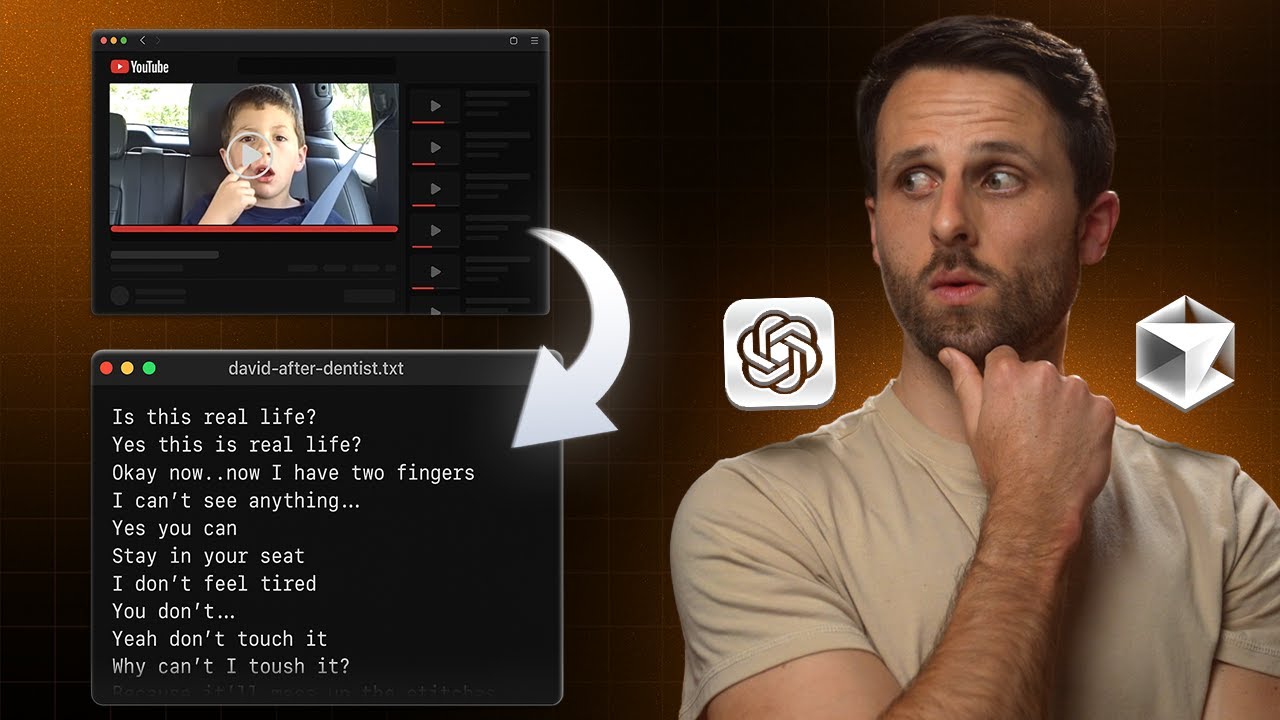
I Built a YouTube Thumbnail Downloader Tool in 5 Minutes
You know what's weird? I spend way too much time studying YouTube thumbnails. Like, I analyze them like they're Renaissance paintings or something. The composition, the colors, the way they grab your eyeballs and refuse to let go.
But here's the thing - when I find a thumbnail I want to study closer, downloading it is surprisingly annoying. You've got to inspect element, dig through the code, find the right image URL... it's a whole process.
So I thought, "What if I just built a tool that makes this stupid simple?" Enter a YouTube thumbnail downloader that takes a video link and spits out a high-res thumbnail you can save directly to your desktop. And I'm talking about building this thing from scratch in about 20 minutes.
Want to see how? Let's dive in.
The Secret: Use ChatGPT as Your Product Manager
Here's something I've learned about Cursor (my AI coding assistant): it's incredibly powerful, but sometimes one-shot prompting gets it confused. It's like giving someone complex instructions without context - they might build something, but it probably won't be exactly what you want.
So instead of jumping straight into Cursor, I start with ChatGPT as my "product manager." I lay out exactly what I want:
The User Flow:
- User enters a YouTube video link
- Tool generates the thumbnail
- User can download it directly to desktop
- Download file includes the channel name and video title (because organization matters)
The Design Requirements:
I wanted it to match my website's style, so I literally took a screenshot of my site and told ChatGPT to interpret the design language and explain it to Cursor.
This extra step might seem like overkill, but trust me - spending 5 minutes being super specific with ChatGPT saves you 30 minutes of back-and-forth with your coding tool later.
Building the Tool (The Fun Part)
Once ChatGPT gave me a detailed prompt, I headed over to Cursor. Created a new project folder, opened the chat window, and just copy-pasted everything ChatGPT had cooked up.
Then I watched Cursor work its magic - creating packages, setting up the CSS, building out the functionality. I don't pretend to understand everything it's doing under the hood, but I follow along because, honestly, it's pretty fascinating.
The Inevitable Build Error
Of course, there was a build error. There's always a build error. But here's the beautiful thing about AI coding tools - you just copy the error message, paste it back in, and say "fix this."
Boom. Fixed. Development server running.
If you want to see a similar quick creation experience, check out how I built a Miro whiteboard clone in just one prompted step using Claude 4 — another example of how specifying exactly what you want unlocks rapid development.
Testing the Real Question: Does It Actually Work?
The moment of truth. I grabbed an MKBHD video link, pasted it in, and...
It worked! Not only did it show me the thumbnail, but when I clicked download, it saved with the proper filename including the channel name and video title. The full-resolution image was sitting right there in my downloads folder.
From prompt to working tool: 5 minutes of actual work time.
Making It Not Look Terrible
Okay, so the functionality worked, but the design was pretty rough. It looked like every other generic web tool - functional but forgettable.
Back to ChatGPT I went: "The design's a little lame. Can you make it better?"
A few iterations later (screenshot this, fix that, make it less janky), and I had something that actually looked decent. Not winning any design awards, but clean and professional enough that I wasn't embarrassed to put it on my website.
The Wild Reality of Modern Tool Building
Here's what blows my mind: 20 minutes from initial idea to deployed tool. That includes the back-and-forth with ChatGPT, the Cursor coding, fixing the build error, and the design iterations.
We're living in this weird moment where you can have an idea over coffee and have a working tool by lunch. The barrier between "wouldn't it be cool if..." and "here's the thing I built" has basically disappeared.
Why This Matters (Beyond Thumbnails)
Sure, a YouTube thumbnail downloader is a pretty niche tool. But the process here works for almost anything:
- Be specific with your requirements - Don't just say "build me a thing"
- Use ChatGPT as your planning layer - Let it think through the details before you code
- Expect and embrace the messiness - Build errors happen, designs start ugly, that's normal
- Iterate quickly - Screenshot, feedback, improve, repeat
The real skill isn't coding anymore. It's knowing what you want to build and being able to communicate that clearly to your AI tools.
Try It Yourself
If you want to download some YouTube thumbnails (for totally legitimate research purposes, of course), you can use the tool I built. But more importantly, try building something yourself.
Pick a small problem that annoys you. Spend 5 minutes explaining exactly what you want to ChatGPT. Then let Cursor build it. You might be surprised at what you can create when the technical barriers disappear.
The Renaissance painters would probably be confused by our obsession with YouTube thumbnails, but they'd definitely appreciate having better tools to analyze the art they cared about.
What are you going to build?
Let me know if you'd like me to add or adjust any other internal links!

Written by
Pat Simmons. Pat tests AI models and tools on the AI for Mortals YouTube channel.