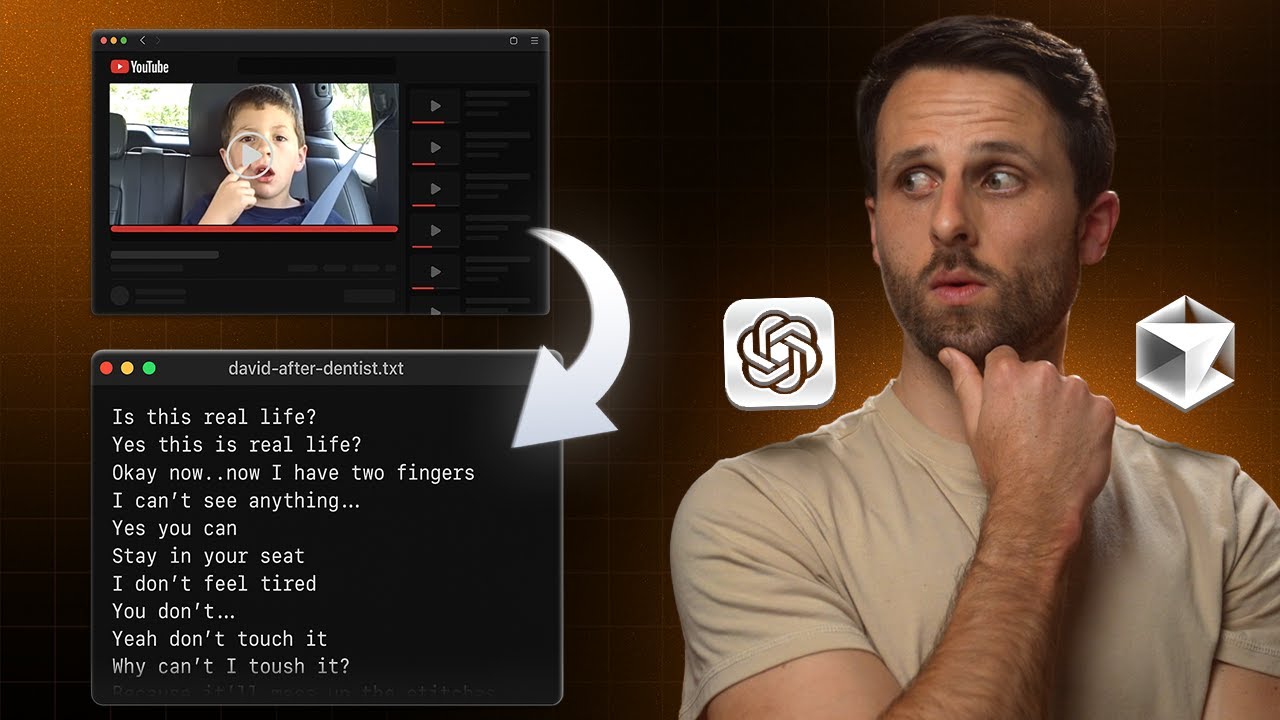
Watch me try to build a YouTube transcript downloader in 7 minutes
You know that feeling when you find an amazing YouTube video and want to study the script, but every transcript site looks like it was designed by someone who gets paid per pop-up ad? Yeah, me too.
So I decided to build my own YouTube transcript downloader. How hard could it be, right? (Spoiler: harder than I thought, but we got there eventually.)
The "veteran" approach (aka two weeks of experience)
Here's the thing about being a vibe coder – you learn just enough to be dangerous. Two weeks ago, I would have just opened Cursor and started prompting away like a maniac. But now? Now I'm practically a veteran.
So I decided to use an MCP server called Taskmaster, which breaks down your project into a nice, followable PRD (Product Requirements Document). It's like having a really organized friend who actually reads the instructions.
Quick note: Setting up Taskmaster is kind of involved, but you can literally just ask ChatGPT "how do I set up Taskmaster" and follow along step by step. That's exactly what I did.
How Taskmaster actually works
The process is pretty slick:
- Initialize it in terminal – Standard stuff
- Give Cursor your prompt – Tell it what you want to build and ask it to write out a PRD using the example in your project directory
- Parse into subtasks – This is where it gets cool. It generates actual subtasks in a task folder, giving you step one, step two, step three, etc.
The tool will literally refer to your documents and check things off one by one as it goes. It's like having a project manager that actually knows what it's doing.
The first attempt (spoiler: it didn't work)
After going through all the steps, I had something that looked pretty nice. Clean styling, professional appearance – the whole nine yards. Time for the moment of truth.
I pasted in a YouTube URL, hit the button, and... error.
But here's what blew my mind: I copied the console logs, pasted them into Cursor, and it scanned through 349 lines of code and found the error in 20 seconds. And I'm running the slow version of Cursor because I burned through all my credits. These tools are absolutely incredible at debugging.
The reality check
After fixing that error (and a few more), I finally got it working. Sort of. The tool was returning "simulated transcript for video ID" instead of actual transcripts.
This is where my vibe coding laziness bit me. I should have read the documentation. I should have checked the PRD thoroughly. But let's be honest – I haven't read that many words in two years.
Turns out we needed to build a full-stack application. No big deal, right?
Going down the rabbit hole
The YouTube transcripts library we were using just wasn't cutting it. So we went deeper – setting up a Vercel serverless function to make this thing actually work.
Even with Cursor completing all the steps, I had to bounce over to Claude to figure out the next moves. It walked me through:
- Installing dependencies in terminal
- Logging into Vercel
- Deploying the directory
- Setting up the serverless function
If you want to see more about working with Claude, check out how Claude 4 built a Miro whiteboard clone with just one prompt.
The breakthrough moment
We switched approaches and used Cheerio and Nodefetch (don't ask me what these mean – Claude told me to use them). After more back and forth between Cursor and Claude, we finally had something.
I pasted in a YouTube link, hit "Get transcript," and there it was – an actual, real transcript from the video.
I'm not going to lie, I never thought I'd see the day. After all that troubleshooting, it actually worked.
The final push
The transcript was displaying, but the download button wasn't working. After more conversations with the AIs (that I mercifully didn't record), we finally got it sorted.
Two download buttons showed up for some reason, but hey – at least one of them worked. Success!
What I learned (the hard way)
If you're watching this thinking AI builders have completely killed software development and that vibe coders are about to take over, well... this video should be a reality check.
Even with Taskmaster creating a detailed PRD, even with Cursor and Claude helping at every step, this was not easy. There were multiple roadblocks, fundamental errors I should have caught earlier, and hours of troubleshooting.
The bottom line
We built a YouTube transcript downloader. Barely. But it works, and now I don't have to deal with sketchy websites covered in ads just to get a simple text file.
Software developers, if you're reading this – please tell me what I did wrong and what I can improve on. There's probably a much simpler approach that neither I nor the AIs thought of.
But that's the beauty of vibe coding: you learn by doing, you make mistakes, and eventually, you build something that actually works. Even if it takes way longer than seven minutes.
The tool is live, the transcripts are downloading, and I didn't get a virus from a shady website. I'm calling that a win.
Let me know if you want me to add more internal links or focus on other sections!

Written by
Pat Simmons. Pat tests AI models and tools on the AI for Mortals YouTube channel.