Claude's Docs, Slides and Design Are Now Free
Anthropic took the beta label off Claude's docs, slide decks and designs and opened them to every plan, Free included, plus two new paid tools: Dashboards and Motion.

On this page
- What you can make on a free Claude account now
- How much of your free usage a deck uses
- Get your deck out as PowerPoint, PDF or Google Slides
- Dashboards: charts from your company's data that stay current
- Motion: turn a report into a short animated video
- If you used claude.ai/design, move your work before December 14
- Why it matters
Anthropic took the beta label off Claude's docs, slide decks and design mockups on Thursday, and opened all three to every plan, Free included.
Until now they were a paid-plan feature. Now you can ask for a deck in a free chat and get one you can edit, share and download.
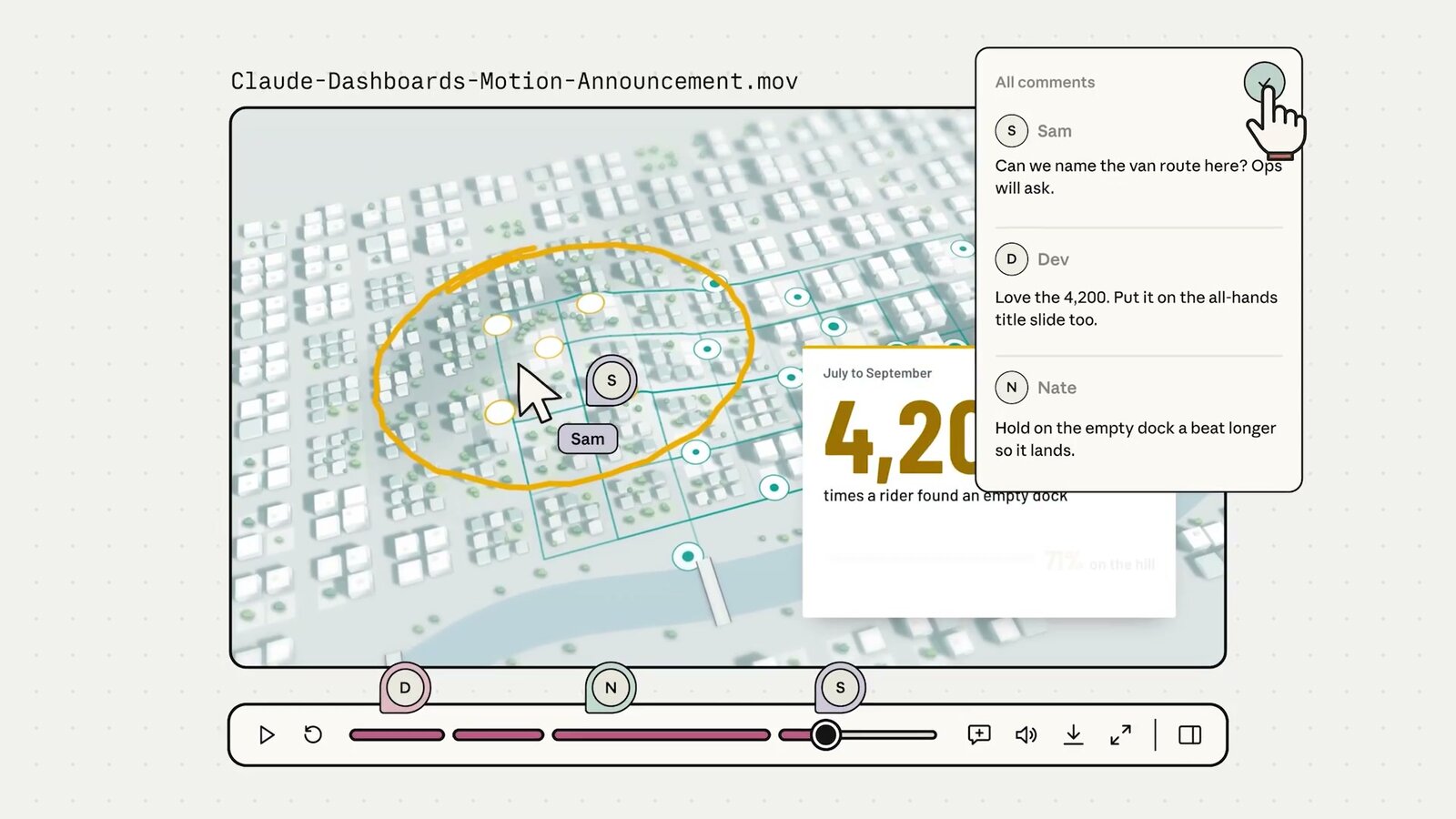
Anthropic also launched two new tools for paid plans. Dashboards builds charts from your company's data that stay current, and Motion makes a short animated video from a report or idea. Here's Anthropic's launch video:
What you can make on a free Claude account now
Docs, Slides and Design first showed up in Claude chats on September 16, as a beta for paid plans only. Anthropic says people have made more than 45 million docs, decks and designs since then.
The pricing page now lists all three on the Free plan, and Anthropic's help center says they're "on by default" on every plan except Enterprise, where they switch on October 15.
There's no special mode to find. You ask in any chat, and Claude builds the thing in an editor next to the conversation:
Turn these meeting notes into a 6-slide deck for Monday's team check-in. Keep one idea per slide and put the numbers on their own slide.
You can also start one on purpose. Type /docs at the start of a message, pick Output > Docs under the message box (that menu also lists templates), or open the Artifacts tab in the sidebar.
If nothing happens when you ask, check one setting. Claude builds these files with code, so under Settings > Capabilities, "Cloud code execution and file creation" has to be on, per Anthropic's help center.
You can now make changes in the Claude phone app too, so a quick fix to a slide doesn't have to wait until you're at your desk.
How much of your free usage a deck uses
There's no separate allowance for docs or decks. They come out of your plan's normal usage limit, the same one your chats use.
Anthropic's Docs help article says long documents built from several sources use more. On the Free plan, that means a big deck can eat a good chunk of your limit.
Claude caps your use in five-hour windows, and paid plans add a weekly limit on top.
A discount running right now helps with the first one. After Claude makes or edits a doc, deck or design, the next 10 messages in that chat count for half against your five-hour limit. On a paid plan, your weekly limit doesn't get the discount.
Free accounts got the discount on October 7, and it runs until October 15 at 11:59 PM Pacific. Enterprise plans don't get it.
If you start the deck from the Output menu, the discount applies from your very first message, instead of kicking in after Claude's first draft.
Get your deck out as PowerPoint, PDF or Google Slides
Anthropic says PowerPoint and PDF downloads now look like what you made in Claude's editor.
Decks can also go straight to Google Slides as files you keep editing there. If your team lives in Google's apps, Claude can also work inside Docs, Sheets and Slides since this week.
Two more things came out of beta with it:
- Edit with your team. Your coworkers and Claude can work on the same doc, deck or design and leave comments on it.
- Share by link. You can share slides and designs with people outside your company, or with anyone who has the link. On a work account, your admin has to allow it.
Anyone opening a shared doc needs a Claude account, and there's no comment-only access level yet.
Dashboards: charts from your company's data that stay current
Dashboards is in beta on Pro ($20 a month), Max, Team and Enterprise. It isn't on the Free plan.
Per Anthropic's announcement, you connect the database your company keeps its numbers in, like Amazon Redshift, BigQuery, ClickHouse, Databricks or Snowflake. Or you use an app you already connected to Claude, like Salesforce. Then you ask a question in plain English and Claude builds the dashboard.
Claude keeps the dashboard current as the data changes. You can click any number to see exactly how Claude pulled it from your data, and each chart shows when it was last refreshed.
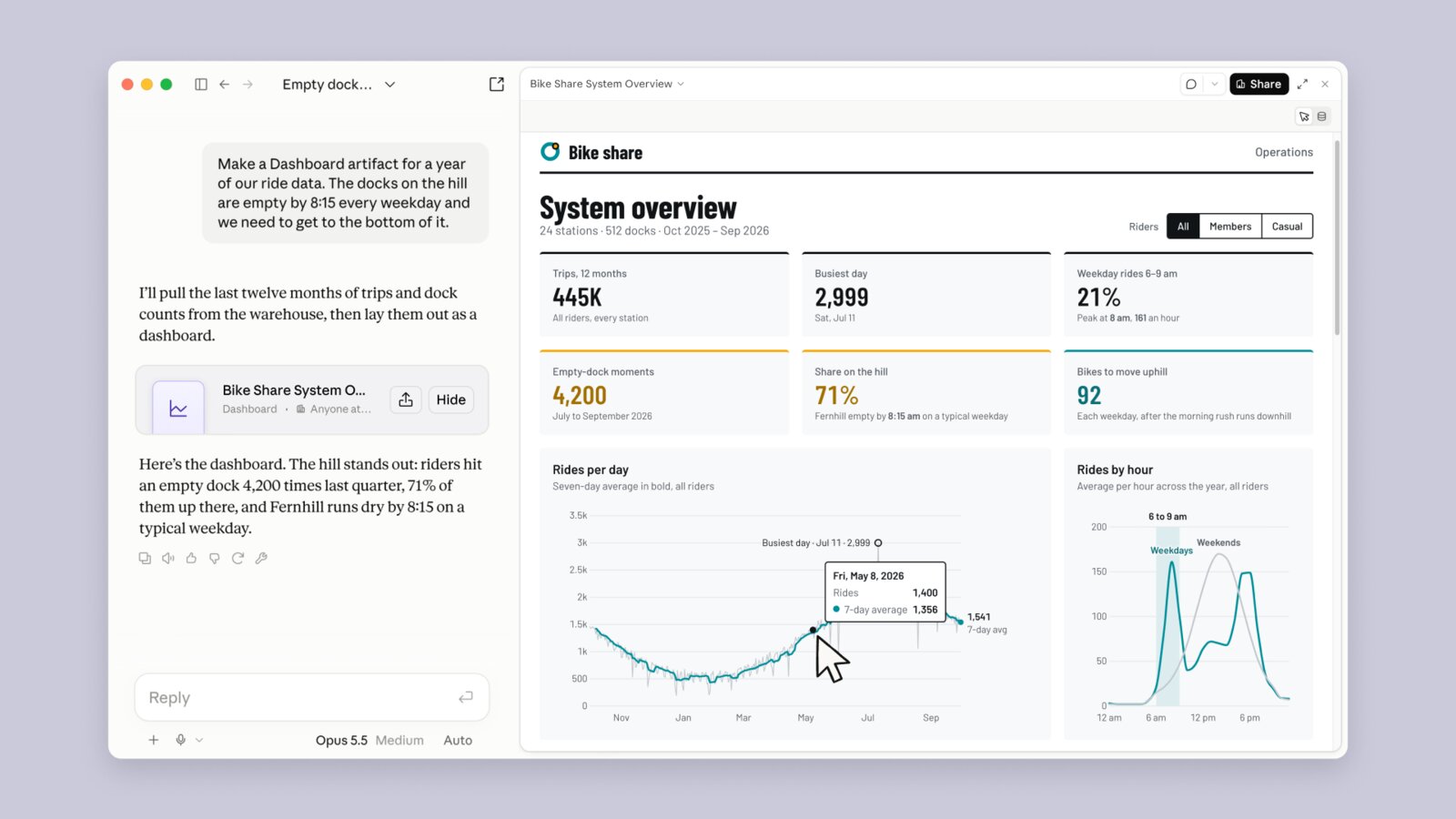
Anthropic says it's built for the quick questions you'd otherwise send to a data team and wait on. Something like:
Build a dashboard of this quarter's Salesforce opportunities by stage and by sales rep, and flag any deal that hasn't moved in 30 days.
When a question needs deeper digging, you can send the dashboard to the analytics tool your company may already use: Amplitude, Grafana, Hex, Mixpanel, Omni, Perplexity, PostHog or Sigma. Looker, monday.com and Tableau are coming soon.
Charts you put in a regular Claude doc don't stay current like this. They don't update on their own, so you ask Claude to refresh them.
Motion: turn a report into a short animated video
Motion is in beta on Team and Enterprise plans only. It isn't on Free, Pro or Max.
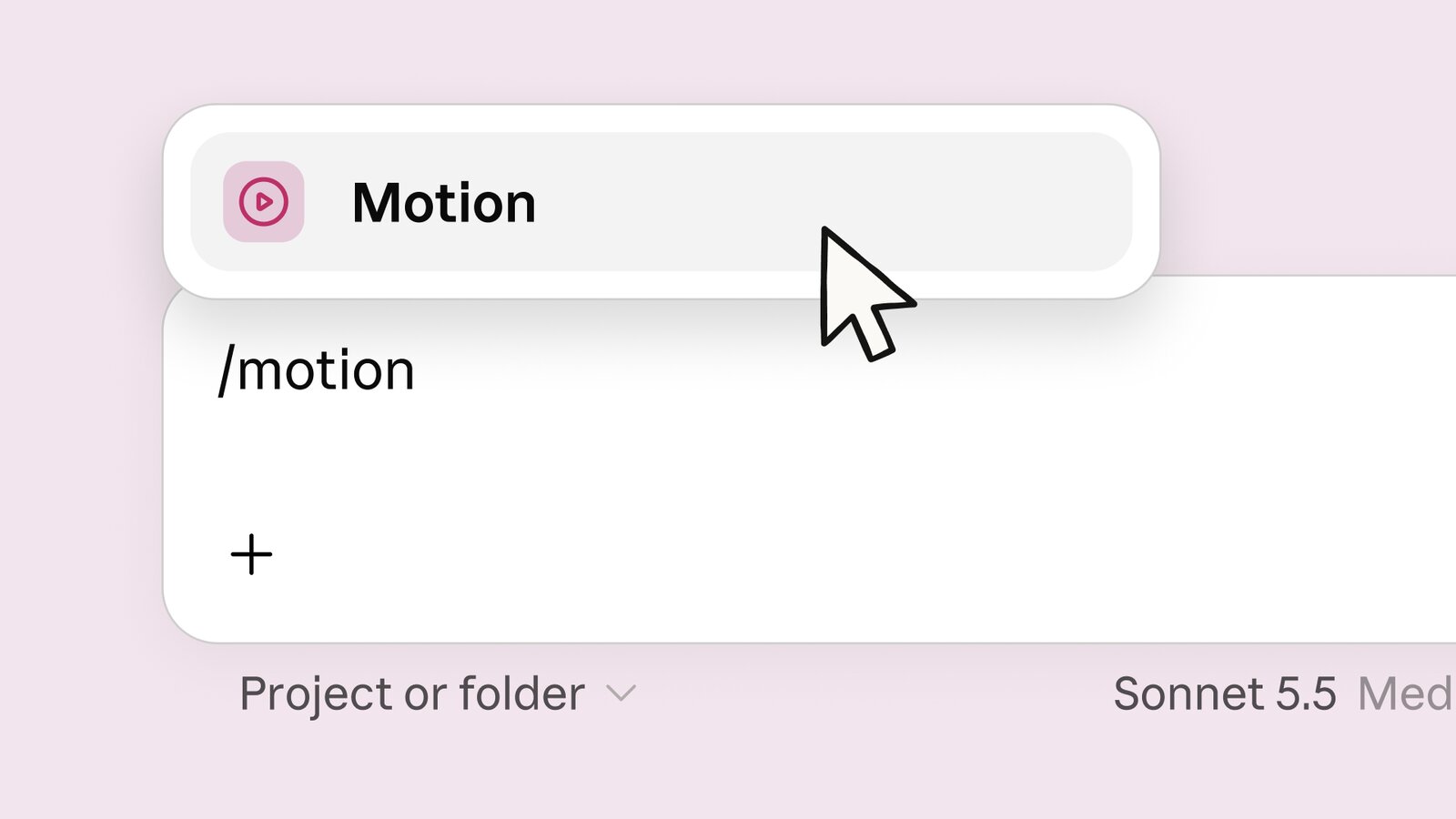
You type /motion in the message box, describe what you want, and Claude builds an animation that plays like a short video. Anthropic's examples are a 30-second explainer of a quarterly report for an all-hands, a moving chart for a board deck, and an onboarding walkthrough.
Behind the scenes, Claude writes code that animates your own text, charts, shapes and images. It doesn't use a video generation model, so there's no generated footage and no AI-made people.
Building it this way means you can change any word, number or timing later, in the editor or by asking Claude. Then you download it as an MP4.
For more polish, you can open it in a video editor like Adobe's apps, Descript or Runway, and Canva support is coming soon.
If you used claude.ai/design, move your work before December 14
Claude Design started at its own address, claude.ai/design. Since September 16 it has also worked inside every Claude chat, and Anthropic is now closing the standalone site.
It stays open until December 14. After that, chats with Claude, comments on your projects and public links to them stop working there.
Per Anthropic's migration guide, your team's design systems (the saved colors, fonts and styles Design reuses) move over in one click: Migrate team design systems on the Artifacts page. You can also download each project as a .zip, and that doesn't use any of your limit.
A day earlier, OpenAI started moving ChatGPT's free plan to GPT-6, which answers with charts and small tools you can tap.
Claude's free plan goes further and makes the deck itself, one you can download as PowerPoint or keep editing in Google Slides. So the slides for your next meeting can start in a free chat.
And the free chat that builds that deck can now run on Claude Haiku 5.5, which joined the Free plan's model menu this week.
Sources
- Anthropic: Build live dashboards and animate explainers with Claude
- Claude pricing
- Claude Help Center: What are artifacts and how do I use them?
- Claude Help Center: Get started with Claude Docs
- Claude Help Center: Artifact usage promotion
- Claude Help Center: Claude Design migration guide
- Anthropic on YouTube: Introducing Claude Dashboards and Claude Motion
- The Verge: Claude can now turn data into animated explainers
Comments
Sign in to join the conversation.