Otter AI Audio to Text: What It Does, What It Costs, and the Free Plan's Limits
Otter.ai turns meetings, recordings and uploaded audio or video files into text, free for 300 minutes a month, with only 3 file uploads per user ever.

On this page
- What is Otter AI?
- How do you turn audio or video into text with Otter?
- Is Otter AI free to transcribe?
- How much does Otter AI cost?
- How long does Otter take to transcribe?
- Is Otter AI safe, and is it being sued?
- Other ways to turn audio into text
- How do you cancel an Otter subscription?
- Questions people ask about Otter
Otter.ai turns speech into text. It transcribes meetings while they happen, recordings you make in its app, and audio or video files you upload, and the free Basic plan covers 300 minutes a month with a hard cap of 3 uploaded files per user, ever.
Otter accepts AAC, MP3, M4A, WAV, WMA and video files through the Import button on the web or in its iPhone and Android apps. Pro costs $16.99 a month, or $8.33 a month billed annually, and raises that to 1,200 minutes and 10 uploads a month. Otter says a file takes about as long to transcribe as it runs, and it puts its accuracy on clear audio at 85 to 90%.
Last checked November 26, 2026: every price and limit here comes from Otter's pricing page and its audio-to-text page, both opened that day. We haven't tested Otter ourselves, so this page sticks to what Otter and the other linked sources state.
What is Otter AI?
Otter AI is a transcription and meeting-notes app from Otter.ai. Its homepage, titled "Otter Meeting Agent - AI Notetaker, Transcription, Insights", says Otter "transcribes every meeting, turning it into searchable knowledge."
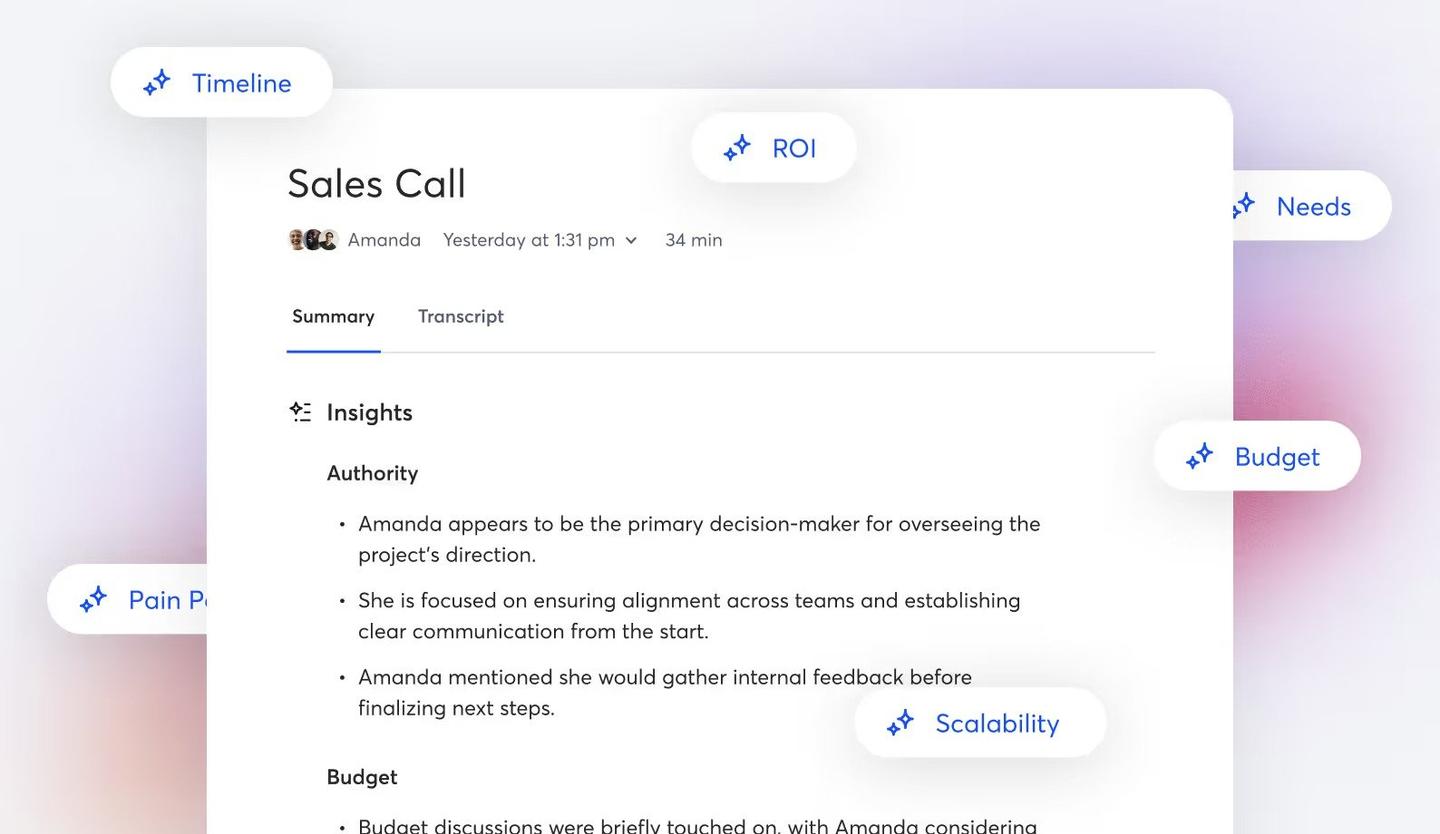
Otter sells itself first as that meeting notetaker. Once you connect it, Otter's pricing page says it "joins Zoom, MS Teams, and Google Meet to automatically write and share notes." Afterwards you get the transcript, a summary with action items, and Otter AI Chat, which answers questions about what was said.
The homepage lists more on top of that: briefing documents delivered before a meeting, live coaching prompts during calls, and deal notes synced to a sales CRM. For turning a single recording into text, the transcript and the editor are what matter.
Otter runs on the web, as a desktop app for Mac and Windows, as iPhone and Android apps, and as a Chrome extension. For a running log of Otter's new features, see our page of Otter updates and new features.
How do you turn audio or video into text with Otter?
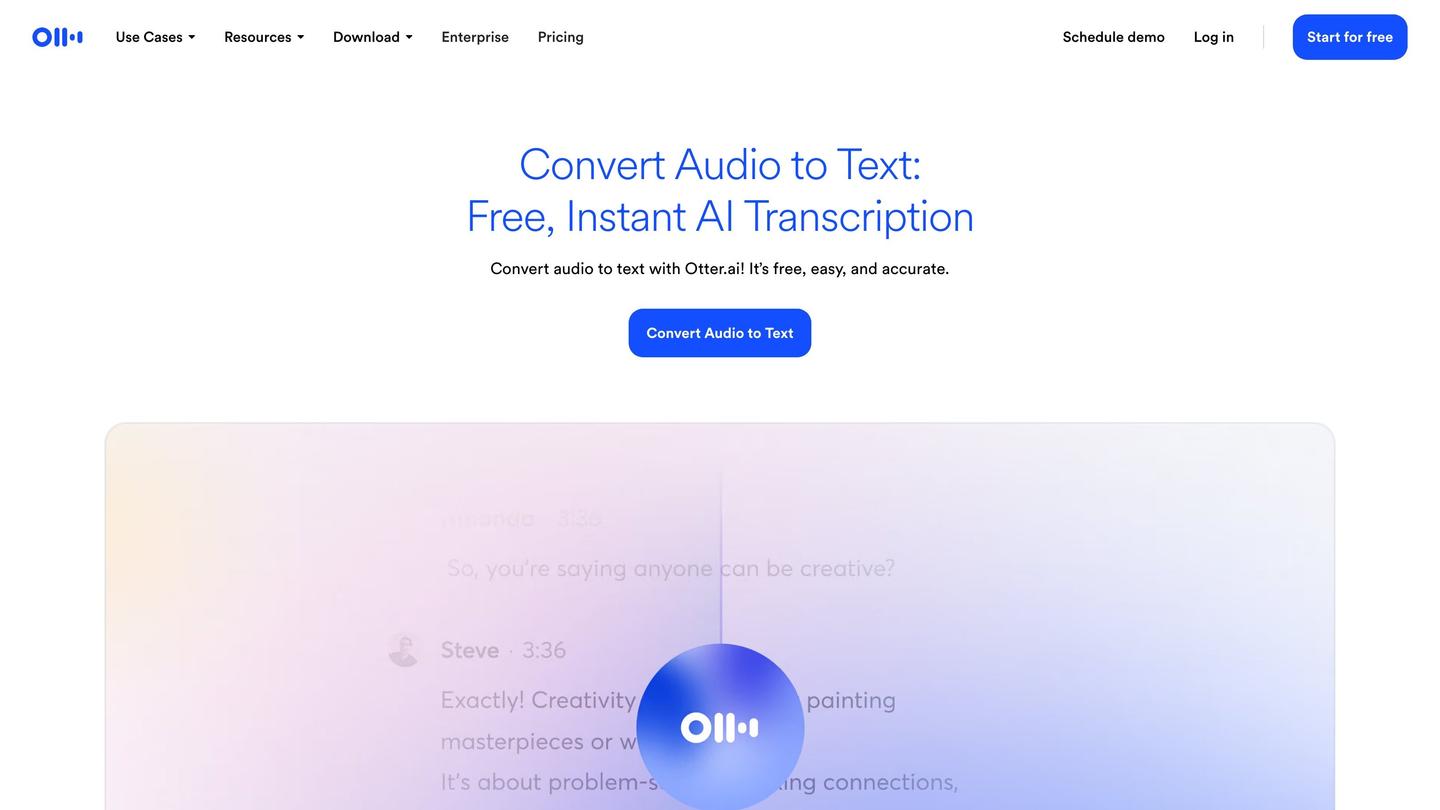
You upload the file with the Import button, or record live in the Otter app, and Otter starts transcribing as soon as the upload or the recording finishes. Its audio-to-text page lays out four steps:
- Record live audio in the Otter app on your computer or phone, or click Import to upload an audio or video file.
- Wait for the transcript, which Otter starts writing once the file is in.
- Fix names and specialist terms, set speaker names and highlight key parts in Otter's editor.
- Export the transcript as a file, or share a link to it.
Uploads accept AAC, MP3, M4A, WAV and WMA audio, and "even video files," so the same Import button handles video to text. Otter tags each speaker on its own, and the finished transcript is searchable.
Two limits matter on the free plan. Export on Basic is limited to MP3 audio and a TXT text file, while Pro adds PDF, DOCX (Word) and SRT, a subtitle file. And the editor is where you fix mistakes, because Otter itself says background noise and strong accents lower its accuracy.
On languages, Otter's two pages disagree. The audio-to-text FAQ says Otter transcribes English (US and UK), Spanish and French, one language per transcript. The plan comparison on the pricing page lists English, Spanish, French, German, Japanese and Chinese.
Is Otter AI free to transcribe?
Yes: the Basic plan is free and transcribes 300 minutes a month, but it allows only 3 uploaded audio or video files per user for the life of the account. Those 300 minutes are one shared pool across live recordings, meetings and imported files, and unused minutes don't roll over.
The other Basic limits, from the pricing page's comparison table:
- 30 minutes at most per conversation
- Your 25 most recent conversations kept
- Playback at normal speed only
- 20 AI Chat questions a month, 3 per conversation
- 5 custom vocabulary terms for names and jargon
- 1 meeting at a time
Basic still includes the desktop app downloads, the phone apps, live transcription, speaker identification and the notetaker for Zoom, Teams and Google Meet. The pricing page calls it the plan "for those who want to give it a try."
How much does Otter AI cost?
Otter costs $0 on Basic, $16.99 per user per month on Pro ($8.33 billed annually), $30 per user per month on Business ($19.99 billed annually), and a custom price on Enterprise. These are US dollar prices from the pricing page on November 26, 2026.
| Otter plan | Basic | Pro | Business | Enterprise |
|---|---|---|---|---|
| Price, billed monthly | Free | $16.99 per user | $30 per user | Custom (book a demo) |
| Price, billed annually | Free | $8.33 per user a month | $19.99 per user a month | Custom |
| Meeting and recording minutes a month | 300 (shared pool) | 1,200 (shared pool) | Unlimited | Unlimited |
| Imported-file minutes a month | 300 (shared pool) | 1,200 (shared pool) | 6,000 | 6,000 |
| Longest conversation | 30 minutes | 90 minutes | 4 hours | 4 hours |
| File uploads | 3 per user, ever | 10 a month | Unlimited | Unlimited |
| Conversation history | 25 most recent | Unlimited | Unlimited | Unlimited |
| Export formats | MP3, TXT | MP3, TXT, PDF, DOCX, SRT | Same as Pro, plus bulk export | Same as Pro, plus bulk export |
| AI Chat questions a month | 20 | 50 | 200 | 200 |
| Meetings at the same time | 1 | 2 | 3 | 3 |
| Workspace members | Up to 5 | Up to 5 | Up to 25 | Unlimited |
Pro is the plan Otter labels "for individuals and small teams." Besides the higher limits, it adds playback from half speed to 3x with a skip-silence option, a larger custom vocabulary, and Zapier, Salesforce and HubSpot connections. Students and teachers with a .edu email address get 20% off Pro, which the pricing page lists as $13.59 a month, or $6.67 a month billed at $79.99 a year.
Business is "for medium-sized teams." First-time subscribers see the monthly price shown as $24 for the first three months, a 20% discount. It removes the cap on meeting and recording minutes, allows 4-hour conversations, and adds admin tools such as activity logs and usage reports.
Enterprise adds single sign-on (SSO), automatic user setup (SCIM) and domain capture, with a minimum of 100 users for SSO and SCIM. It also offers HIPAA compliance, for the US health-privacy rules, as an add-on, plus API access and video replay for Zoom and Google Meet.
As of November 26, 2026, the pricing page also showed a Black Friday offer of 50% off annual Pro and annual Business. Otter takes credit and debit cards on its site, or in-app purchases through the Apple App Store and Google Play, and its FAQ says it doesn't take PayPal.
How long does Otter take to transcribe?
Otter says transcription usually takes about as long as the audio runs, so "a five-minute file takes just five minutes to transcribe." Its step-by-step guide says it "immediately starts transcribing" once an upload or a recording finishes. Live recordings and meetings are transcribed while they happen.
The plan sets how long a single transcript can be: 30 minutes on Basic, 90 minutes on Pro and 4 hours on Business and Enterprise.
Is Otter AI safe, and is it being sued?
Otter says your conversations are private by default and visible only to you unless you share them. It also says it is SOC 2 Type 2 compliant, a security standard checked by an outside auditor, and the pricing page lists TLS encryption, AES-256 encryption for live content and two-factor sign-in.
Two points in Otter's privacy policy are worth reading before you upload anything sensitive. Otter says it trains "our proprietary AI technology on de-identified audio recordings and on transcriptions (which may contain Personal Information)." It also asks users to get "the necessary permissions" from the other people in a recording before uploading it.
Yes, Otter is being sued. On August 15, 2025, NPR reported that Justin Brewer of San Jacinto, California, filed a proposed class action against Otter.ai in the US District Court for the Northern District of California. The suit alleges that Otter's notetaker records meetings without asking every participant and that the recordings are used to train Otter's AI, in violation of state and federal privacy and wiretap laws.
Otter says audio is "de-identified" before it is used to improve its speech recognition, NPR reported, while the suit argues that the process "does not remove confidential information or guarantee speaker anonymity." Those are allegations. The case now runs as In re Otter.ai Privacy Litigation, case number 5:25-cv-06911-EKL, and a consolidated class action complaint was filed on December 5, 2025. We found no ruling in the sources we could open on November 26, 2026.
Other ways to turn audio into text
The options below do different jobs, and we haven't tested any of them against Otter, so they're listed by what each one is for.
Otter's own desktop app records "without a bot in the meeting" across Slack Huddles, Zoom, Google Meet and in-person conversations, according to its download page. It suits people who want Otter's transcripts without a notetaker joining the call.
Granola captures audio on your own computer, so no bot joins the call. Granola's pricing page lists a free Basic plan with 30 days of meeting history, Business at $14 per user per month and Enterprise at $35. It's built for live meetings; our guide to Granola, an AI note-taker that records without a bot joining the call covers its plans and how it works.
A local transcriber inside a video editor suits people who make videos. Pat's fork of the free editor FilmCraft transcribes on your own computer with Whisper, an open-source speech-to-text model, which makes text-based video editing from a transcript possible with no API key.
If your job runs the other way, from text to audio, Google's free tool for turning documents into audio (the reverse job) turns PDFs and notes into a spoken overview.
How do you cancel an Otter subscription?
Cancel in the place you paid: Otter bills either on its own website or as an in-app purchase through Apple or Google. Otter's help center blocked our requests on November 26, 2026, so we can't quote its steps for web plans; the pricing page's FAQ sends plan changes through Settings in your Otter account.
If you subscribed on an iPhone, Apple's cancellation steps are: open Settings, tap your name, tap Subscriptions, choose Otter, then tap Cancel Subscription. On Android, Google Play's help page says to open your subscriptions in Google Play, choose the subscription and tap Cancel subscription. Google also says that uninstalling an app doesn't cancel its subscription.
Questions people ask about Otter
Does Otter have a desktop app?
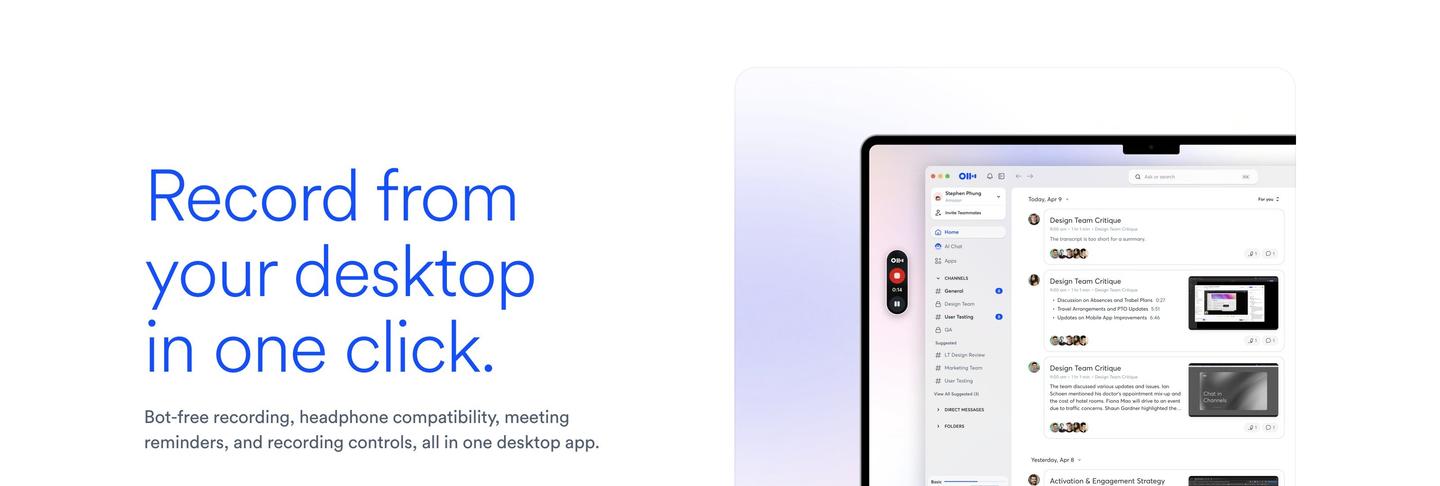
Yes. Otter has a desktop app for Mac and Windows, and the pricing page offers both downloads on the free Basic plan. Otter describes it as "bot-free recording, headphone compatibility, meeting reminders, and recording controls, all in one desktop app."
What is the Otter AI Business plan?
Business is Otter's team plan: $30 per user per month, or $19.99 billed annually, with unlimited meeting transcription, 6,000 minutes of uploaded files a month, unlimited uploads and up to 25 people in a workspace.
Can I use Otter on my phone?
Yes. Otter's iPhone and Android apps record, upload files and show your transcripts, and the phone apps come with the free plan.
Can Otter transcribe a video file?
Yes. The Import button takes video files as well as audio, and the free plan's 3 lifetime uploads cover audio and video alike.
How accurate is Otter?
Otter says its transcripts generally reach 85 to 90% accuracy on clear audio, and that heavy background noise and strong accents lower it. We haven't measured it.
Is there an Otter discount for students?
Yes. Students and teachers with a .edu email address get 20% off Pro: $13.59 a month, or $79.99 a year.
Sources
- Otter.ai: Pricing
- Otter.ai: Convert Audio to Text
- Otter.ai: Otter Meeting Agent
- Otter.ai: Desktop app
- Otter.ai: Privacy policy
- NPR: Class-action suit claims Otter AI secretly records private work conversations
- In re Otter.ai Privacy Litigation: consolidated class action complaint (N.D. Cal.)
- Granola: Pricing
- Apple Support: Cancel a subscription from Apple
- Google Play Help: Cancel, pause, or change a subscription

Comments
Sign in to join the conversation.