1Password Lets AI Agents Sign In Without Seeing Passwords
1Password launched 1Password for Agents, which lets assistants like Meta's Muse and Grok Bot log in to your accounts while 1Password types the password itself, so the agent never sees it.

1Password launched 1Password for Agents, a way for AI agents to log in to your accounts without ever being handed your password.
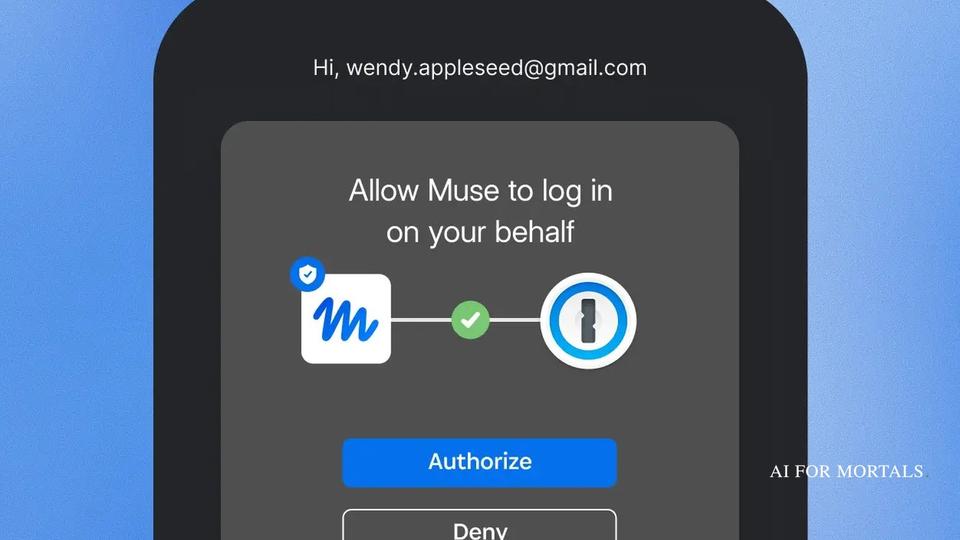
When your agent hits a login page, it asks 1Password for that account. You approve it on your own phone or computer, and 1Password types the password or one-time code into the page itself. The agent gets signed in, and the password never passes through it.
It works first with Meta's Muse and Grok Bot, with Anthropic's Claude Duet and OpenAI's ChatGPT Work and Dots coming soon, according to 1Password's announcement.
Here's 1Password's launch video:
How your agent signs in without ever seeing your password
Today, when an agent gets to a login page, you have two bad options. You take over the session and type the password yourself, or you paste the password into the chat, where a copy now lives somewhere you don't control.
Passwords saved in your browser don't help either. Agents can't use them, so the agent just stops and waits for you to sign in.
1Password's FAQ lays out how a sign-in works:
- Your agent gets to a sign-in form and proves who it is to 1Password with its own digital key.
- You get a request on your own phone or computer showing which login the agent wants and why. You approve or deny it there, which is how 1Password knows the OK really came from you.
- 1Password fills the password or one-time code straight into the page, and the agent picks the task back up once it's signed in.
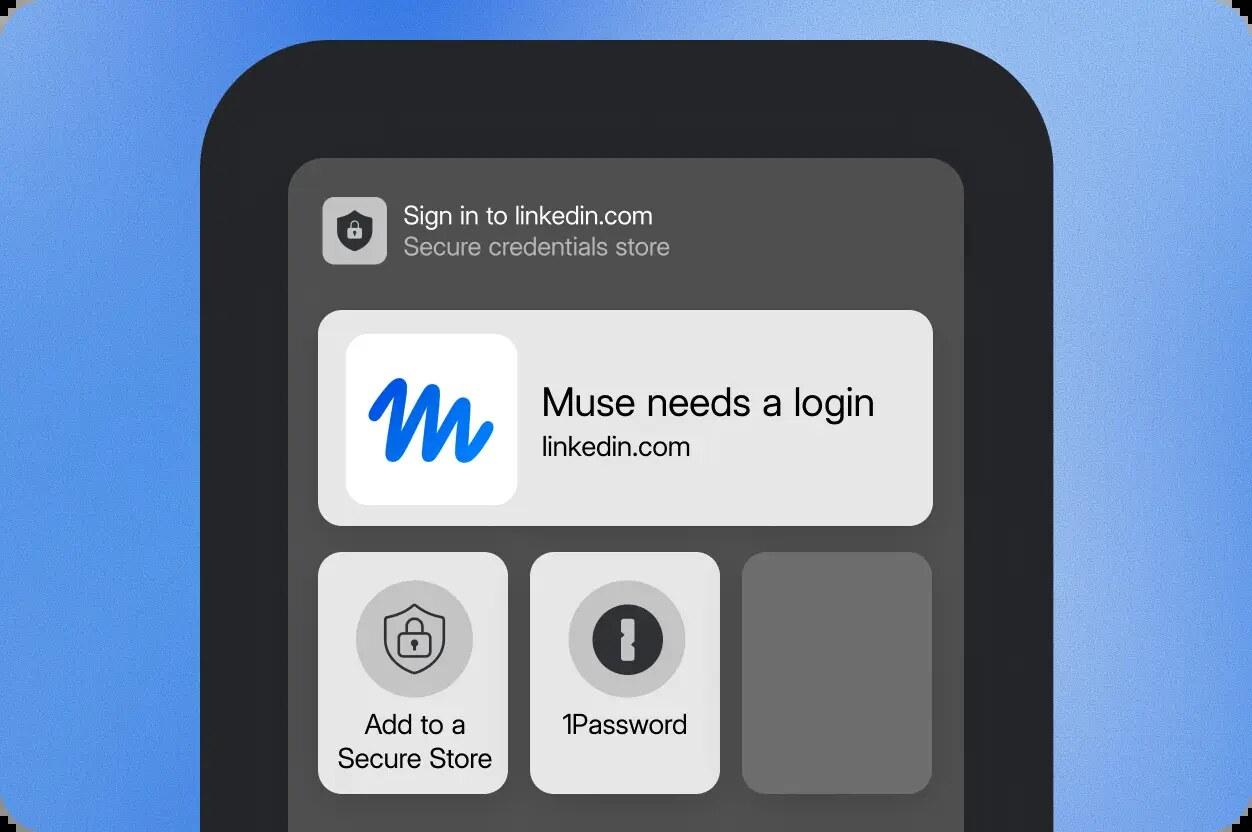
Once you're signed in, the password stays in 1Password, so the agent never sees or stores it.
Under the hood, 1Password's developer docs say the password is on the page only between the fill and the submit, and 1Password clears it from the page before handing control back. Each agent maker has to keep its agent from reading the page during that moment, which is one of the security rules 1Password sets for every agent it works with.
What one approval opens, and what stays locked
When you approve a login, the agent gets that one login for that one task, and everything else in your vault stays encrypted and out of reach.
If more than one saved login matches, you pick which one 1Password uses. How often you get asked again depends on the agent, since 1Password says that part varies by integration.
You can disconnect an agent whenever you want, which ends its use of the logins you shared with it.
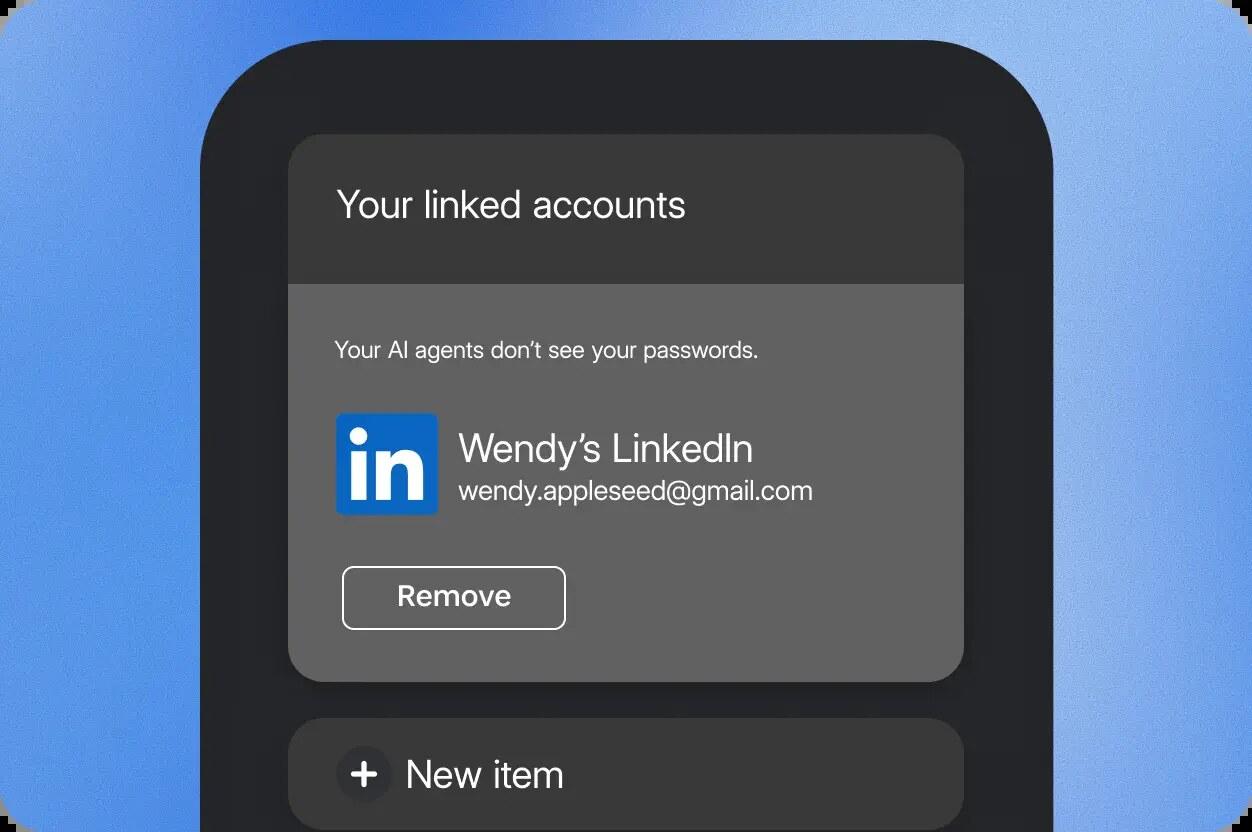
1Password is upfront that once the agent is signed in, it can see and do whatever that account allows. Its FAQ tells you to look at the task and the account before you approve, because 1Password protects the password, while what happens inside the account is up to the agent.
Muse, for example, asks you to confirm before it buys something or sends an email, according to 1Password's Muse page.
Which agents get it, and when
Muse and Grok Bot get it first, rolling out over the coming days on every platform:
- Meta's Muse, which felt the most like a personal assistant in my test against Grok Bot and Dots.
- Grok Bot, which posted on X that you approve the logins you want to share and "your Bot signs in for you."
Coming soon are Anthropic's Claude Duet, OpenAI's ChatGPT Work and Dots, and Town's Townie assistant. Anthropic already said Duet would sign in to sites with your saved 1Password logins when it opened the Duet waitlist this week.
1Password also lists Perplexity, Ramp, Browserbase, Browser Use, Instinct, Dana, KERNEL, Tomo and Wajo as coming soon. If your agent isn't ready yet, 1Password has a waitlist that tells you when it is.
Once it's set up, you just ask your agent for a job that needs a login, the way you would anyway. Something like this, in Muse or Grok Bot:
Log in to my airline account and check whether the fare on my December flight has dropped. If it's gone down by more than $50, tell me before you change anything.
1Password only handles the sign-in, and Muse or Grok Bot still does the fare check.
I recently gave Grok Bot, Muse and Dots the same three jobs to see which one handles real work best. Here's that video:
Who can use it, and what it costs
It's included at no extra cost on 1Password's Individual and Family plans, as long as your account is on 1Password.com. Accounts on 1Password's Europe and Canada sites (1Password.eu and 1Password.ca) aren't supported yet.
Business accounts and the Teams Starter Pack aren't eligible either, according to 1Password's Grok Bot page. If you don't connect an agent, nothing about how you use 1Password changes.
Why banks are worried about agents holding your password
The same day 1Password launched, Axios reported that big US banks are finding AI agents operating inside customer accounts. In most cases, the customer handed the agent their own username and password, which goes against most banks' rules that a human has to log in.
Morgan Stanley has started blocking outside agents, and JPMorgan, Bank of America and Citi are restricting them. A Chase spokesperson told Axios that customers shouldn't give their usernames and passwords to anyone.
Most banks are moving toward letting agents look at your accounts without being able to act, the same kind of read-only access budgeting apps like Quicken already get.
1Password's approach solves the "agent has a copy of my password" half of that worry. The other half, an agent doing something you didn't ask for once it's inside, is why companies keep adding their own checks, like Amex's safety check for AI agent purchases.
I'm a 1Password user, and logging in and out of things is the last part of my day I still consistently do by hand, so I'm looking forward to handing it off while the password stays in my vault.
Sources
- 1Password: Introducing 1Password for Agents
- 1Password: press release, 1Password for Agents launches
- 1Password: 1Password for Agents page and FAQ
- 1Password Developer: Agentic Autofill security model
- 1Password: 1Password for Muse
- Grok Bot on X: 1Password integration rolling out
- Axios: Unvetted AI agents are accessing U.S. bank accounts
- The Verge: 1Password lets AI agents use your passwords without seeing them





Comments
Sign in to join the conversation.