Gemini 4 Argon: No-Hype Full Review & Testing
Google released Gemini 4 Argon, so I ran it through four hard builds against Opus 5.5, Fable 5.1 and GPT-6 Astra and tracked what each one cost.

The long-awaited Gemini 4 Argon is finally out. Google is claiming the lead on legal work, business automation and long-running coding tasks, and its launch demos lean hard on 3D, including a whole temple complex sculpted in Blender.
So I put it through four hard builds against Opus 5.5, Fable 5.1 and GPT-6 Astra to see whether it's the real deal or just another benchmark chaser.
What I tested
Every model got the exact same prompt, with no steering from me. I judged each round blind, as columns A to D, and only then revealed who built what.
The four tests are a photoreal 3D product, a full launch video, a game, and a pixel-for-pixel website clone. Every build below is live, so open them up and judge for yourself.
For the launch video, every model also got my launch video clone skill, which I built to reverse engineer professional motion graphics. It's free on GitHub, and it's linked right below.
The skills used in these builds (free on GitHub)
Test 1: A photoreal 3D product bottle
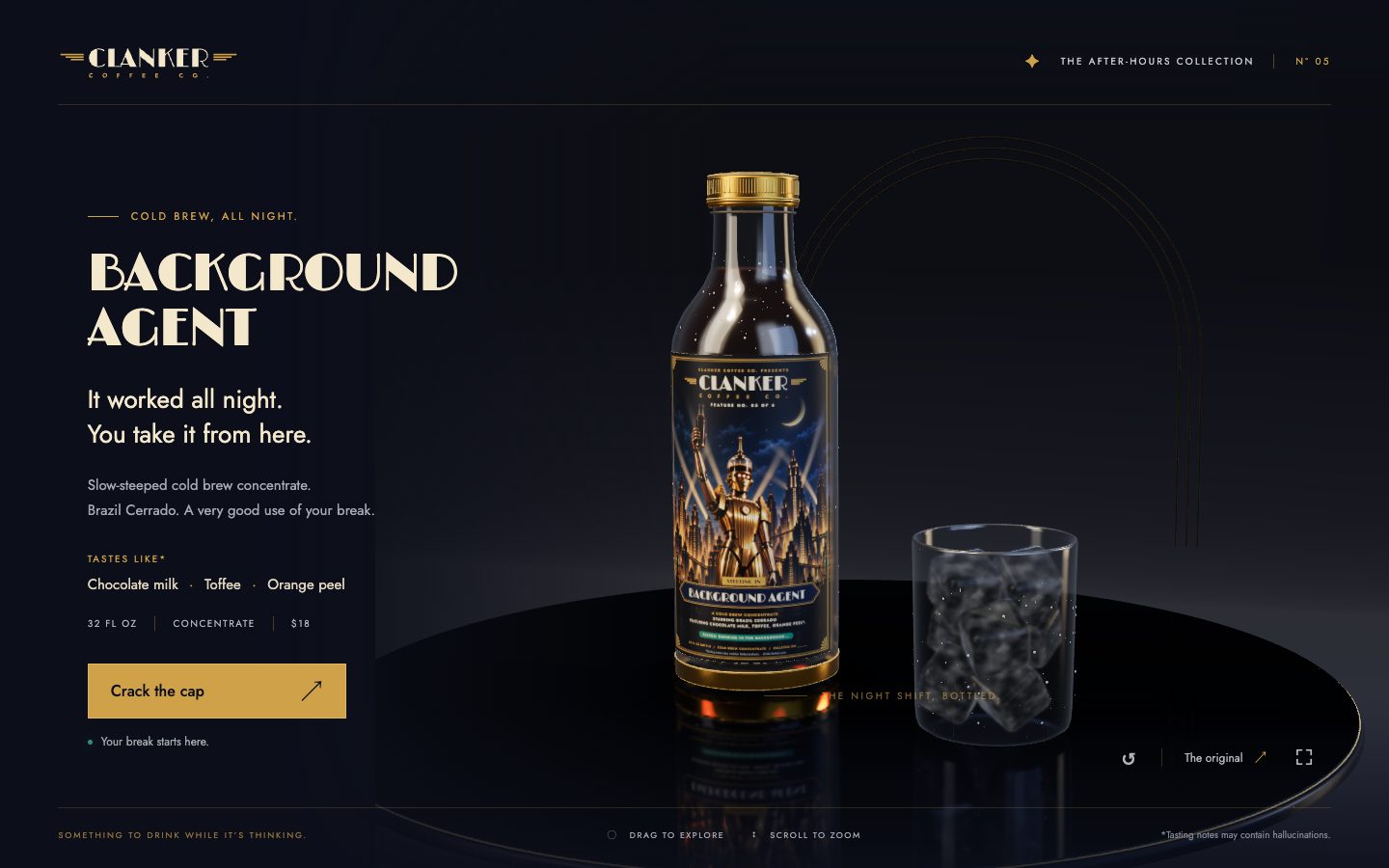
A photoreal 3D cold brew bottle you can orbit, open and pour, built from a fictional coffee brand's kit.
Build the Clanker Coffee Background Agent cold brew bottle as a photoreal, interactive 3D product in the browser.

Context you should know: this is going into a video watched by a large audience. Your build is put on screen next to other frontier models given this identical prompt.

The comparison is blind. Never put your model name, your company's name, or any mention of which AI made it anywhere in what you build: not in on-screen text, credits, the page title, file names, code comments, or metadata.

Everything you know about the brand is in `./clanker-kit/`: the brand guide, logos, labels (`labels/label-05-background-agent.png` is this bottle's label), product photography (`product-photos/05-background-agent.png` is the bottle), fonts and colors. Use only this kit. Do not search the web for Clanker Coffee or look for anything previously made for this brand.

**The graphics must be photoreal. This is the whole test and it is judged strictly.** It sits on screen next to real product photography, and it has to hold up. Physically based materials with real values: glass with correct refraction and thickness, a label that reads as printed paper with a slight sheen, metal that reads as metal, liquid that reads as cold brew. Real-world scale, an HDR environment for lighting and reflections, soft contact shadows, ambient occlusion, filmic tone mapping, anti-aliasing. No cartoon, toon, flat or low-poly shading, no placeholder primitives, no plastic-looking defaults. If any frame looks like a 3D demo rather than a product shot, fix it.

Requirements:

1. **Model the bottle yourself**, in code or with Blender driven by Python scripts, matching the product photo's shape and proportions: 32 fl oz, the cap, the label wrap. Apply the real label art from the kit.
2. **Interaction.** Drag to orbit, scroll to zoom. Click to crack the cap, then pour the cold brew into a glass of ice: the liquid flows, fills, and the ice shifts. Condensation beads and runs down the cold glass.
3. **Lighting and staging** worthy of a premium product shot, in the brand's look (World's Fair art deco, brass and navy), with the product as the hero.
4. **Runs smoothly** in a desktop browser at 1920x1080.
5. **Deliver** a runnable project with a documented run command and a README that says how you built the model, materials and liquid.
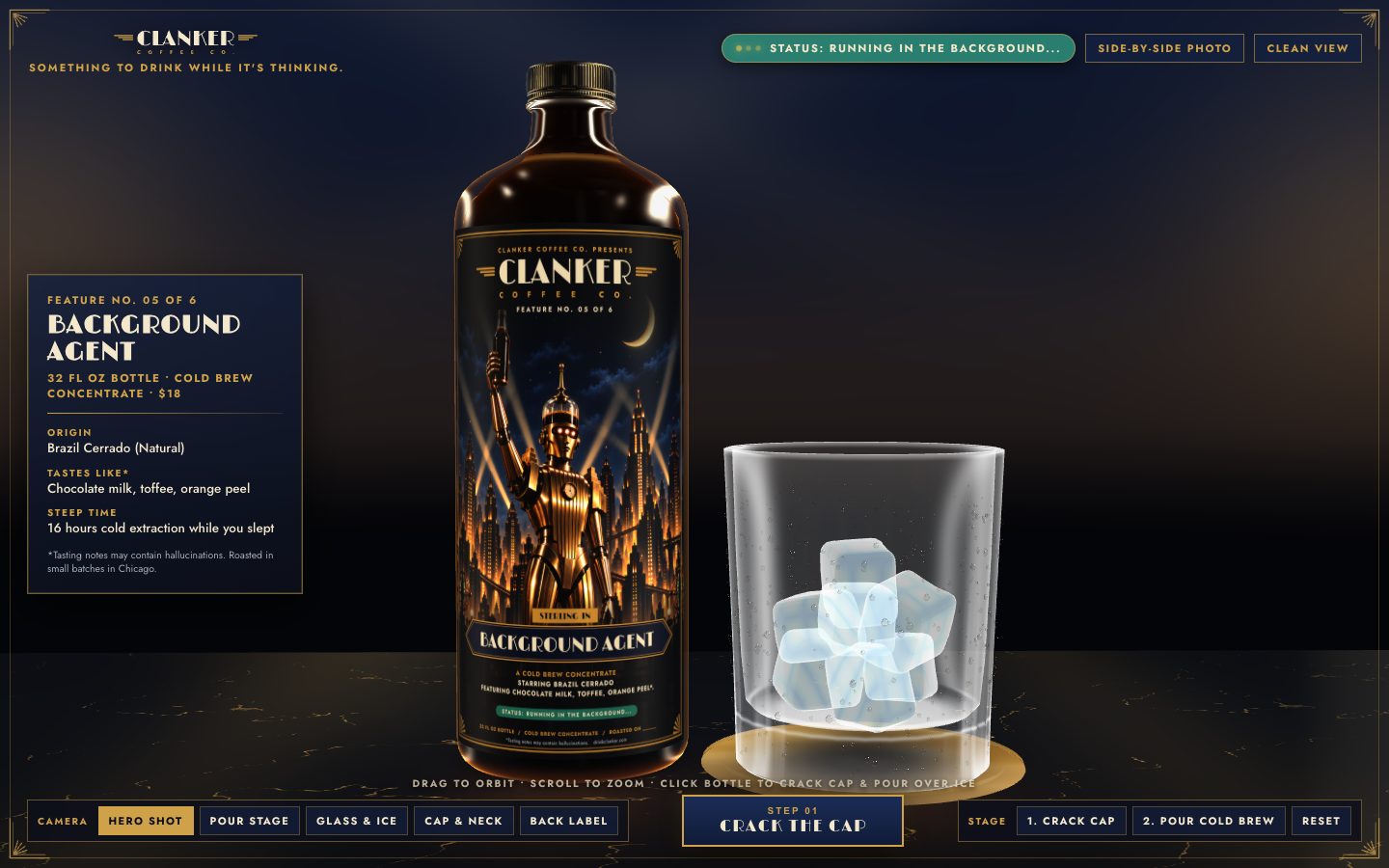
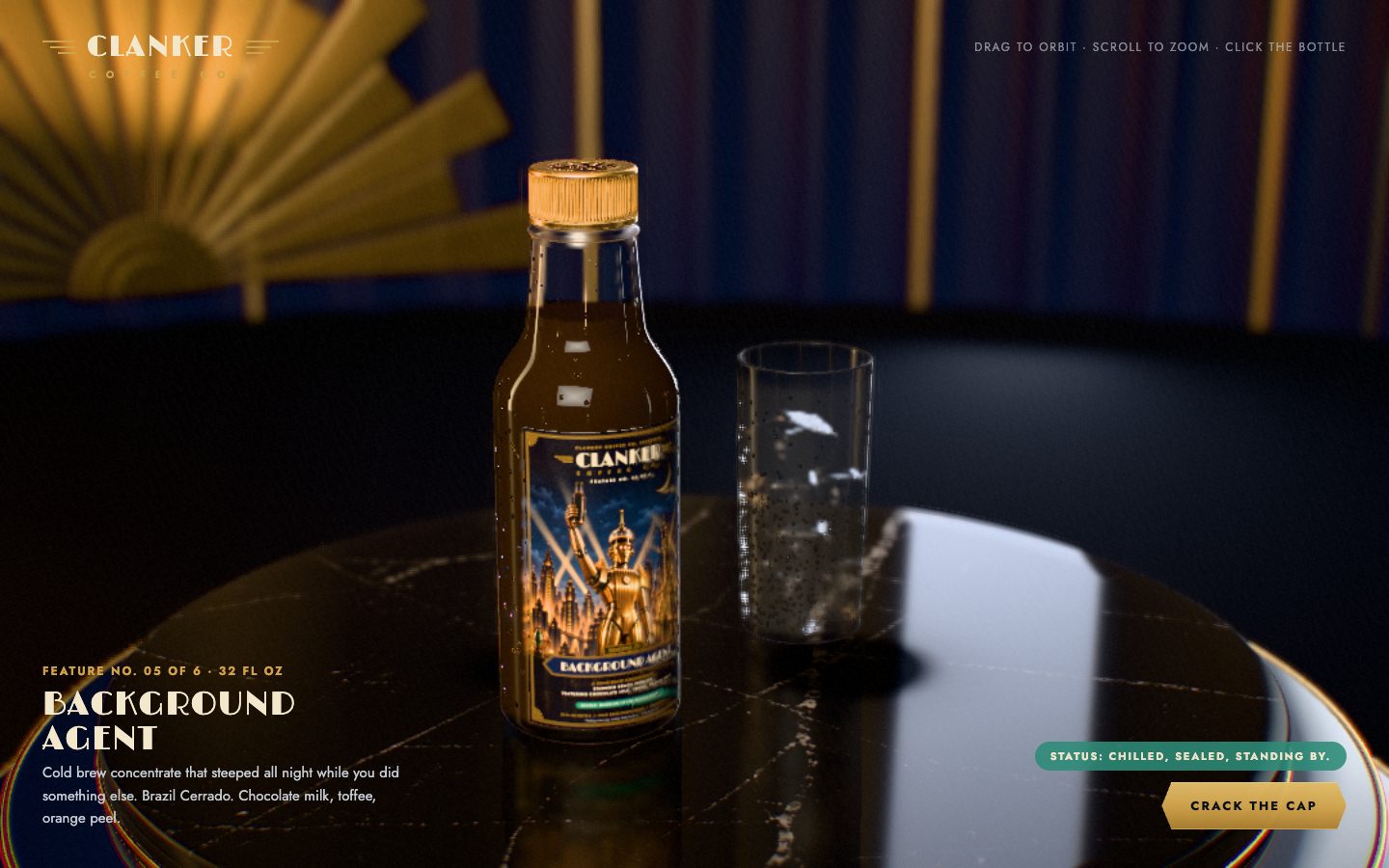
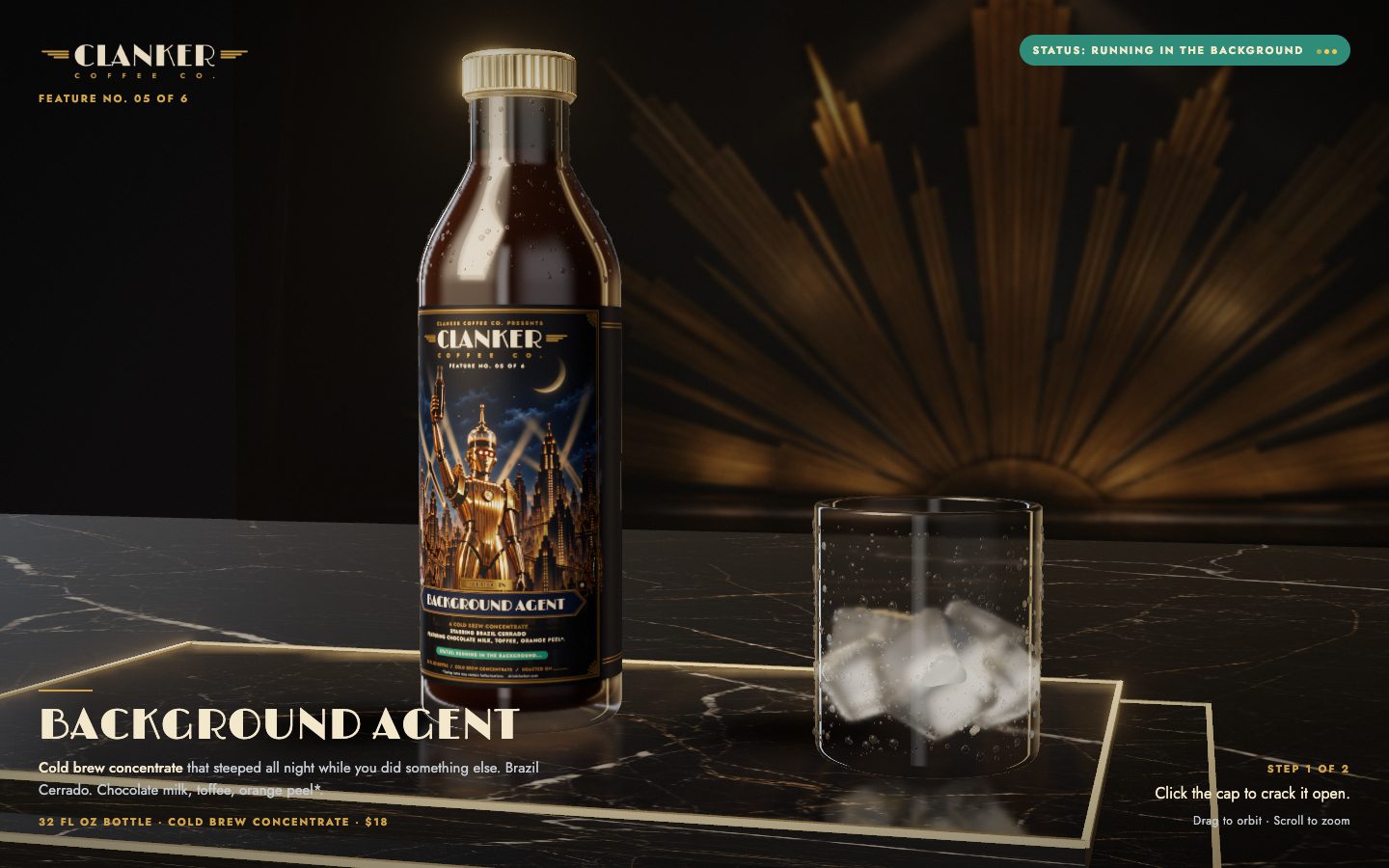
| Gemini 4 Argon | Opus 5.5 | Fable 5.1 | GPT-6 Astra | |
|---|---|---|---|---|
| Input tokens | 9.7M | 77.3M | 18.2M | 5.1M |
| Output tokens | 384k | 330k | 156k | 47k |
| Cost | $6.85 | $29.95 | $17.96 | $8.99 |
| Build time | 36 min | 114 min | 57 min | 34 min |
Test 2: A product launch video
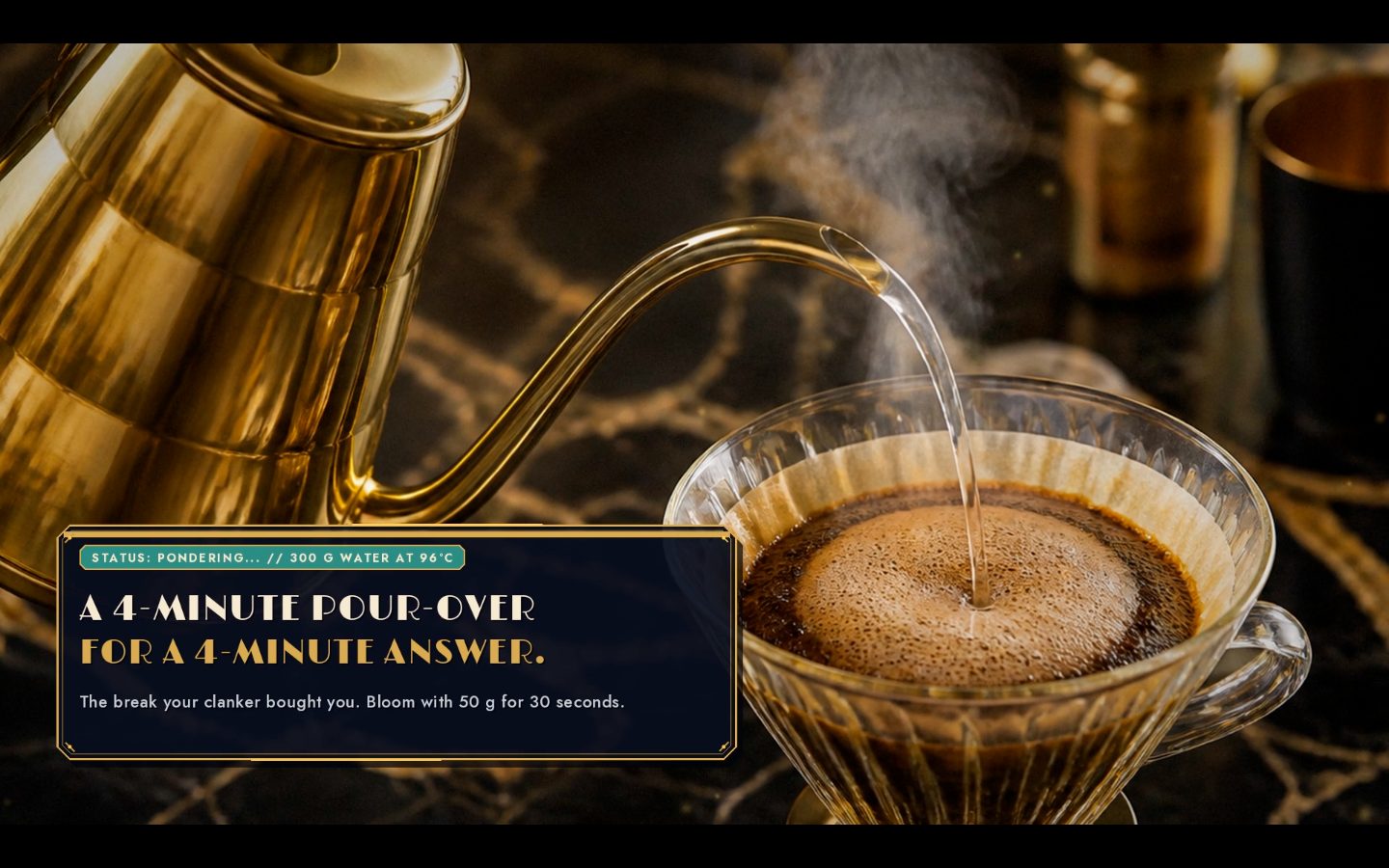
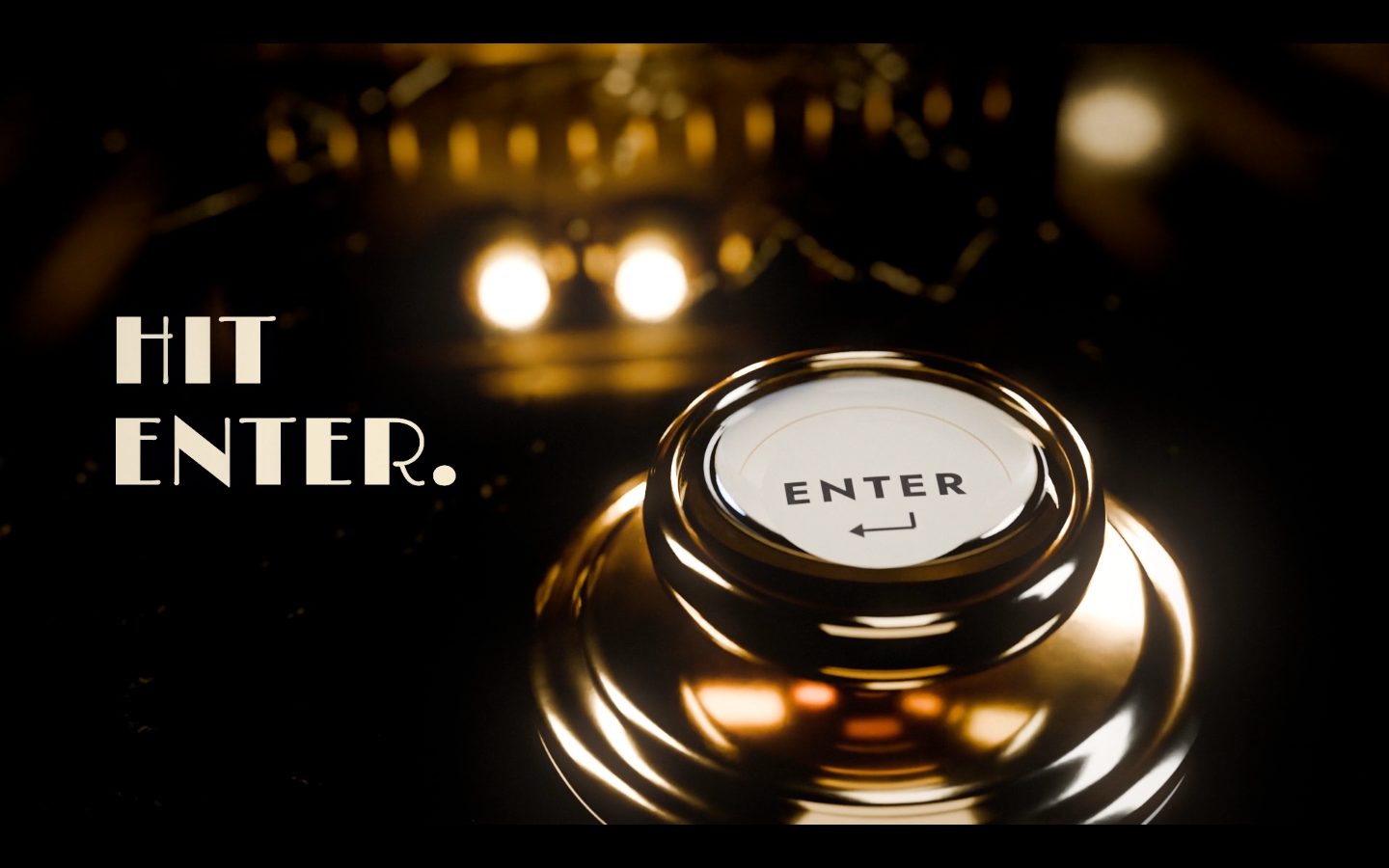
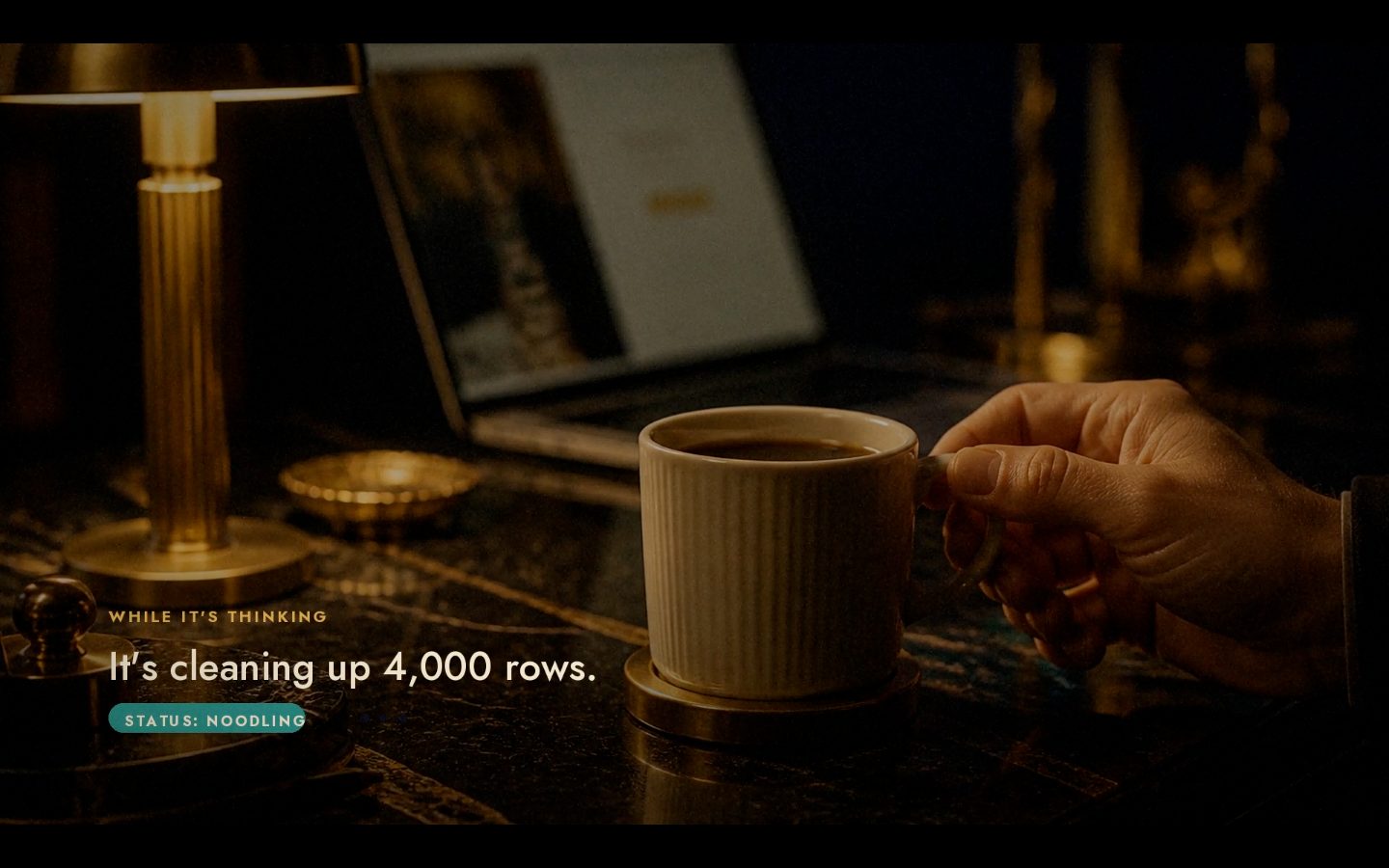
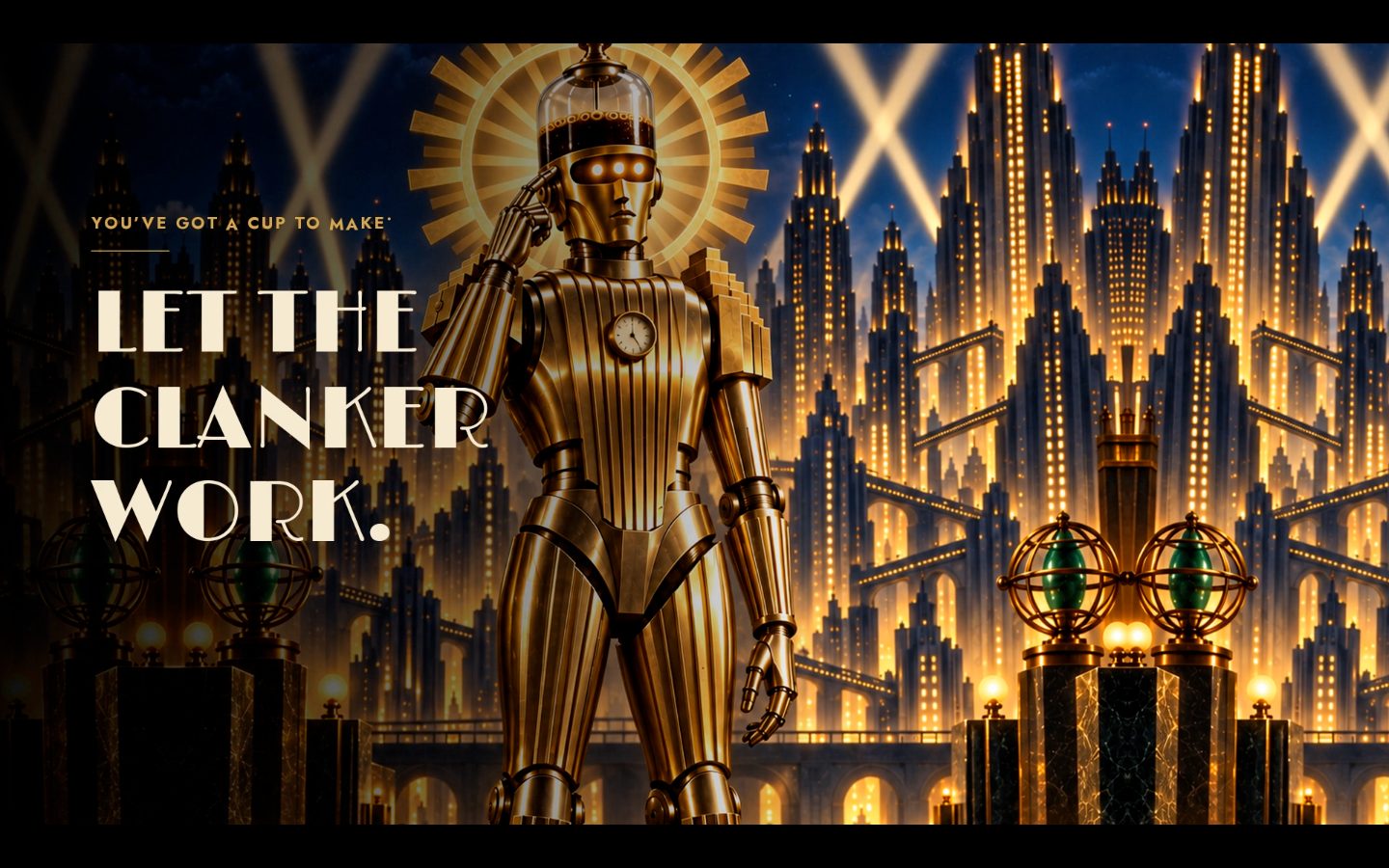
A 30 to 60 second launch video for the same coffee brand, with photoreal product shots and sound.
Make the launch video for Clanker Coffee Co., and make it as beautiful as possible.

Context you should know: this is going into a video watched by a large audience. Your launch video is played on screen next to other frontier models given this identical prompt.

The comparison is blind. Never put your model name, your company's name, or any mention of which AI made it anywhere in what you build: not in on-screen text, credits, video frames, file names, code comments, or metadata.

**The brand.** Everything you know about Clanker Coffee Co. is in `./clanker-kit/`: the brand guide, logos, labels, product photography, fonts, colors, and `PRODUCTS.md`. Every claim in the video comes from the kit. Never invent a product, a price or a fact. Do not search the web for Clanker Coffee or look for anything previously made for this brand.

**Follow the skill.** Clone https://github.com/per-simmons/launch-video-clone and read its SKILL.md first. Use its **Original mode**: there is no reference video to copy. Pick the category that fits, take timing numbers from donors, write the script, storyboard, build, render, review and fix, following every step and the motion rules in references/motion-feel.md. Where the skill names a particular video framework, ignore that: use whatever rendering tools you judge best and write the code yourself.

**The graphics must be photoreal. This is judged strictly.** Product shots must look like a real commercial shoot: physically based materials, real lighting, accurate glass, paper and liquid, depth of field, filmic tone mapping. No cartoon, toon, flat or low-poly 3D, no plastic-looking defaults.

Requirements:

1. **No generic AI-video look.** No glassmorphism or frosted-glass panels, no floating cards sliding in from below, no gradient blobs, no default fonts. If a shot could come from any AI launch video, redo it.
2. **Real craft.** Considered typography in the brand fonts, deliberate easing that differs per element, hold times long enough to read, camera moves with intent, and a clear rhythm cut to the music.
3. **Use every tool that makes it better:** 3D (Blender driven by Python, or WebGL), shaders, the image generator for stills, the kit's product photography, and a soundtrack plus sound design made with ElevenLabs.
4. **Length 30 to 60 seconds, 1920x1080, 30 or 60 fps**, with sound.
5. **Deliver** `final.mp4` in this folder, the project that renders it, and the storyboard stills.
| Gemini 4 Argon | Opus 5.5 | Fable 5.1 | GPT-6 Astra | |
|---|---|---|---|---|
| Input tokens | 17.8M | 109.4M | 62.1M | 19.7M |
| Output tokens | 436k | 313k | 243k | 84k |
| Cost | $10.14 | $44.98 | $54.26 | $28.44 |
| Build time | 80 min | 318 min | 302 min | 81 min |
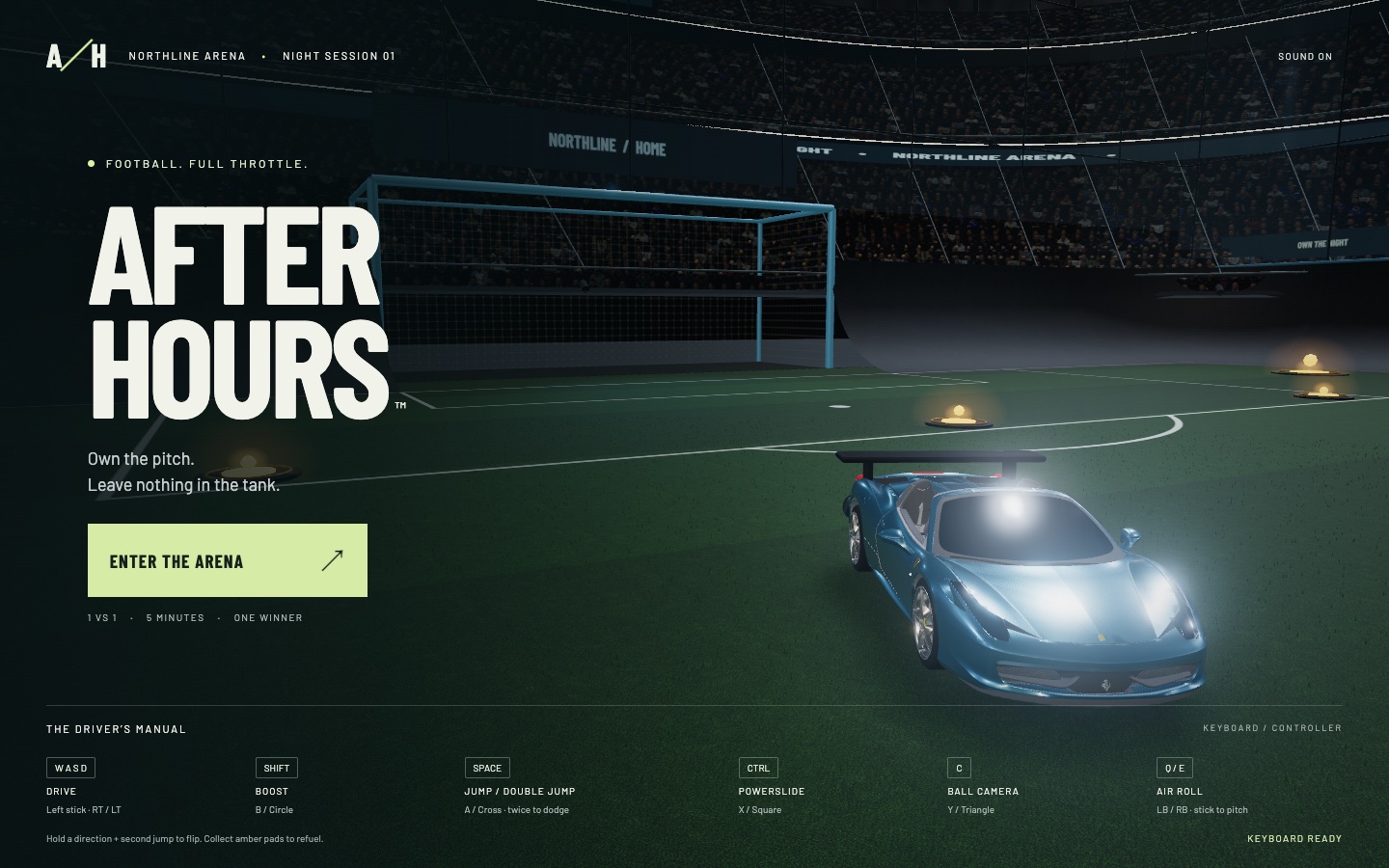
Test 3: A Rocket League style car soccer game
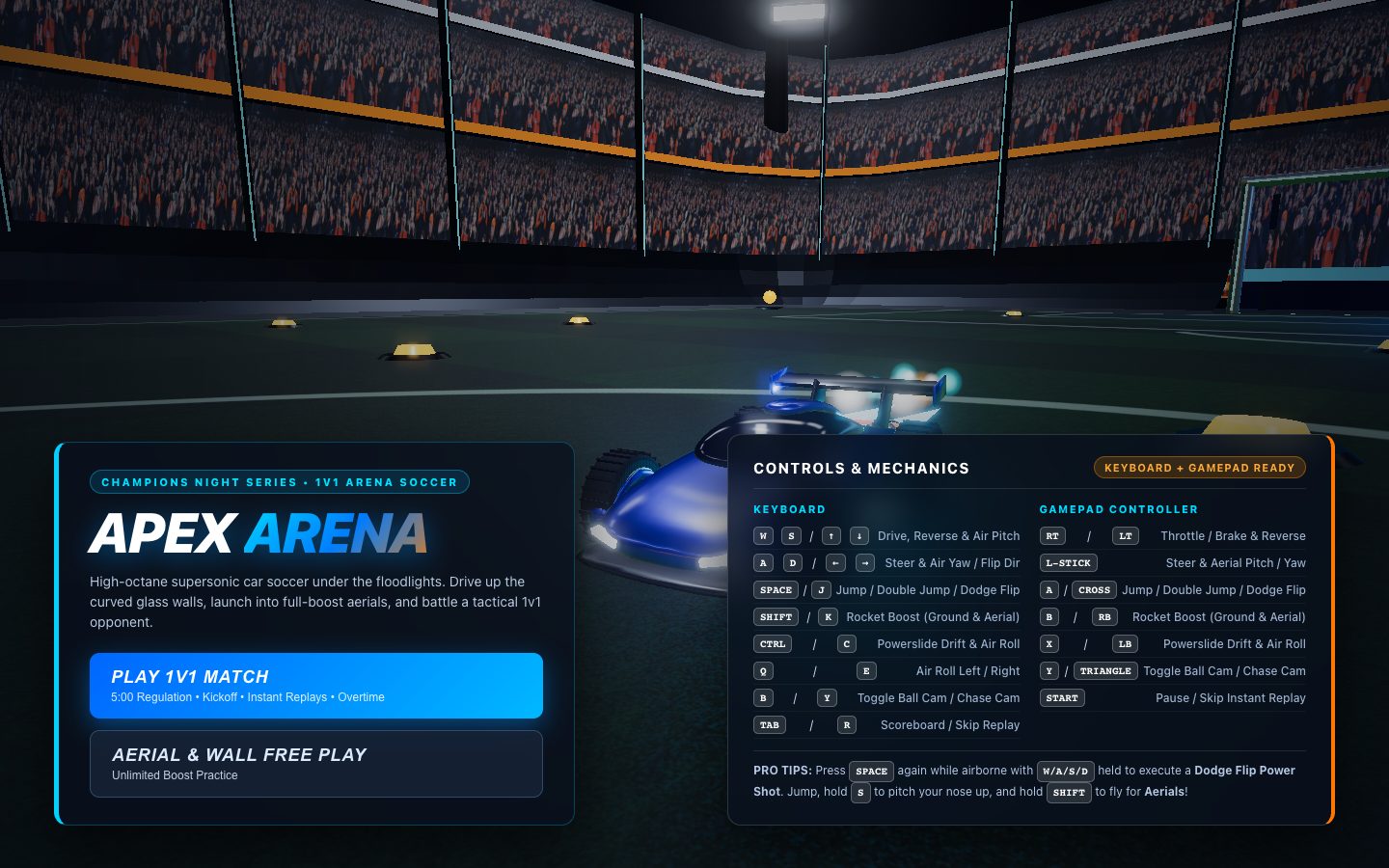
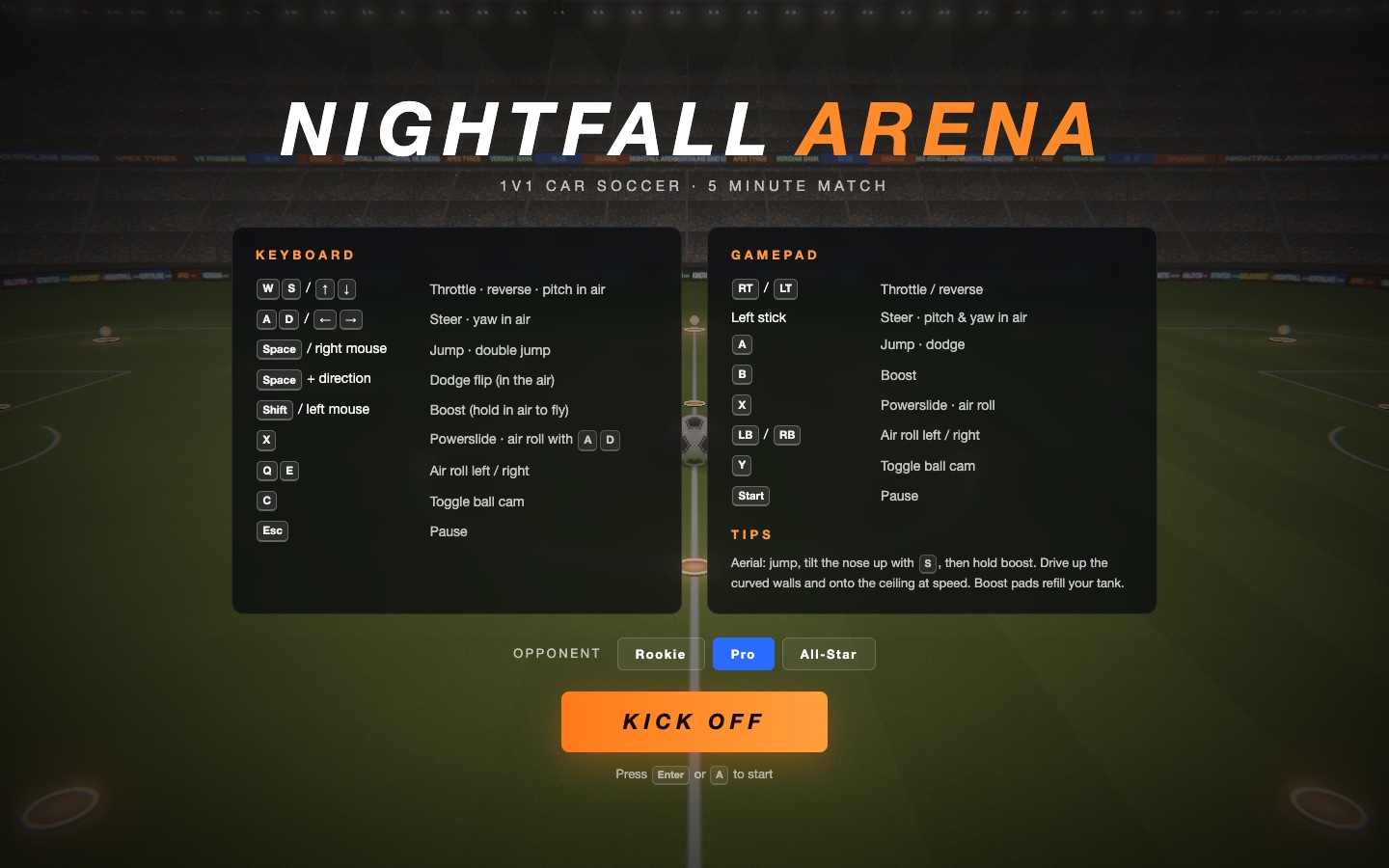
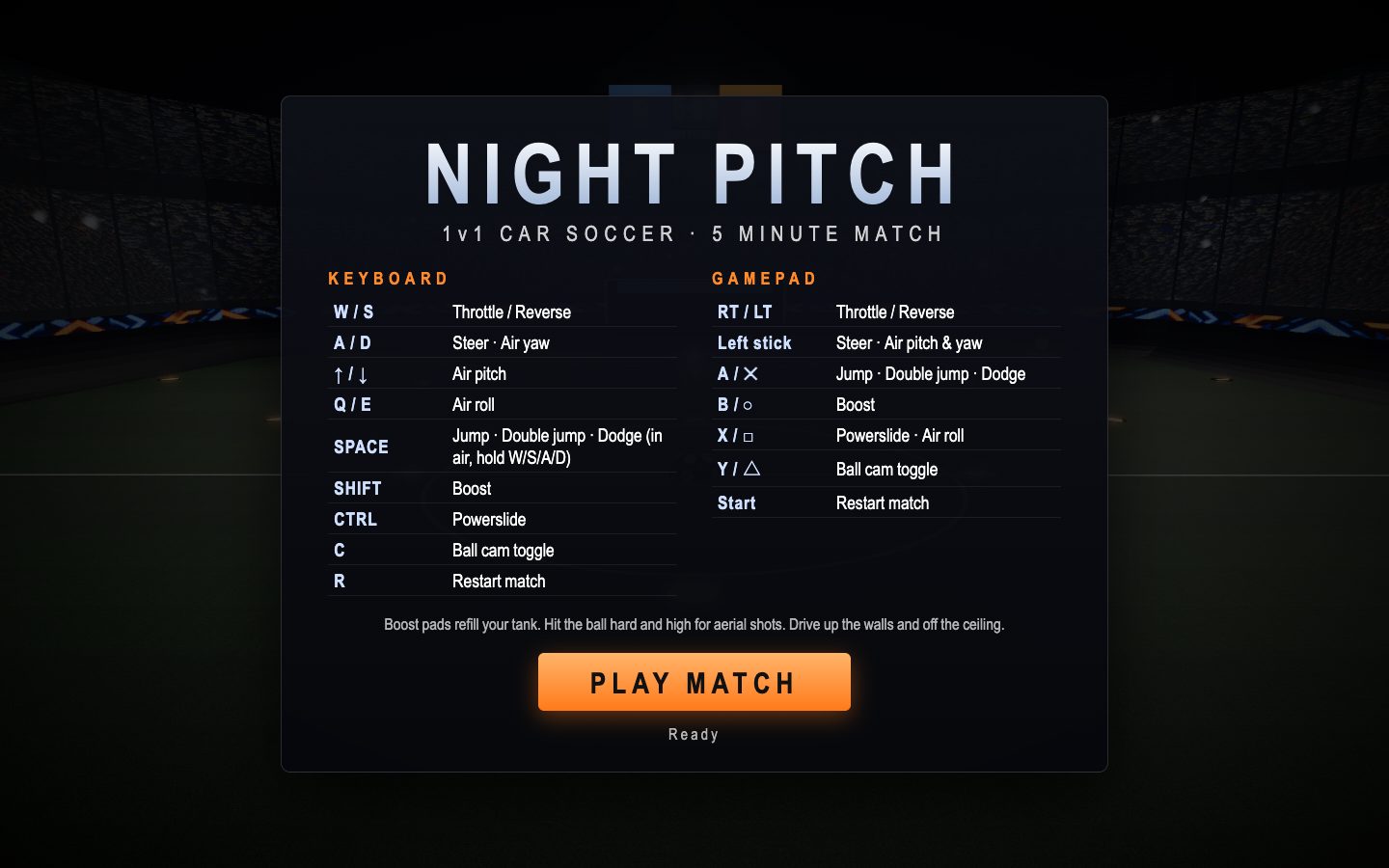
A playable car soccer game in the browser with photoreal graphics and a computer opponent.
Build a playable Rocket League-style car soccer game that runs in the browser, with photoreal graphics.

Context you should know: this is going into a video watched by a large audience. Your game is played on camera next to other frontier models given this identical prompt.

The comparison is blind. Never put your model name, your company's name, or any mention of which AI made it anywhere in what you build: not in on-screen text, credits, the page title, file names, code comments, or metadata.

**The graphics must be photoreal. This is judged strictly.** A modern stadium at night: physically based car paint with clear coat and real reflections, rubber tires, a turf pitch with real texture, stadium floodlights with bloom, real shadows, a crowd that reads as a crowd, filmic tone mapping, anti-aliasing. No cartoon, toon, flat or low-poly art, no placeholder boxes, no untextured primitives. If a frame looks like a prototype, it is not done.

Requirements:

1. **The car feels right.** Drive, boost, jump, double jump, dodge flips, aerials, and powerslide. Boost pads around the pitch that refill boost.
2. **The ball feels right.** Real ball physics: bounces, spin, and car-to-ball hits that respond to where and how hard you hit it. Walls and ceiling you can drive on.
3. **A real match.** 1v1 against a computer opponent that actually plays (rotates, challenges, shoots, saves), kickoff, goals with an explosion and replay, a 5-minute clock, a scoreboard and overtime.
4. **Camera.** A chase camera plus a ball cam toggle, smooth and readable at speed.
5. **Sound.** Engine, boost, ball hits, crowd, and goal horn.
6. **Controls.** Keyboard and gamepad, shown on a start screen.
7. **Runs at a smooth frame rate** in a desktop browser at 1920x1080.
8. **Deliver** a runnable project with a documented run command and a README.
| Gemini 4 Argon | Opus 5.5 | Fable 5.1 | GPT-6 Astra | |
|---|---|---|---|---|
| Input tokens | 20.9M | 143.1M | 20.0M | 9.0M |
| Output tokens | 479k | 408k | 208k | 79k |
| Cost | $10.59 | $46.24 | $32.30 | $14.70 |
| Build time | 54 min | 155 min | 77 min | 56 min |
Test 4: A pixel-for-pixel website clone
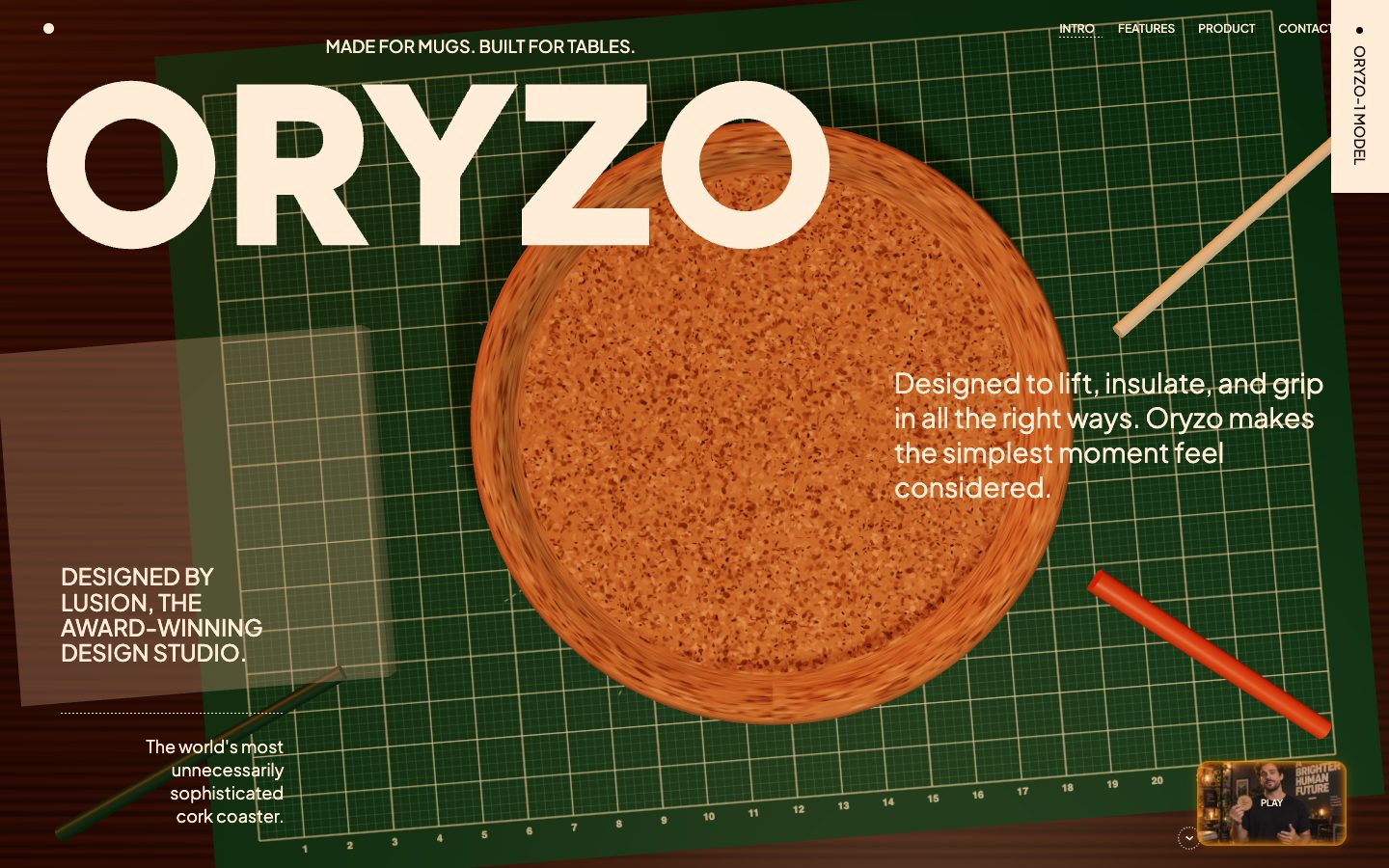
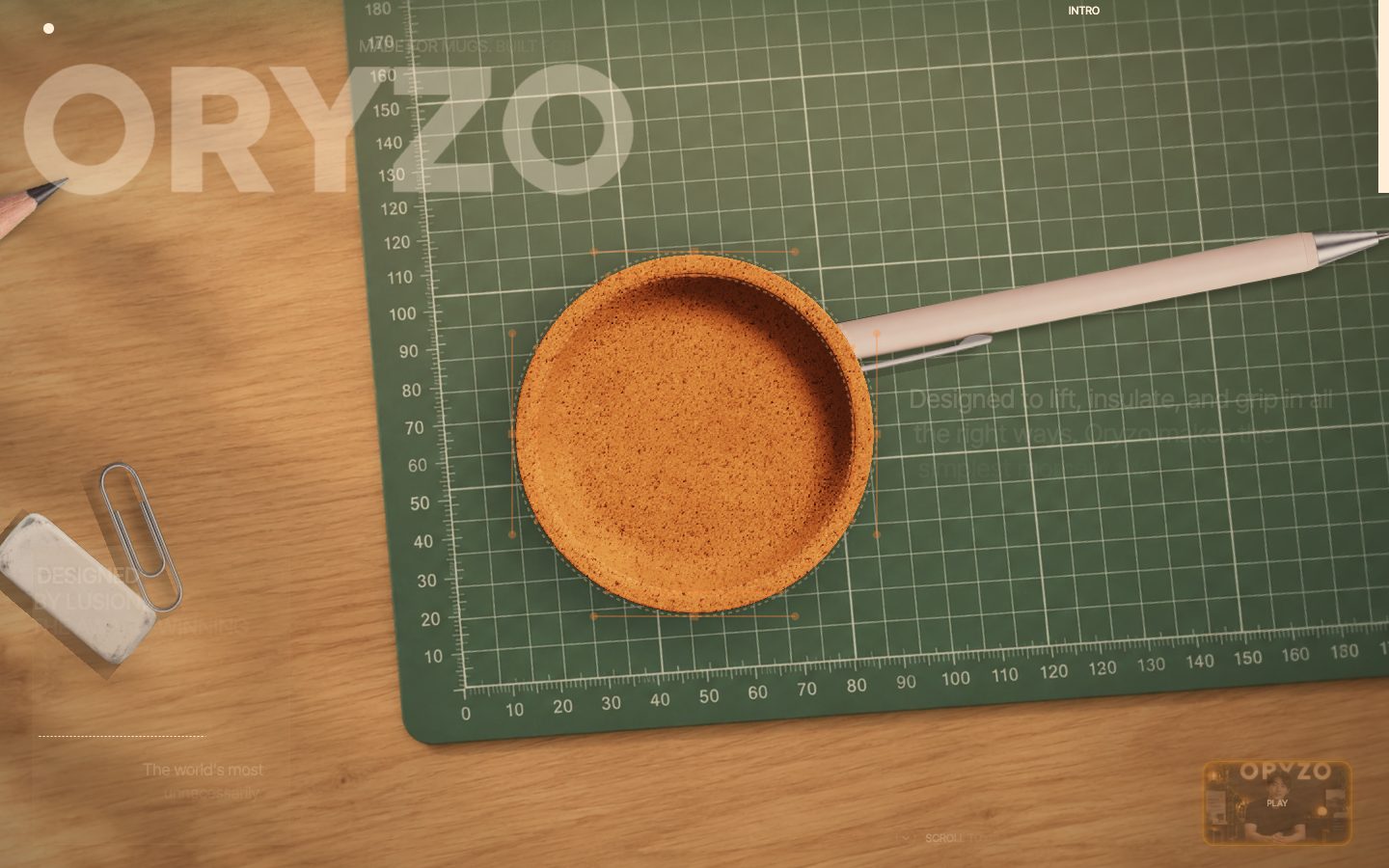
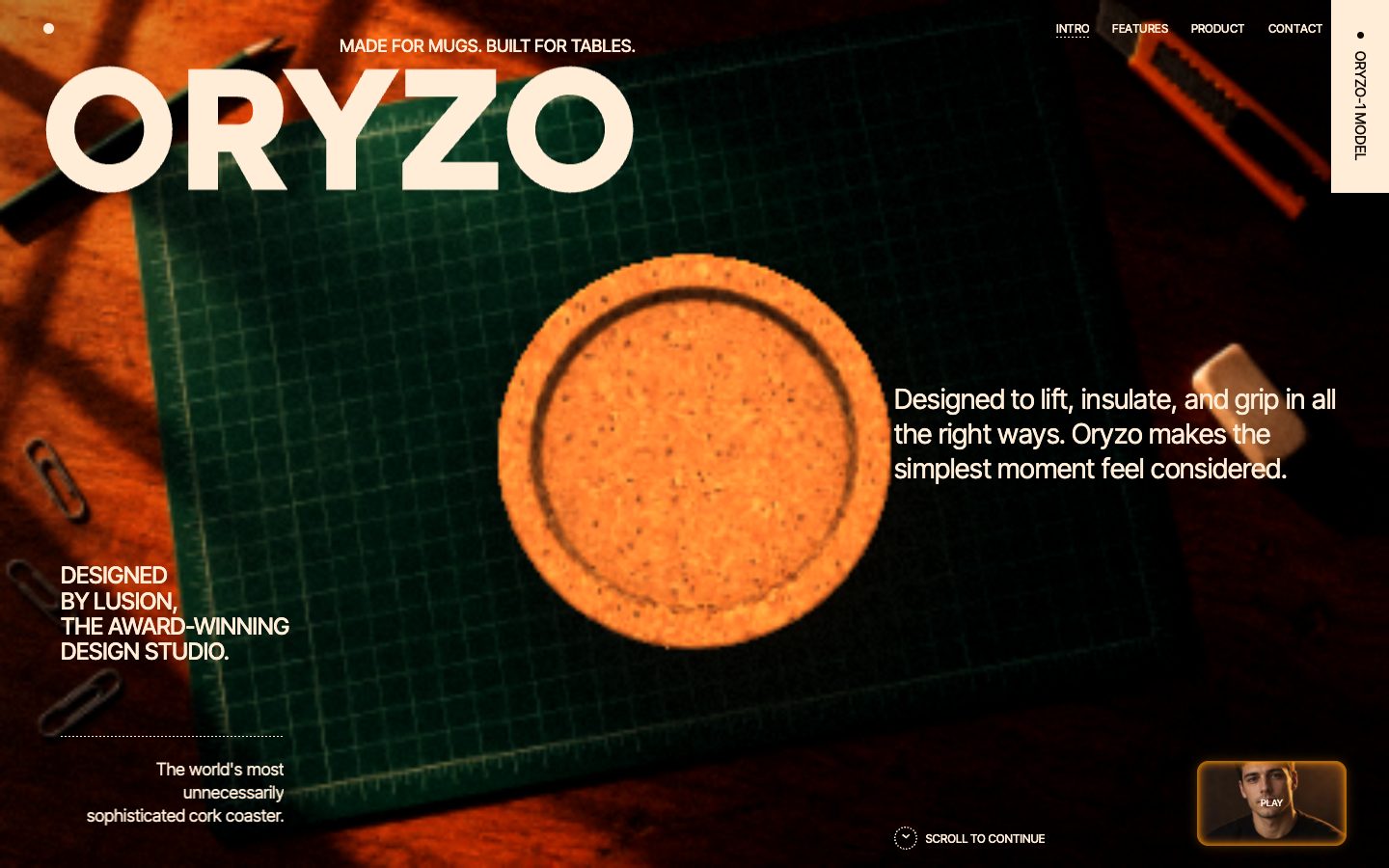
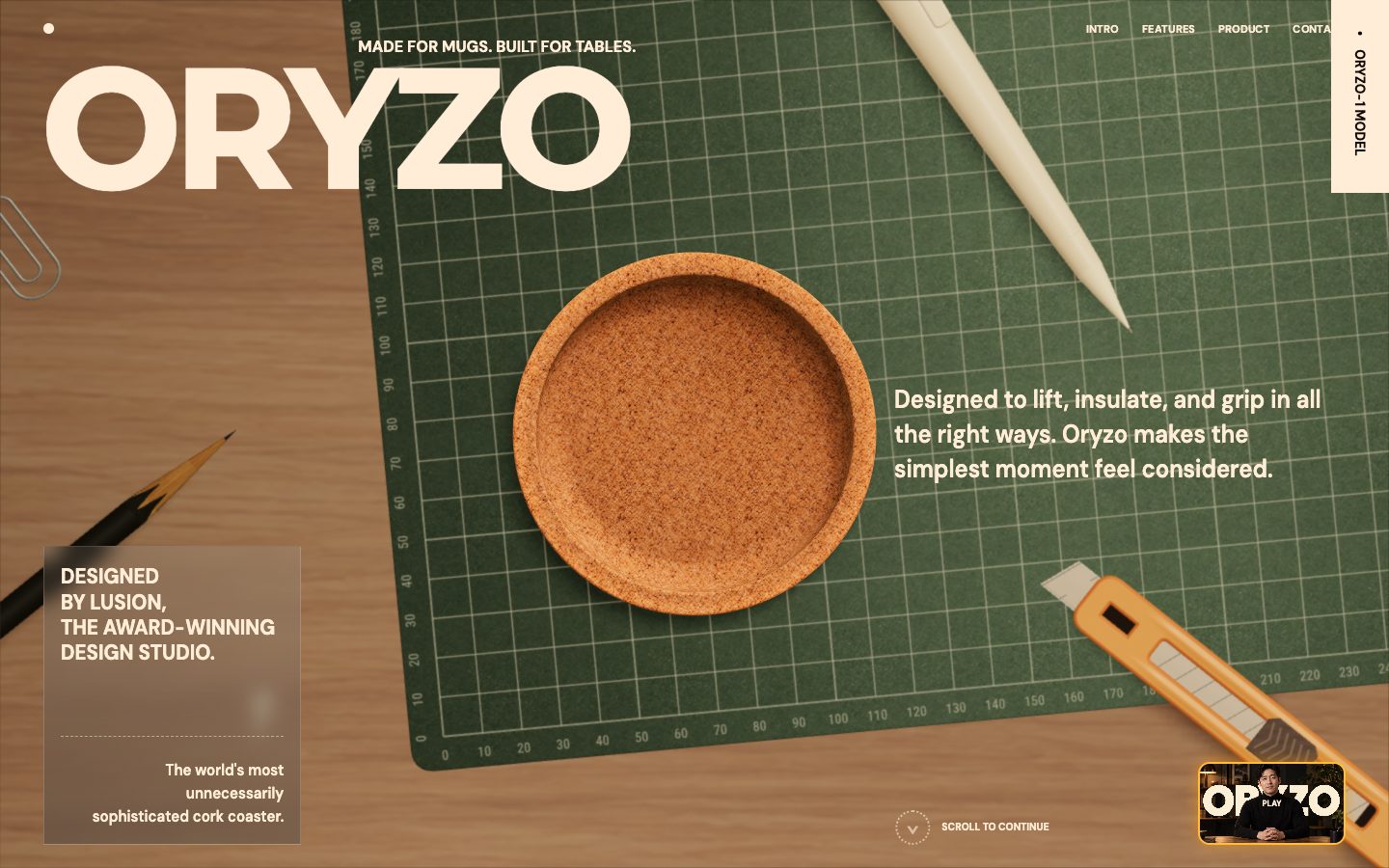
A rebuild of the oryzo.ai site with its 3D and motion, using no assets taken from the original.
Rebuild https://oryzo.ai/ pixel for pixel, motion and 3D included, making every asset yourself.

Context you should know: this is going into a video watched by a large audience. Your clone is put on screen next to the real site and next to other frontier models given this identical prompt, at the same viewport.

The comparison is blind. Never put your model name, your company's name, or any mention of which AI made it anywhere in what you build: not in on-screen text, credits, the page title, file names, code comments, or metadata.

**First, read the methodology.** Clone `https://github.com/per-simmons/clone-app-pat-pro-public` and read `SKILL.md` and `references/00-contract.md` before anything else, then each stage reference as you reach it. Follow its workspace layout, artifacts, verification gate and convergence loop. `scripts/assert-styles.mjs` is the gate.

Two overrides, and they win where they conflict with the repo:

- **Do not stop to check in.** You are running unattended. Run the whole pipeline start to finish without asking for approval or asking questions.
- **Use your own browser automation**, headless Playwright or Puppeteer, anywhere the repo says to use the Claude Chrome extension. Computed styles read off the live page through the CSSOM are ground truth. Screenshots and screen recordings are visual reference only, never the gate.

You have two creative tools: **Blender**, driven headless with Python scripts, and an **image generator** you call from the command line. Every raster image in your clone comes from the image generator. Every 3D model comes from Blender or your own code.

**The graphics must be hyper-realistic and match the original exactly. This is judged strictly, side by side.** The cork coaster must read as real cork: grain, pores, edge wear, physically based materials, real lighting, soft shadows, depth of field where the original has it. Every image you generate must match the original's subject, framing, lighting and color so closely that a viewer has to look twice. No cartoon, low-poly, flat or placeholder art, no plastic-looking defaults, no "close enough" substitutes.

Requirements:

1. **Recon the whole page before writing code.** Every section top to bottom at desktop and mobile widths, the loader, every hover, drag and scroll-triggered state, the 3D scenes, the navigation and the footer.

2. **Extract, don't guess.** Pull real computed values off the live page: type scale, exact colors, spacing, radii, borders, grid and container widths, breakpoints, easing curves and durations, font families and weights.

3. **The 3D and the motion are the site.** The WebGL coaster scenes, the scroll-driven sequences, the hover-hand interaction, the chat and magazine moments, the temperature states and every hover must all work and feel like the original.

4. **No lifted assets.** Do not hotlink, download, or trace the original's images, video, 3D files, or fonts. Make the 3D in Blender or code and every image with the image generator. Fonts come from an open CDN with metrics matched as closely as you can. List every substitution in the README.

5. **Rebuild it all.** Every section, every component, every interactive state, at desktop and mobile. A static skin over a site whose identity is 3D and motion is a failed clone.

6. **Prove the match.** Run `assert-styles.mjs` against your extracted tokens and iterate until there are zero failures and the project builds clean. Then compare your clone to the real site at the same viewport, desktop and mobile, section by section, and fix what your eye catches that the assertions missed, until the two are indistinguishable.

7. **Ship it runnable**, with a documented run command and a README covering what you substituted, how you made the 3D and the imagery, and your final assertion results.

8. **Depth over breadth.** If you have to choose, a hero, coaster scene and first three sections that are indistinguishable from the original beat a whole page that is approximately right.
| Gemini 4 Argon | Opus 5.5 | Fable 5.1 | GPT-6 Astra | |
|---|---|---|---|---|
| Input tokens | 29.6M | 189.1M | 78.7M | 271.2M |
| Output tokens | 320k | 467k | 679k | 953k |
| Cost | $11.95 | $67.87 | $98.56 | $357.84 |
| Build time | 77 min | 129 min | 112 min | 499 min |
What it cost
Argon was the cheapest model on every single test. All four of its builds came to about $40, while Opus 5.5 cost about $189 for the same four and took far longer on each one.
There's a catch, though. That's Google's promotional pricing, $2 per million input tokens and $10 per million output, and it ends on November 30.
I also ran Argon on Google's subscription, not the API. On the $99 a month plan I hit the daily limit after about one build, which is faster than I've seen with Codex or Claude Code.
And Astra is usually cheap, but not here. On the website clone it kept polishing for 499 minutes and ran up $357.
| Gemini 4 Argon | Opus 5.5 | Fable 5.1 | GPT-6 Astra | |
|---|---|---|---|---|
| Input tokens | 77.9M | 518.9M | 179.0M | 304.9M |
| Output tokens | 1.6M | 1.5M | 1.3M | 1.2M |
| Cost | $39.54 | $189.04 | $203.08 | $409.96 |
| Build time | 247 min | 715 min | 548 min | 670 min |
These are API-equivalent costs, meaning the real token counts from each build priced at each model’s published rates, even though the builds themselves ran on subscriptions.
The takeaway
I'm pretty disappointed. Argon came last in all four tests in my blind rankings, and its 3D work wasn't even close to the demos Google showed off in its own launch posts.
Opus 5.5, on the other hand, took first place in every single test. Fable 5.1 and GPT-6 Astra traded the middle spots.
Argon's one real win is price, and that only lasts until the end of November. After that it costs the same as Opus 5.5, and at that point I can't justify this kind of output for hard, long-running work.
To be fair, these are a handful of tough tests. Argon might do better on everyday knowledge work, where its benchmarks are strongest, but Claude and ChatGPT can already reach your Google Docs, Sheets and Slides through connectors, so I'm not sure what advantage is left.
For now, I'd stick with the Claude models and GPT-6 Astra. Every prompt is above, so run one yourself and see how your results compare.
Comments
Sign in to join the conversation.