Google Play Now Installs Apps You Build With AI
Describe an Android app in plain words in Google AI Studio and install it on your own phone through Google Play, with just your regular Google account.

Google now lets you describe an Android app in plain words in Google AI Studio, Google's free website for building with its Gemini models, and install it on your own phone through Google Play with your regular Google account.
It's rolling out to people 18 and over, starting with the US and a few other countries Google hasn't listed. Building the app and installing it is free with a regular Google account.
Here's Google's launch video. The part about building your own app starts about 40 seconds in:
What used to stand between your app and your phone
AI Studio has been able to build Android apps since May. Getting one onto your phone was the hard part.
Until now, you either paid $25 for a Google Play developer account so AI Studio could put the app on Google Play as a private test version, or you plugged the phone into your computer with a USB cable, turned on the phone's hidden developer settings and installed the app with developer tools. For a habit tracker only you will ever use, that's a lot of setup.
Now you skip both. You build the app in AI Studio, and Google Play installs it on your phone under the Google account you already have.
How to build one and get it on your phone
I haven't tried the new Google Play step myself yet, but going by Google's AI Studio docs and the launch post, it works like this.
- Open Build mode in AI Studio. Go to aistudio.google.com, pick Build in the left menu, then choose Android.
- Describe the app. AI Studio writes a real Android app from your prompt and opens it in a pretend phone right in your browser, so you can tap around and try it.
- Ask for changes in the chat. You can tweak it as many times as you like, or scrap it and start over.
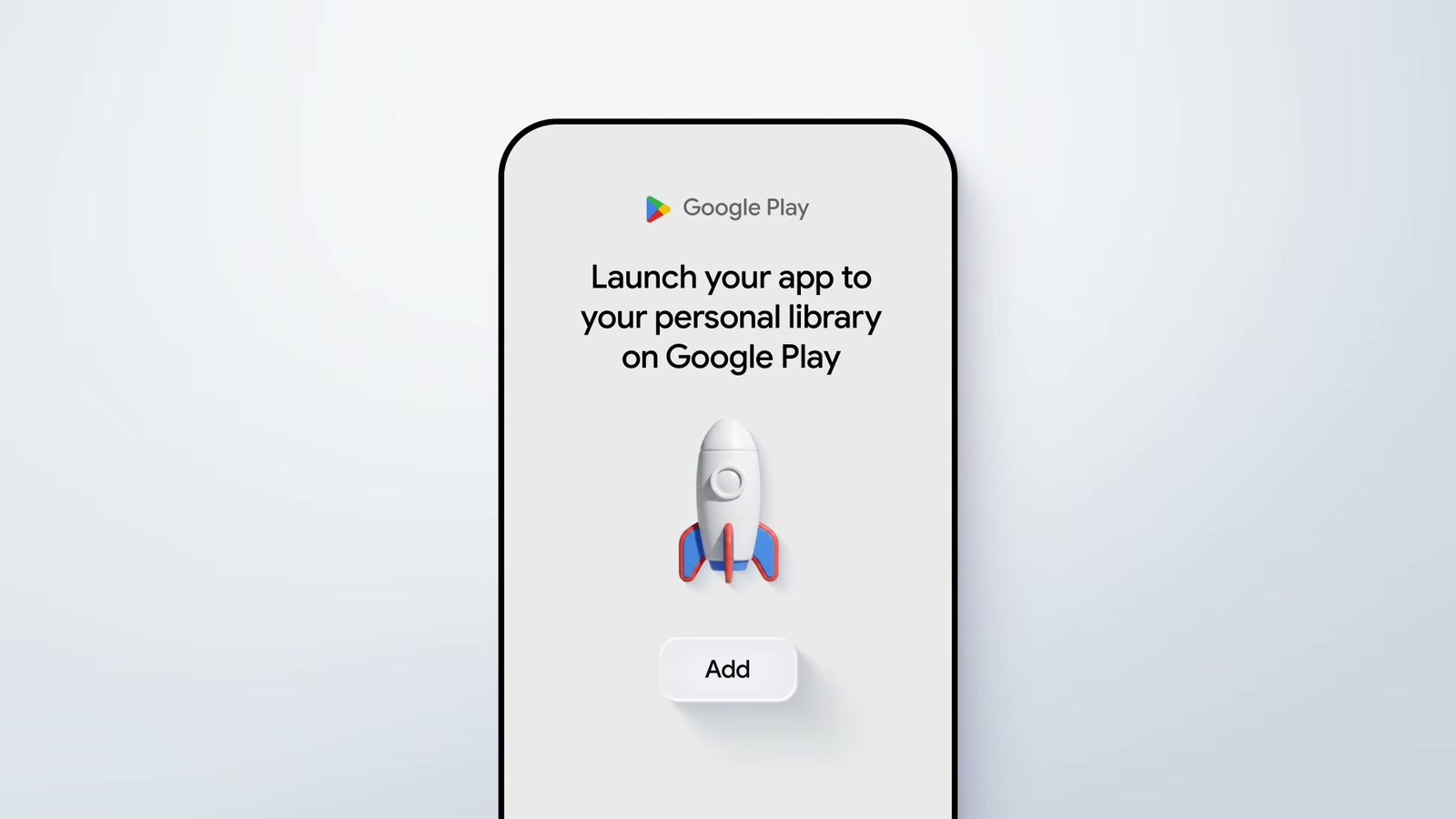
- Send it to your phone. Add the app to your personal library, a private list inside Google Play that only you can see. Then open the Play Store on your phone, signed into the same Google account, and install it from your personal library.
Here's a prompt to try in step 2:
Build me a medicine tracker for my Android phone. I take three things a day: a vitamin at 8am, an antibiotic at 8am and 8pm, and a probiotic at lunch. Show today as a checklist, send me a notification at each time, and keep a history of what I took. Store everything on my phone.
The pretend phone in your browser can't use your camera, Bluetooth or your real location, so if your app needs any of those, test it on your actual phone.
Who can see the app (only you, for now)
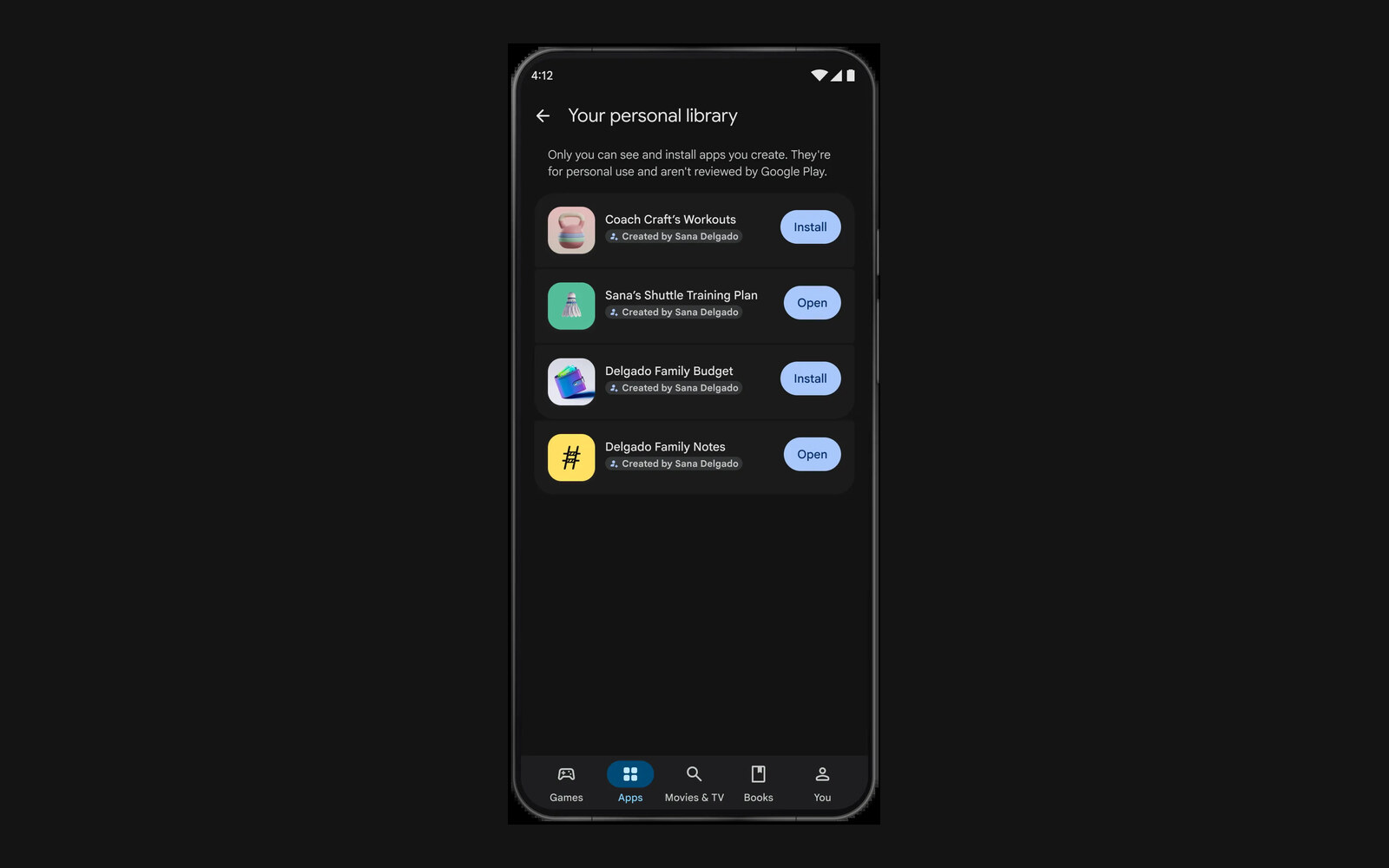
The apps are visible only to you and never show up in Play Store search. They sit in a personal library inside Google Play, which lists each one with an Install or Open button and a note that they aren't reviewed by Google Play.
Your app still has to follow Google Play's usual policies, even though nobody reviews it first.
Google says you'll be able to share your apps with friends and family in the coming months. So an app for your kid's T-ball league could go to the team's parents without ever being public.
If an app ever deserves a bigger audience, you can move it to the $25 developer account and publish it in the Play Store, where it goes through the same safety review as any other app.
What these apps can't do yet
Each app runs entirely on your phone, so it can't yet do things that need an online service, like a multiplayer game or a list you share with someone else.
Google's docs also rule out connecting the app to your Google Docs, Sheets or Gmail, or to a database that syncs between devices. Those work in the web apps AI Studio builds, which run in your browser, so if your idea needs them, ask AI Studio for a web app instead.
That still leaves a lot of small, useful apps: a tracker for one habit, a calculator for a formula you use at work, a timer for your workout, or an ad-free version of that one-job app you keep putting up with.
It's really cool that you can now build something in Google AI Studio and have it live on your phone.
AI Studio builds these apps with Google's Gemini models. Google's newest model, Gemini 4 Argon, may not be the best model out there. In my review it came last on all four hard builds (a 3D product shot, a launch video, a game and a website copy) against Opus 5.5, Fable 5.1 and GPT-6 Astra:
But a small personal app is a much easier job than those tests, and Argon is more than capable of building Android apps, so this is a quick way to test an idea, especially if you're a beginner, want your AI agents to try out what they build on a real phone, or just want your own personal software. Inside AI Studio, Argon is only on Google's $99.99-a-month Ultra plan, and everyone else builds with Google's other Gemini models, which is plenty for a habit tracker.
Google keeps making these tools easier to start with. Last week it launched Playground, where you describe a game and play it in your browser.
Meanwhile, Apple still charges $99 a year to do the same on an iPhone, and it seems to be getting stricter about vibe-coded apps hitting its App Store.
I ran into this recently. I rebuilt the note-taking app Notability with Opus 5.5, and to get it on my iPad I had to install it from my Mac over a cable. On a free Apple account, the app stops opening after seven days until you plug in and build it again, and paying Apple the $99 is what stretches that to a year. Here's that build:
On Android, getting your own app onto your phone now takes a couple of taps in Google Play.
Sources
- Google: What's new on Google Play
- Google AI for Developers: Build Android apps in Google AI Studio
- TechCrunch: Google Play now supports private vibe-coded apps built just for you
- ZDNET: Google lets you make personal Android apps for free now
- How2Shout: You can now build an Android app and install it without a developer account
- Ars Technica: Gemini 4 Argon rolls out, but only if you pay
- Apple Developer Program



Comments
Sign in to join the conversation.