Grok Bot Can Now Save Your Logins and Cards
SpaceXSI added a Vault to Grok Bot, where you save your logins, cards and contact information once and Grok Bot fills them in whenever it signs in or checks out for you. It never sees the passwords or card numbers, but it can charge a saved card without asking first.

On this page
SpaceXSI, the company behind Grok, added a Vault to Grok Bot, its agent app on plans from $30 a month.
You save your logins, cards and contact information once, and Grok Bot uses them whenever it signs in to a site or checks out for you. The Vault types the passwords and card numbers into the page itself, so Grok Bot never sees them.
It came in Grok Bot's latest update, and here's SpaceXSI's launch post with a short demo:
What you can save in the Vault, and how to fill it fast
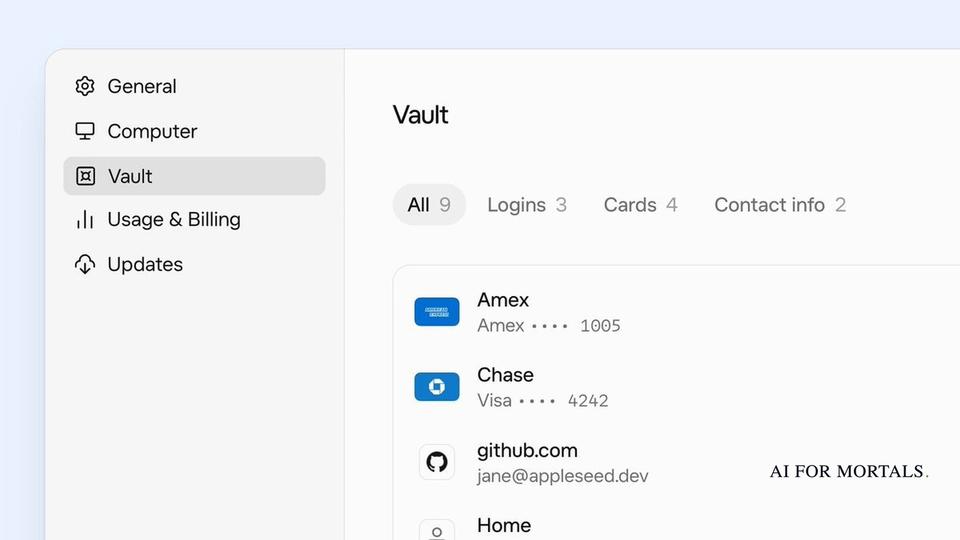
The Vault lives under Settings, then Vault, in Grok Bot on your phone and your computer, and it needs Grok Bot version 0.75.2 or later. It holds three kinds of things, according to Grok Bot's Vault help page:
- Logins: a website, your username or email, and the password.
- Cards: the number, expiry date, security code, name on the card and billing address.
- Contact info: names, addresses, phone numbers and emails for shipping and billing.
To add a card, you can scan it with your camera or upload a photo of it instead of typing it in. Each entry also takes a hint, such as "Use for work purchases," and Grok Bot follows that hint when it has to choose between two cards or two addresses.
You can also add contact info without opening the Vault. When you give Grok Bot your name, address, phone number or email in a chat, it saves them to the Vault once the task is done and tells you what it kept, unless you say not to.
You don't have to re-enter your logins one by one, either. On your computer, you can export your passwords as a file from 1Password, Chrome, Edge, Apple Passwords, Firefox, Bitwarden or LastPass and bring them all in at once. SpaceXSI says the file is read on your computer and never uploaded, and since that export holds your passwords unencrypted, it says to delete it once the import is done.
Grok Bot lets you set up more than one Bot, and everything you save is shared across your whole account, so every one of them can use every item. Team Bots, the ones shared with coworkers, can't use the Vault at all.
How Grok Bot signs in without ever seeing your password
In SpaceXSI's demo, someone asks Grok Bot to pause their Google Ads campaigns that are over budget. Grok Bot needs to sign in first, so it sends a secure form into the chat instead of asking for the password in a message.
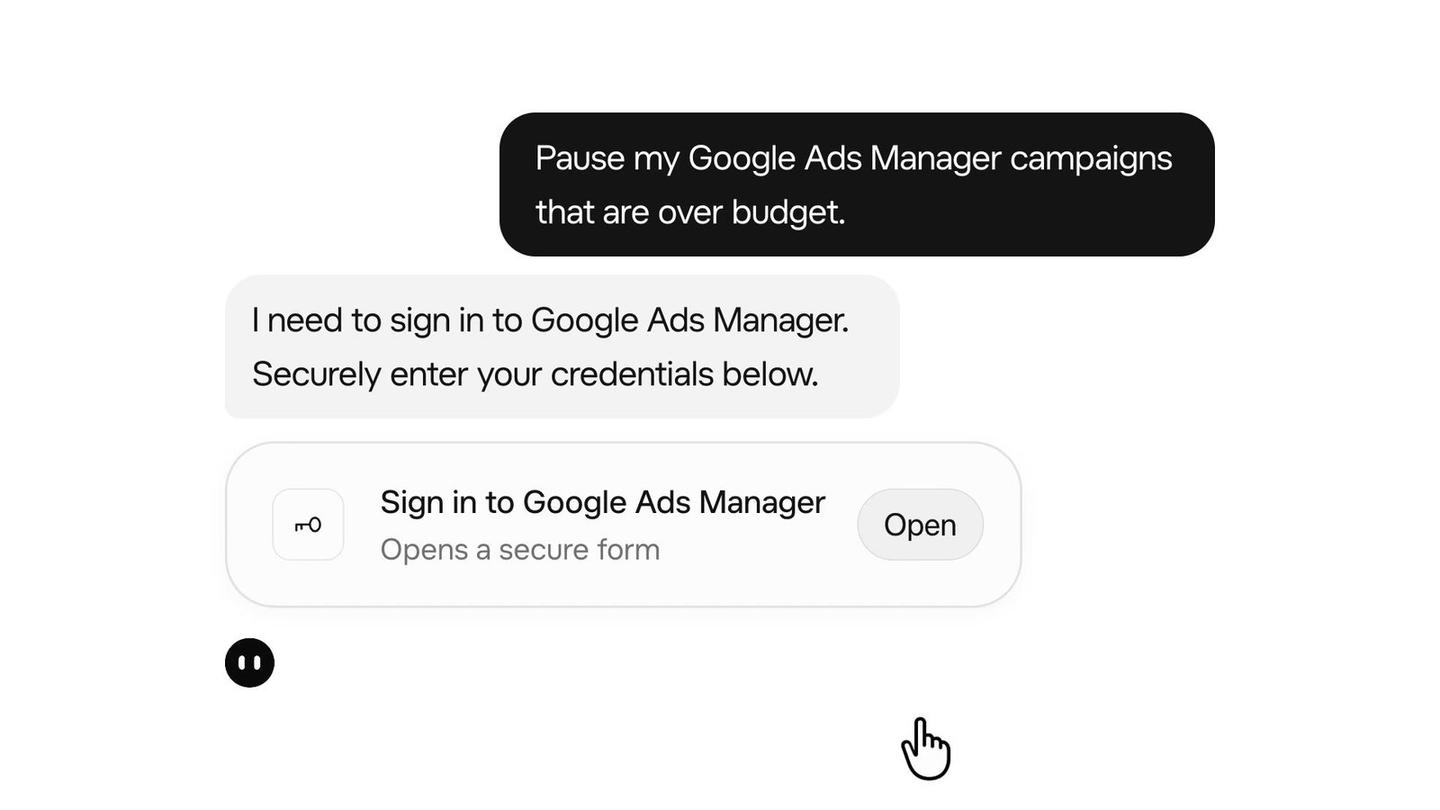
That form has a box marked "Securely save to Grok Bot's vault." Tick it and the login is kept for next time; leave it unticked and the login is used only in that chat and then expires on its own.
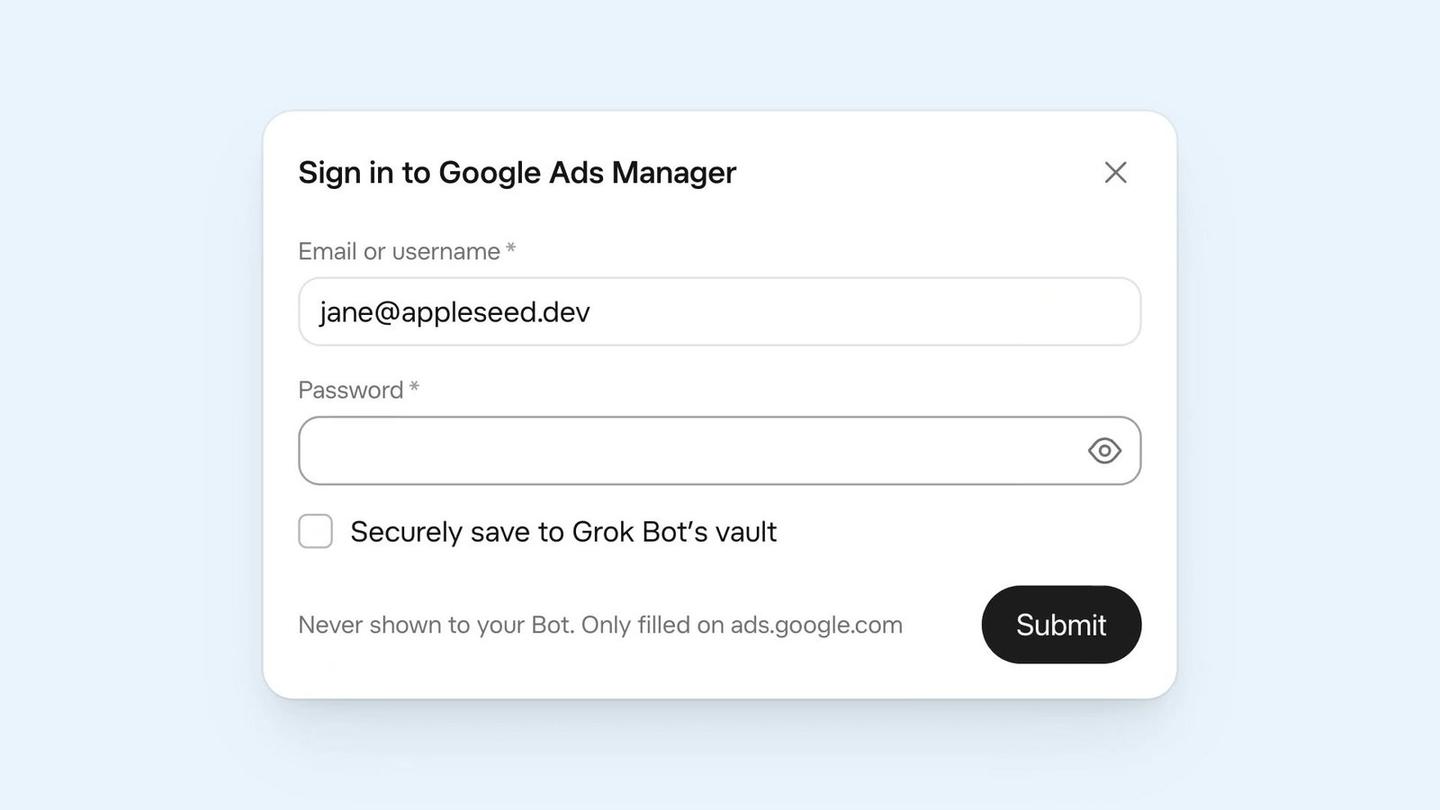
The line under it reads "Never shown to your Bot. Only filled on ads.google.com." The Vault fills each login in only on the site it belongs to.
Grok Bot can still see some of what you save in the Vault. It can read your contact info and the list of sites you've saved logins for, so it can pick the right entry and type your address in for you. Passwords, card numbers and security codes stay hidden from it.
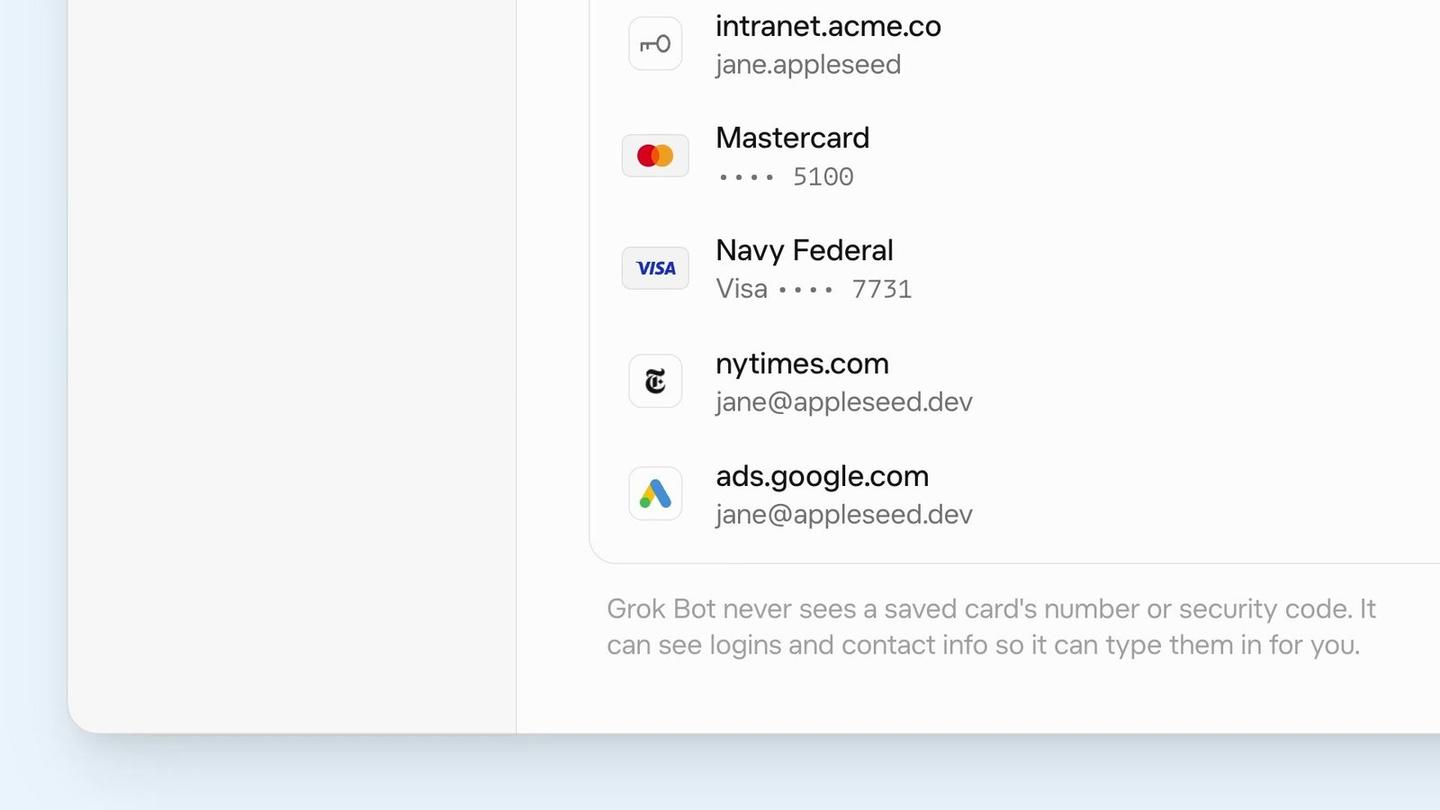
When Grok Bot needs to sign in, it checks the Vault first. If the login isn't there, it tries a password manager you've connected, like 1Password, and if neither has it, it asks you with that secure form. If you let it sign up for a new site, the Vault makes up the password and saves it, and Grok Bot never sees that one either.
A saved card can be charged without asking you first
Grok Bot's help page asks whether it checks with you before it uses a saved card, and SpaceXSI's answer is "Not necessarily." It adds that "there's no setting that requires your approval each time a saved card is used."
SpaceXSI's advice is to keep a card out of the Vault if you want to OK every payment:
- When Grok Bot asks for a card at checkout, leave "Securely save to Grok Bot's vault" unticked, and the card is used only in that chat. SpaceXSI warns that some card forms have no save box at all and send the card straight to the Vault, so skip those if you want to approve each payment.
- If you already saved a card, open Settings, then Vault, pick the card and choose Remove.
Grok Bot already had a stricter way to pay. In August it added shopping through Link, Stripe's saved-payments service, where you approve every spend and Grok Bot gets a single-use card for each payment.
The instruction that keeps Grok Bot from paying
Since nothing asks you before a saved card is charged, your request itself has to say where Grok Bot stops. A shopping ask like this one spells it out:
Find me a carry-on suitcase under $200 with good reviews, add the best one to my cart on Amazon, and stop at the checkout page. Don't pay for anything.
Grok Bot also has a built-in check called Auto-review that decides when to pause and ask you before it acts. This update fixed a bug where Auto-review could let through something your request told it to stop before, like sending an email you'd only asked it to draft, according to Grok Bot's changelog.
I've written that kind of stop into my own requests. I recently had Grok Bot plan a Montreal trip in a test against two other personal agent apps, Meta's Muse and ChatGPT's Dots. My only limit was telling it to take everything to the checkout page and stop without paying. With a card saved in the Vault, a rule like that is all that stands between Grok Bot and a purchase.
Here's that test:
How the Vault fits with 1Password for Agents
Last week, 1Password launched 1Password for Agents, a way for Grok Bot and other agents to sign in to your accounts with your 1Password logins. It asks you to approve every login on your own phone or computer.
Grok Bot uses both. It tries the Vault first and falls back to 1Password when a login isn't saved there, according to Grok Bot's help page on connecting apps. 1Password also doesn't fill in payment cards, so the Vault is the only place Grok Bot can pay from on its own.
1Password has you approve every login you share with Grok Bot, while the Vault lets Grok Bot sign in, and pay with a saved card, without stopping to ask.
Which plans include Grok Bot and the Vault
Grok Bot comes with The X Subscription, SpaceXSI's set of plans that bundle Grok, the Cursor coding app and X Premium. It's included on Premium at $30 a month, Super at $100 and Ultra at $200, according to SpaceXSI's pricing page, and not on The X Subscription's cheaper Plus plan or its free tier.
Sources
- Grok Bot on X: save your logins, cards and contact information
- Grok Bot Help: Store secrets securely (Vault)
- Grok Bot Help: Connect apps (1Password)
- Grok Bot changelog: v0.75.5
- SpaceXSI: The X Subscription pricing
- Grok Bot Help: Plans and billing
- Grok Bot on X: approve every spend with single-use cards
- TestingCatalog on X: the Vault tab on mobile and desktop




Comments
Sign in to join the conversation.