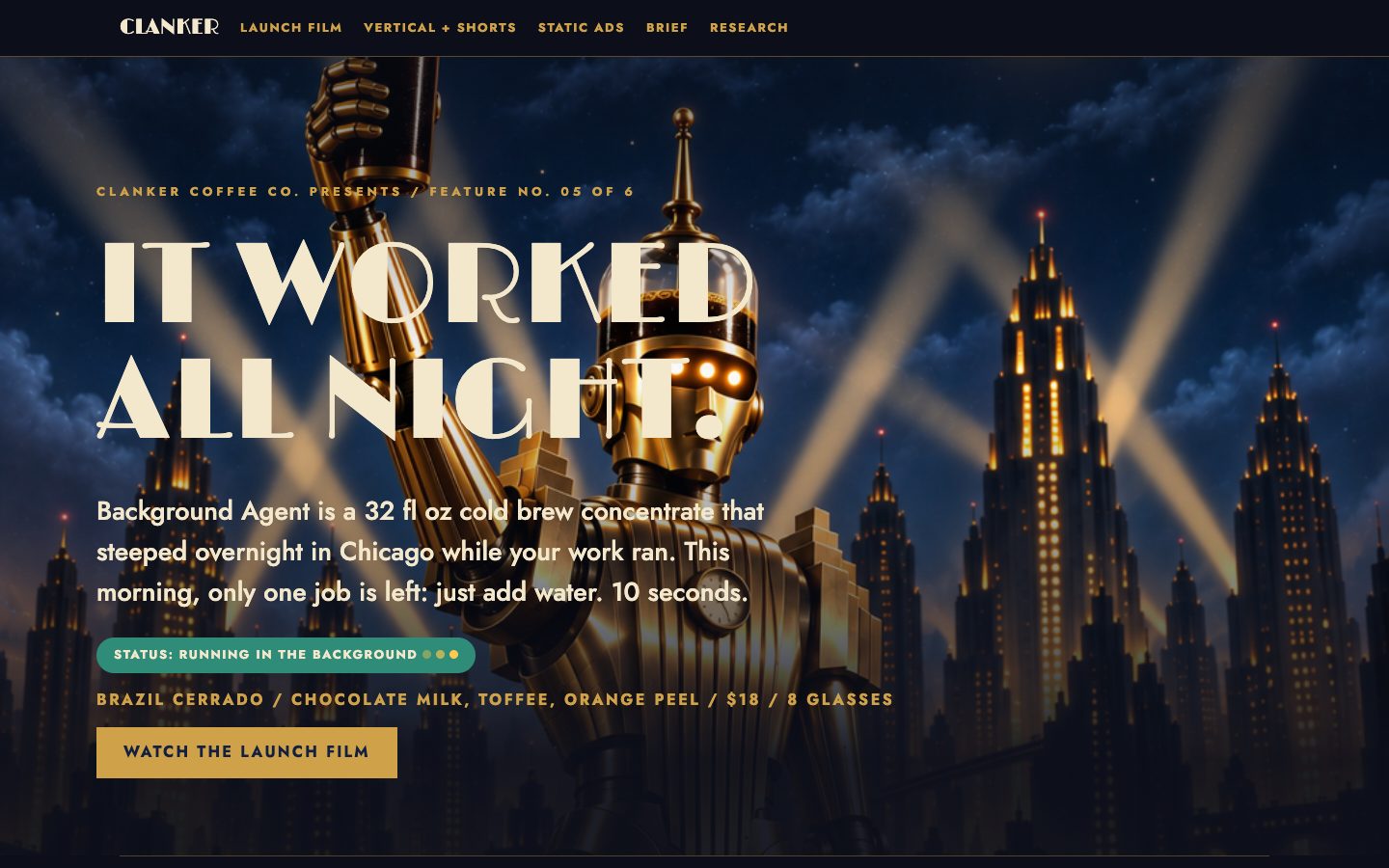
The prompt
Build the Clanker Coffee iPhone app, modelled on the Philz Coffee app, as a native SwiftUI app that runs in the iOS simulator.

Context you should know: this is going into a video watched by a large audience. Your app is put on screen next to three other frontier models given this identical prompt.

The comparison is blind. Never put your model name, your company's name, or any mention of which AI made it anywhere in what you build: not in the app's screens, the app name, bundle identifier, file names, code comments, or metadata.

Clanker Coffee Co. is a specialty roaster with a cafe at its roastery in Chicago's West Loop. Everything the company owns is in `./clanker-kit/`: the brand book, logos, labels, product photography, fonts, colors, and `PRODUCTS.md`. Study how the Philz Coffee app works, then build Clanker's version of it.

The app must have:

1. **Order ahead** from the West Loop cafe: a drink menu built on Clanker's blends, a drink page where you customize size, sweetness, creaminess, milk and hot or iced the way Philz does, a cart, a pickup time, and checkout with a mock payment sheet.
2. **Rewards**: a points card that fills as you order, a scannable code, and a reward you can redeem.
3. **Order tracking and history**: the live status of the current order, and past orders you can reorder in one tap.
4. **The bag shop**: buy any blend in its sizes, and manage an Autopilot subscription (pick the blend, choose every 2 or 4 weeks, skip or pause).
5. **Account**: profile, saved favorites, payment methods (mock).

Requirements:

- Native SwiftUI, a real Xcode project that builds with `xcodebuild` with zero errors. All data is local mock data; no real network calls or payments.
- On brand: the kit's colors, type, logos and product photography, with Sterling where it fits. It should feel like a real, polished coffee app, not a template.
- Install and run it in the simulator you were given, and use it: tap through every flow and fix what breaks.
- Save screenshots of every main screen to `screenshots/`, and record a 60 to 90 second walkthrough of a full order, from opening the app to the reward being added, to `walkthrough.mp4` with `xcrun simctl io <udid> recordVideo`.
- A README with the build and run commands.

DONE when: the app builds clean, runs in the simulator, every flow above works end to end, and the screenshots and the walkthrough recording exist.
The exact prompt from the article.
The builds
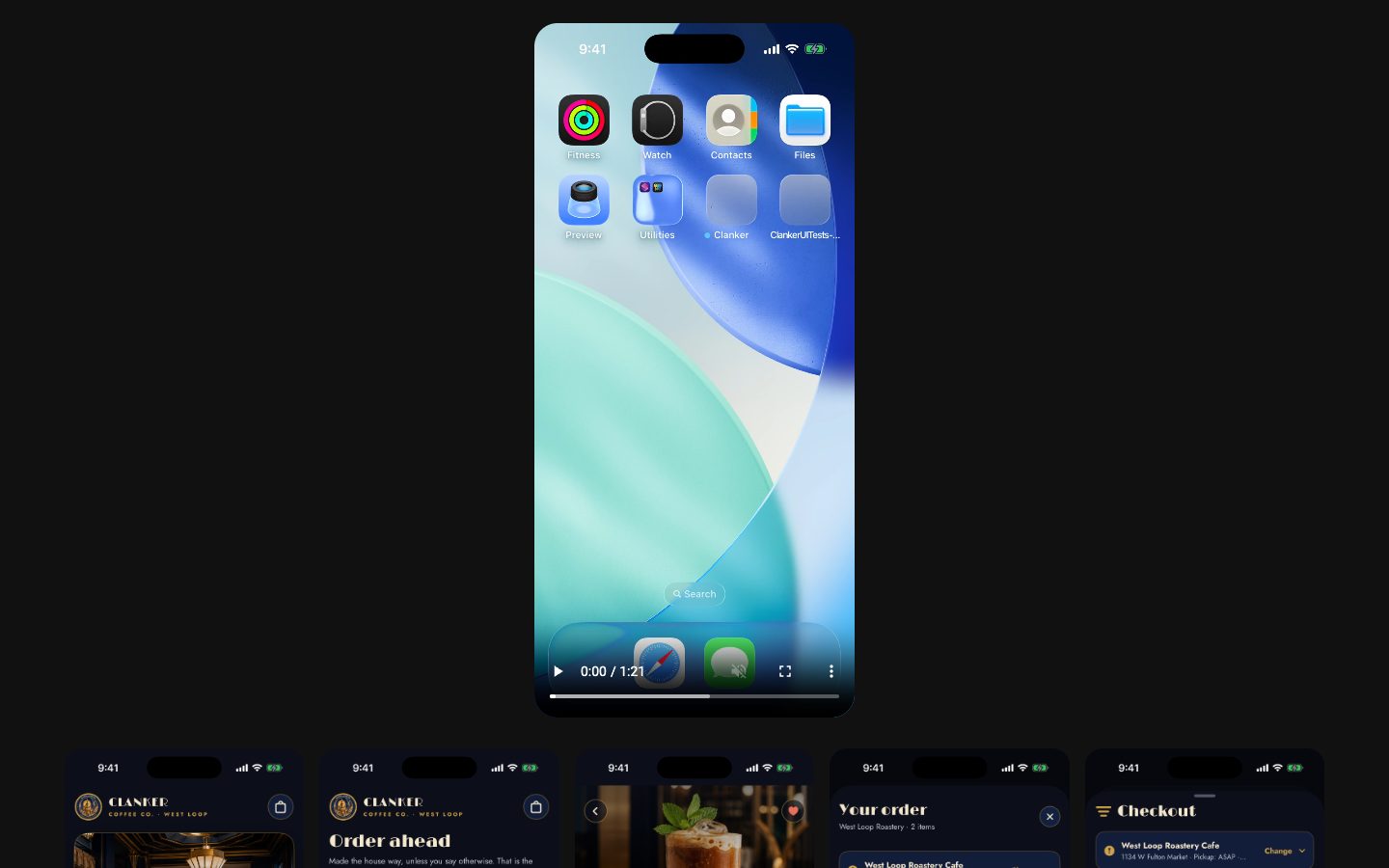
Muse Wonder Full · Screenshot of the buildRuns in your browser

Written by
Pat Simmons. Pat tests AI models and tools on his YouTube channel.