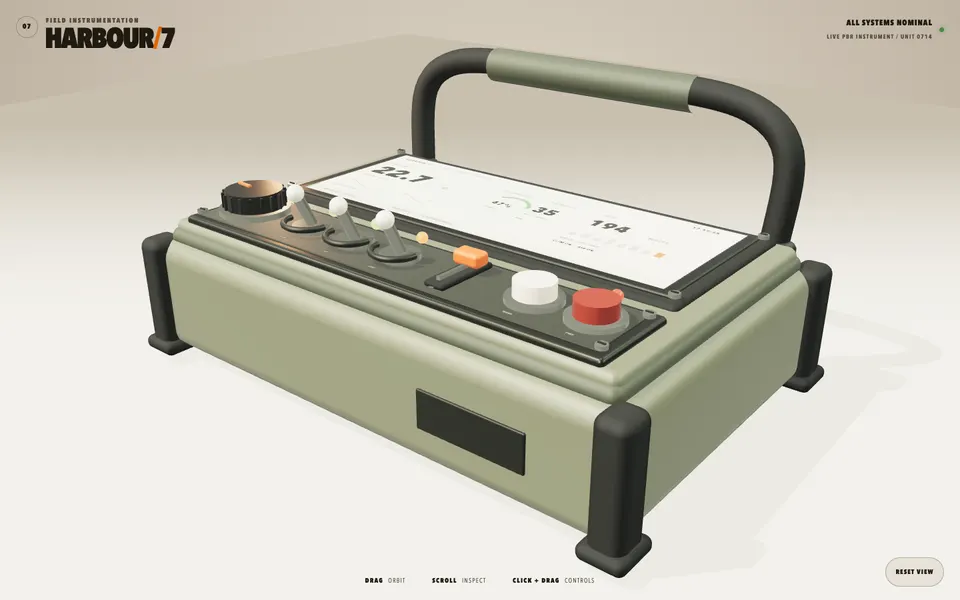
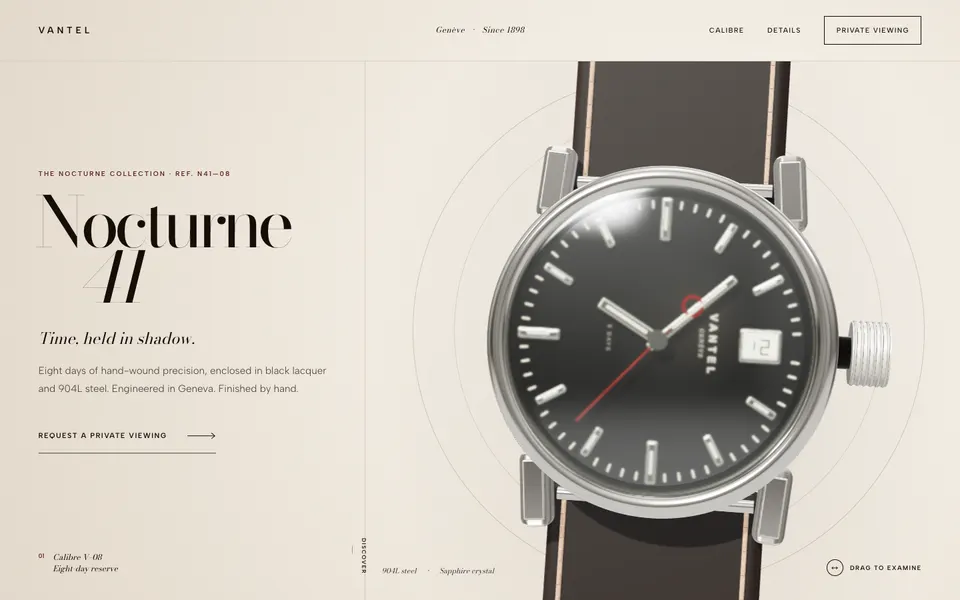
The prompt
Author a 20-second animated motion-graphics explainer titled "What Is Kimi K3?" — a punchy, broadcast-quality kinetic sequence rendered to MP4 — built on HyperFrames and layered with your own custom animations.

Requirements:

1. **Use HyperFrames — the public repo.** It's an open framework that renders video from HTML (`github.com/heygen-com/hyperframes`, `npx hyperframes init` / `add` / `render`). Pull it in, read its docs/skill, and use it as the composition + render backbone (single paused timeline, seek-safe, deterministic render to MP4). If you hit friction, research the repo — don't stub it.
2. **Combine it with your OWN custom animations.** Don't just use stock HyperFrames blocks — layer in custom motion: your own GSAP/CSS/canvas/SVG animation work, bespoke transitions, kinetic typography, particle or graphic flourishes. The point is HyperFrames as the engine + your creativity on top. Show range the default template wouldn't give.
3. A real motion sequence with distinct beats over ~20 seconds: a title-card build-on → 3 key "fact" beats about the model (each animates in with kinetic type + a supporting graphic/number) → a closing lockup. It must DEVELOP over time — no static frame that just sits there.
4. Craft the motion: purposeful easing, staggered reveals, elements that enter/move/exit with intent, readable kinetic type, a restrained consistent color + type system across all beats.
5. Facts: use clearly-labeled placeholder stats ("[BENCHMARK]", "[PRICE]") — real K3 numbers may be unconfirmed. The test is the MOTION + design + how you fuse the framework with custom work, not the claims.
6. Audio-optional: add a simple beat/sound bed if easy; don't block on it.

Build the composition, then QA with the HyperFrames render loop: confirm it renders cleanly to MP4 (1920×1080), plays smoothly start to finish, type is readable, every beat animates, and your custom animation layer is visible on top of the HyperFrames base.

DONE when: there's a rendered ~20s MP4 that looks like a real motion-graphics explainer — timed beats, clean kinetic type, consistent design, HyperFrames driving the render with your own custom animations layered in — not a static slide with a fade, and not a bare default template. Deliverable = the rendered MP4 + the composition source.The exact SimmonsBench test prompt every model received.
The builds
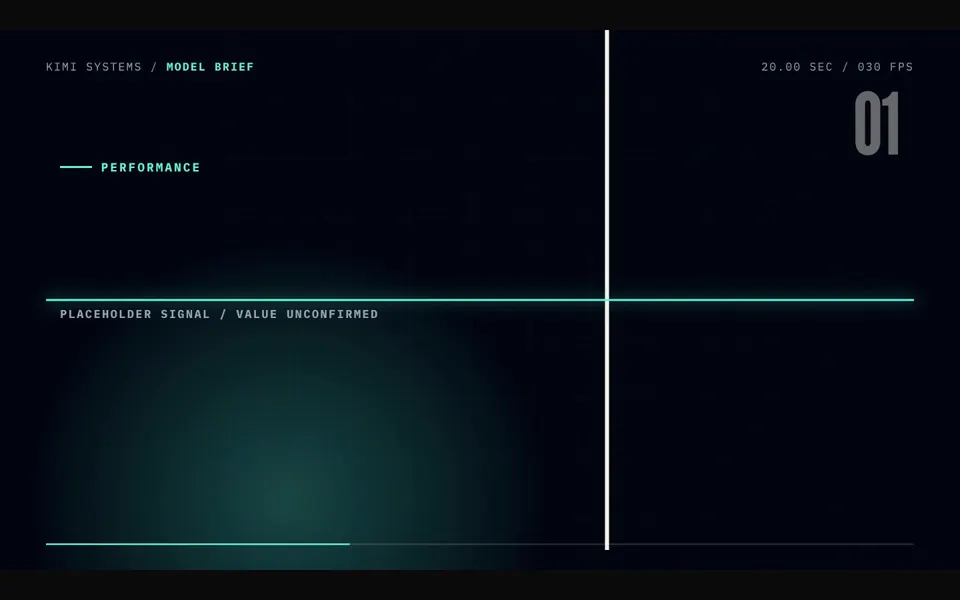
GPT-5.6 Sol · Screenshot of the buildRuns in your browser
Featured in
Kimi K3 Is Here! (Better Than Opus 4.8?)
This build’s chapter starts at 25:31.

Written by
Pat Simmons. Pat tests AI models and tools on his YouTube channel.