Cursor AI for Beginners: What It Is and How to Use It
What Cursor's AI coding app does, what the free plan includes, how to install it, and five copy-paste prompts for your first small build.

On this page
- What does Cursor AI do?
- Can I use Cursor AI for free?
- How to download, install and set up Cursor
- Your first build in Cursor: 5 copy-paste prompts
- Agent, Tab and Ask: Cursor as an agentic AI coding tool and an AI coding assistant
- Cursor on your phone and in the cloud
- Is Cursor AI better than ChatGPT?
- Who owns Cursor? Is it Elon Musk?
- Questions people ask about Cursor
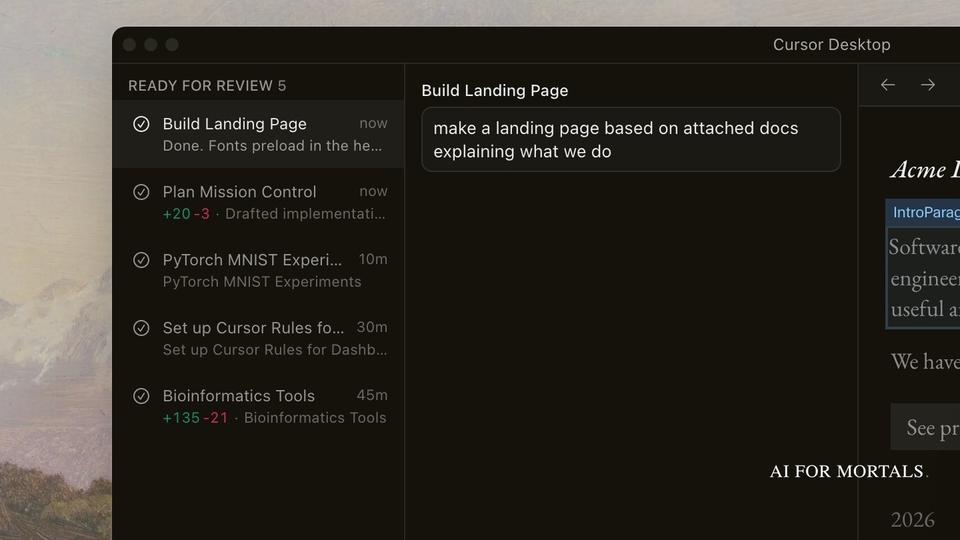
Cursor is an AI coding app: a code editor with an agent built in. You describe what you want in plain English, and the agent reads your project, writes the code, runs commands and fixes errors. Cursor calls itself "your coding agent for building ambitious software".
There is a free plan, and paid plans cost $8, $30, $100 or $200 a month on Cursor's pricing page (checked November 27, 2026). Claude and GPT models cost extra on top of the $30 plan and up. To start, download Cursor, open an empty folder and ask the agent to build one small thing, like a to-do list page that opens in your browser.
This guide is built from Cursor's own pages and help center. Nobody at AI for Mortals tested Cursor for it, so it describes what each feature does and costs and makes no claims from use.
What does Cursor AI do?
Cursor turns plain-English requests into working code inside a folder on your computer. Cursor's docs say you can use it to understand a codebase (all the files that make up a project), plan and build features, fix bugs and review changes.
The part that does the work is Agent. Cursor's Agent documentation describes it as an assistant that "can complete complex coding tasks independently, run terminal commands, and edit code." It searches your files and the web, reads and edits files, runs commands in the terminal (the text window where programs get started) and can control a browser to check its own work.
Cursor's help center has a page on vibe coding, the habit of describing what you want and letting an agent write the code. It says the approach opens software up to people beyond professional engineers, such as designers building working prototypes and product managers making internal tools.
The same page sets a limit. Cursor writes: "We don't recommend shipping software you don't understand to production." It calls vibe coding strong for prototypes, experiments and internal tools, where the stakes are low.
Can I use Cursor AI for free?
Yes. Cursor's Free plan costs $0 and includes limited agent and Chat requests, using only Cursor's own AI models. To use Claude, GPT or Gemini models, or to run agents in the cloud, you need Premium at $30 a month or higher.
These are the plans for new customers as listed on cursor.com/pricing on November 27, 2026, in US dollars before tax. "Usage" is the size of your AI allowance compared with Plus, the cheapest paid plan.
| Plan | Price | Usage | What you get in Cursor | Claude, GPT and Gemini |
|---|---|---|---|---|
| Free | $0 | Limited | Limited agent and Chat requests | Not included |
| Plus | $8 a month | Base | Agent with Cursor's own models only | Not available |
| Premium | $30 a month | 4x Plus | Cloud agents and automations, code hosting, Bugbot AI code reviews | Available, billed separately by usage |
| Super | $100 a month | 15x Plus | Everything in Premium, plus priority model access at peak times | Available, billed separately by usage |
| Ultra | $200 a month | 50x Plus | Everything in Super, plus earliest access to new products and models | Available, billed separately by usage |
| Teams | $30, $100 or $200 per seat a month | Matches the seat's tier | Team marketplace for rules and plugins, central billing, single sign-on | Available, billed separately by usage |
Claude, GPT and Gemini are billed at the AI companies' own API list prices, paid from credit you top up in advance. Cursor's pricing help page lists yearly prices too: $80 for Plus, $300 for Premium, $1,000 for Super and $2,000 for Ultra.
Cursor is now part of The X Subscription, one plan for Grok, Cursor and X, so the paid tiers also come with Grok and X perks. For a plan-by-plan breakdown, see what each Cursor plan costs.
The Hobby plan was the name of Cursor's old free plan. Cursor now lists Hobby, Pro ($20 a month), Pro+ ($60) and the old Ultra as legacy plans. Existing subscribers keep them, new customers can't buy them, and Premium at $30 is the closest match to the old Pro.
Students: Cursor stopped new sign-ups for its student discount on June 25, 2026, and anyone who already redeemed it keeps that rate until the plan expires. Cursor's student page says undergraduates can claim credits and discounts at on-campus and online events this fall, and master's students, PhD candidates, researchers and educators can apply for credits through a form.
How to download, install and set up Cursor
Download Cursor from cursor.com/download. It runs on macOS 12 or later, Windows 10 or later, and Linux, and you need a free Cursor account. Cursor's install guide says it takes under five minutes.
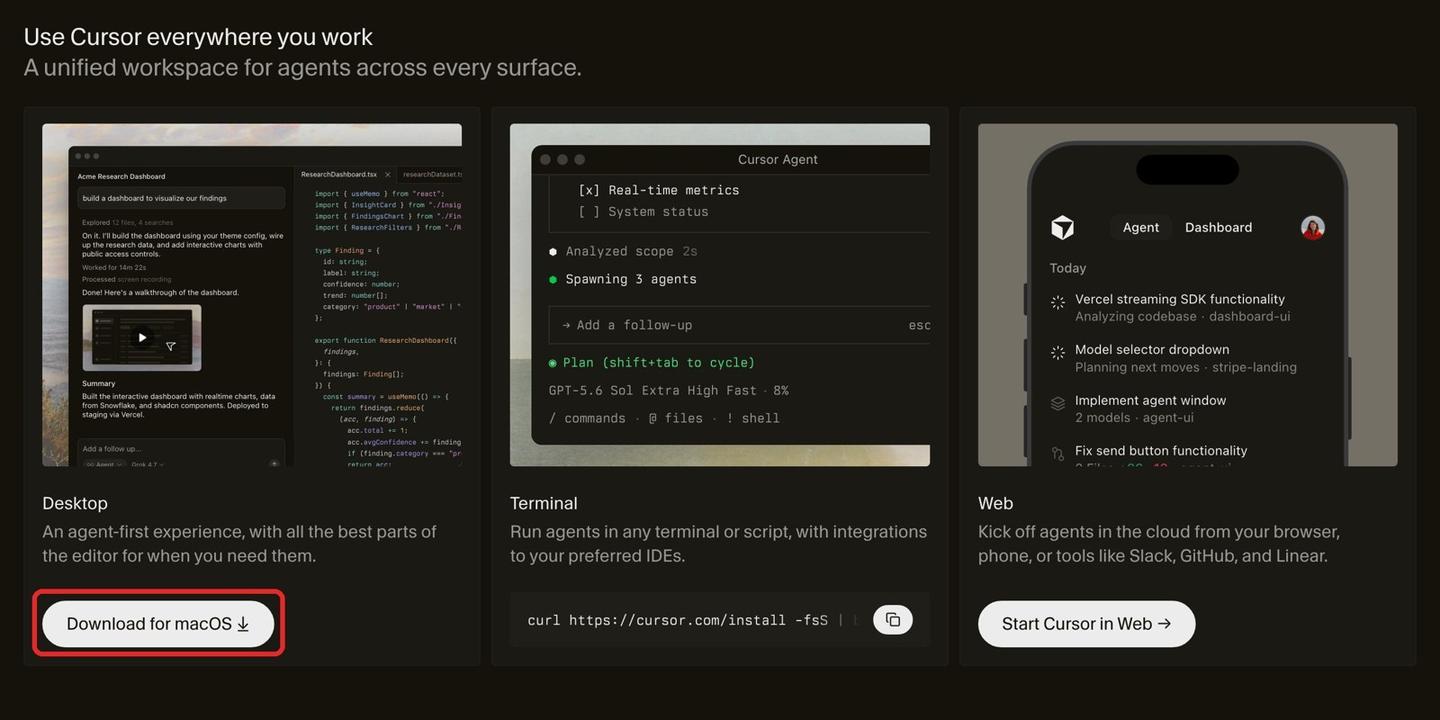
These are the steps from Cursor's install guide:
- Go to cursor.com/download.
- Click the download button for your operating system.
- Open the downloaded file.
- On a Mac, drag Cursor into your Applications folder. On Windows, run the installer and follow the prompts.
- Open Cursor and sign in with your Cursor account.
- Choose File > Open Folder and pick a folder for your project.
On Linux, the guide says to install with your package manager (apt or dnf) or run the AppImage file. Cursor's quickstart lists the exact commands for Debian, Ubuntu, Fedora and RHEL.
Cursor began as a modified copy of the VS Code editor and shares its default keyboard shortcuts. If you already use VS Code, Cursor's migration page shows how to bring over your extensions, themes, settings and keyboard shortcuts in one click: open Cursor Settings with Cmd+Shift+J (Ctrl+Shift+J on Windows), go to General, then Account, and click Import under VS Code Import.
Your first build in Cursor: 5 copy-paste prompts
Open the Agent panel with Cmd+I on a Mac or Ctrl+I on Windows, type a request and hit send. Cursor's first-project guide says Agent then explores your files, makes its edits and shows you the changes, which you can review and reject.
The five prompts below are examples written for this guide, in the order you'd use them for a first small project. Nobody ran them for this page, so treat them as starting points. Start in an empty folder so the agent has nothing else to change.
1. Build the first version
Build a single-page to-do list I can open in my browser. Use plain HTML, CSS and JavaScript in this folder. Keep the tasks saved so they are still there when I reload the page. Explain each file you create in one sentence.
2. Get it running on your computer
Tell me exactly how to open what you just built, step by step, as if I have never used a terminal. If something needs to be installed first, say what it is and why.
3. Change one thing at a time
Add a due date to each task and sort the list so the task due soonest is at the top. Change only what you need to, then list the files you changed and what you changed in each.
4. Fix what breaks
When I click Add, nothing happens. Find out why, fix it, test it in the browser, and tell me in plain words what was wrong.
5. Plan the next, bigger build first
I want a habit tracker page where I tick off three daily habits and see a streak for each. Before writing any code, ask me any questions you have, then write a short plan listing the files you would create. Wait for my OK before you build.
For prompt 5, switch on Plan Mode first by pressing Shift+Tab in the agent's input box. The quickstart says Cursor then researches your project, asks clarifying questions, writes a plan and waits for your approval before building.
If the agent takes a wrong turn, Cursor's Agent docs describe checkpoints: snapshots of your files that Agent saves before big changes. Click a checkpoint in the chat to see your files at that point and restore them.
Agent, Tab and Ask: Cursor as an agentic AI coding tool and an AI coding assistant
Cursor gives you three ways to work with AI. Agent makes changes for you, Tab finishes code as you type, and Ask answers questions without touching your files.
Agent is the "agentic" part: you hand it a task and it decides the steps, uses its tools and keeps going until the task is done. Cursor's docs say there is no limit on how many tool calls Agent can make in a task. For a bigger job, such as a whole feature, you can create a Project, where a coordinating agent plans the work and hands parts of it to other agents.
Tab is the classic AI coding assistant. Cursor's Tab guide calls it "Cursor's AI-powered autocomplete": suggestions appear as gray text ahead of your cursor, Tab accepts them and Esc rejects them. It can change several lines at once and suggest matching edits in other files.
Ask is read-only. Cursor's Ask mode page says the agent "answers questions and explores code without making any edits." Open the Agent panel and press Shift+Tab to cycle to Ask, or pick it from the mode menu. Cursor's quickstart suggests a first question for any project you didn't write: "Explain this codebase. Point me to the main entry points, key modules, and anything I should read before making changes."
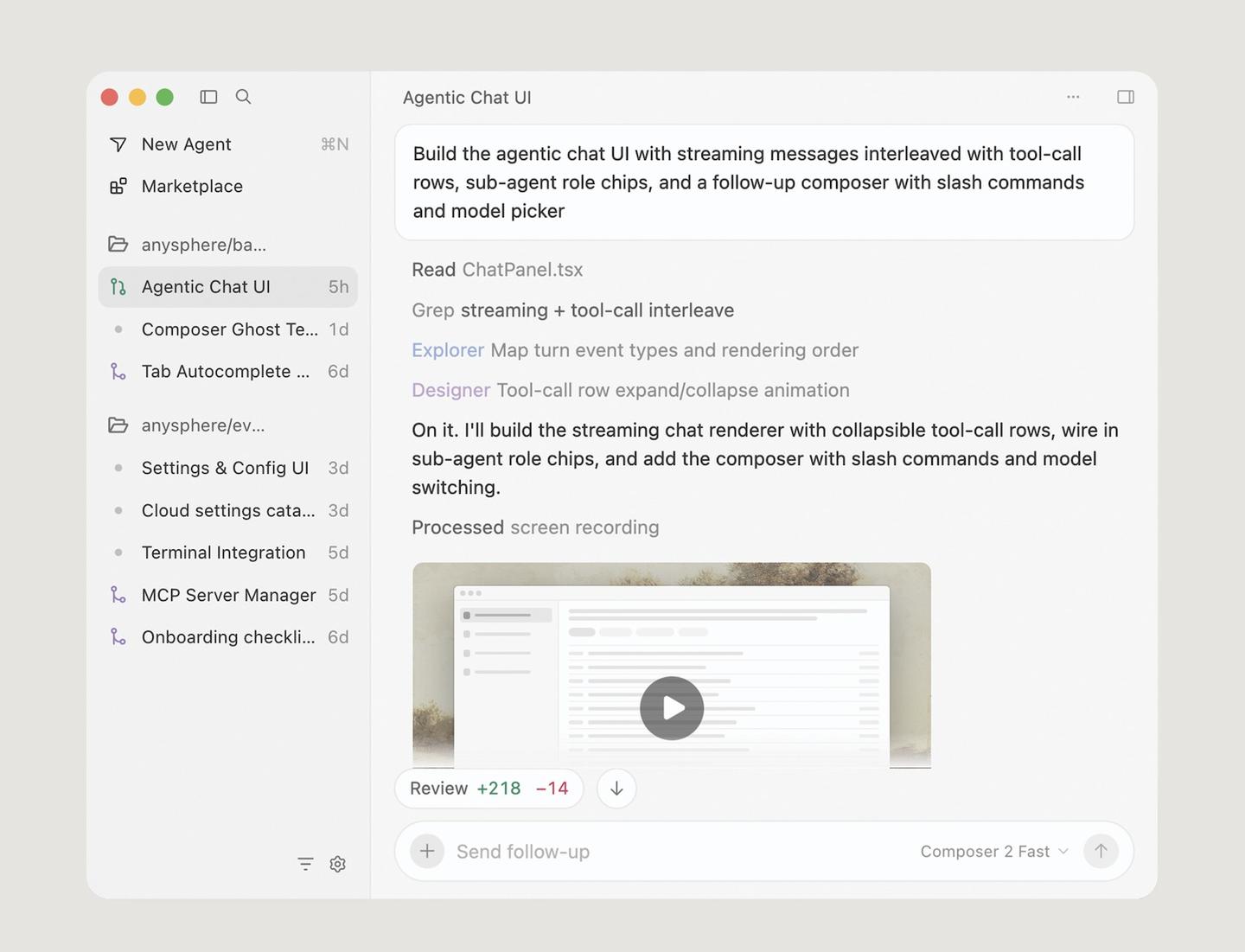
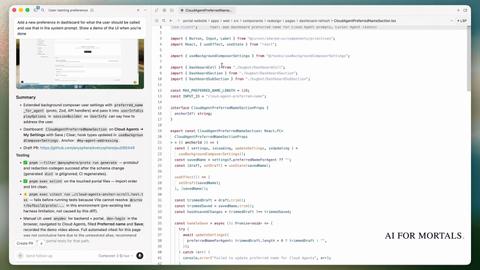
Cursor 3, released April 2, 2026, added the Agents Window, which Cursor describes as "a unified workspace for building software with agents." It shows all your agents in one sidebar, running on your computer or in the cloud, across several projects. Cursor says it built this new window from scratch, centered around agents. To open it, press Cmd+Shift+P and choose Agents Window. Read Cursor 3's Agents Window explained for the full tour.
Which AI model does Cursor use?
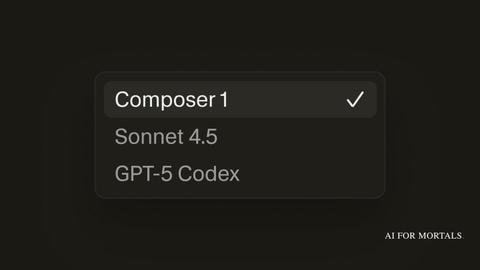
You choose. Cursor's models page says the Free and Plus plans include only Cursor's own models: Grok 4.7, Grok 4.6, Grok 4.5 and Composer 2.5. Premium and above add models from OpenAI, Anthropic and Google, billed at their API list prices.
Open the model menu in the chat to switch, or press Cmd+/ to cycle through models. Auto picks a model for you and, per the same page, is "good for everyday tasks". Cursor calls Grok 4.7 its flagship for the hardest, longest tasks and Composer its fast, cost-efficient model. More on Cursor's Composer models.
Cursor on your phone and in the cloud
Cursor has an app for iPhone and iPad that starts and steers agents, but it has no code editor. Cursor's iOS help page says it needs iOS or iPadOS 26.0 or later, and there's no Android app yet; one is planned with no release date.
From the app you start agents, watch them work and review and merge their changes. The app has no editor, terminal or file browser. Agents you start on your phone also show up on the web at cursor.com/agents and in the desktop app. Our post on Cursor's iPhone app covers the launch.
The app drives two kinds of agents. Cloud agents run on Cursor's computers, so they keep working when your laptop is closed. Cursor's cloud agents page says each one gets its own virtual computer with a browser, can open the app it built and click through it, and attaches screenshots and videos of its work. Cloud agents need Premium or higher, Teams or Enterprise; Free and Plus don't include them.
Remote Control lets you hand off an agent running on your own computer and keep directing it from your phone. It needs a paid plan, and your computer has to stay awake and connected with the project open.
Is Cursor AI better than ChatGPT?
They do different jobs, and AI for Mortals hasn't tested them against each other, so this answer goes by what each company says its product does. ChatGPT is a general assistant; Cursor is an app built around coding agents that work on the files in your project.
OpenAI's ChatGPT page lists questions, writing, images, voice and work documents alongside "write, debug, and improve code." For bigger coding work, OpenAI has its own coding agent, Codex. The Codex page says Codex "is included in your ChatGPT plan" and works across ChatGPT, your code editor and the terminal.
Cursor's homepage says you can choose models from "OpenAI, Anthropic, Gemini, SpaceXAI, and Cursor", so the AI doing the work in Cursor can be one of OpenAI's GPT models. On Premium and above, those third-party models cost extra.
By job: for a quick coding question, an explanation of a snippet or help with an error message, ChatGPT covers it, since OpenAI lists writing, debugging and improving code among its uses. For building or changing a project made of many files on your computer, Cursor and Codex are the tools made for it. If you're weighing Cursor against Anthropic's coding agent, read Cursor vs Claude Code, by job.
Who owns Cursor? Is it Elon Musk?
SpaceX, the company Elon Musk runs, owns Cursor. Musk doesn't own it personally. Cursor announced on August 14, 2026 that it "has officially been acquired by SpaceX," completing a process that began in April.
The Wikipedia entry on Cursor puts the deal's implied equity value at $60 billion, paid in SpaceX shares. Wikipedia's SpaceX entry lists Musk as its CEO, chairman and CTO.
The company behind Cursor is Anysphere, founded in 2022 by Michael Truell, Sualeh Asif, Aman Sanger and Arvid Lunnemark while they were students at MIT. Wikipedia lists Michael Truell as CEO and notes that Lunnemark left in October 2025 to start an AI safety research lab. For Cursor's latest changes, see Cursor updates and new features.
Questions people ask about Cursor
Is Cursor an IDE?
Yes. An IDE (integrated development environment) is an app for writing, running and fixing code in one place, and Cursor's desktop app is one, based on VS Code. Cursor 3 added the Agents Window as a second view, and you can switch back to the classic editor view at any time.
Does Cursor work with VS Code extensions?
Many do. Cursor's migration page says it uses the Open VSX extension store, so popular extensions are available, but not every VS Code extension is listed or works the same way.
Can I use Claude in Cursor?
Yes, on Premium ($30 a month) and higher plans, Teams, Enterprise and the legacy Pro plans. Claude usage is billed at Anthropic's API list price from prepaid credit, on top of your plan. The Free and Plus plans can't use Claude.
Is Cursor good for beginners with no coding experience?
Cursor's vibe-coding page says the approach makes building software "more accessible to people without prior coding experience," and recommends keeping it to prototypes, experiments and internal tools rather than software other people depend on.
Can I run Cursor and VS Code side by side?
Yes. Cursor's migration page says they run as separate apps and you can use both on the same projects.
Is there a Cursor Android app?
No. The mobile app runs on iPhone and iPad only. Cursor says an Android version is planned but has no release date.
What is the Cursor Pro plan now?
Pro ($20 a month) is a legacy plan that existing subscribers keep. New customers choose from Free, Plus, Premium, Super and Ultra, and Cursor maps old Pro to Premium at $30 a month.



Comments
Sign in to join the conversation.