ChatGPT Is Putting Chat and Work on One Usage Limit
From December, ChatGPT's Chat, Work and Codex draw from one usage allowance on Plus, Pro and Business, and a small group of Pro users has it already.
 AI for Mortals Staff
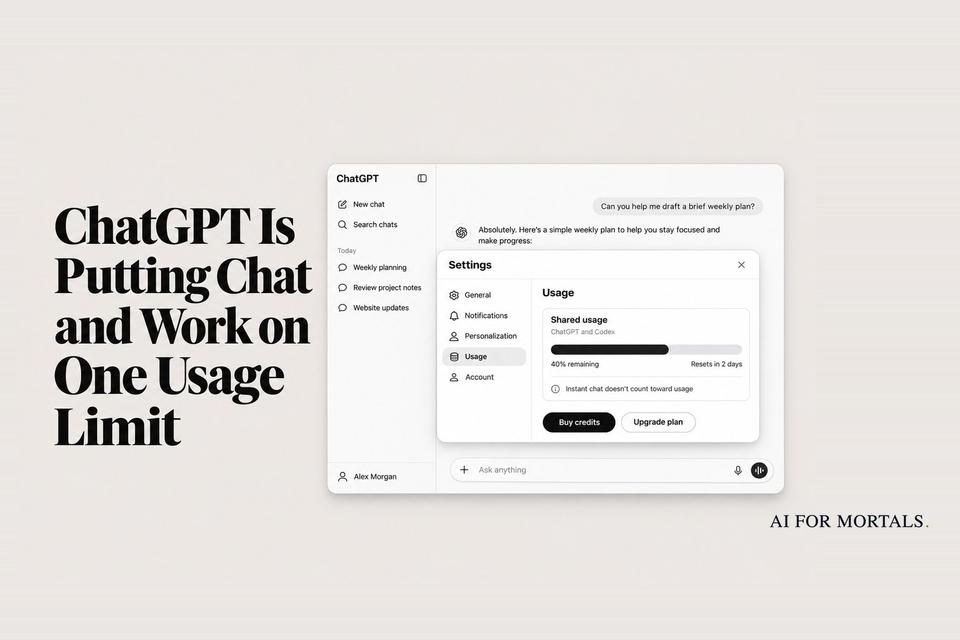
OpenAI has started putting ChatGPT's Chat and Work tabs, and their usage limits, together. A small group of Pro subscribers has the combined version now, and starting in December the ChatGPT usage limit on Plus, Pro and Business becomes one shared allowance that also covers Codex, OpenAI's coding agent.
Thibault Sottiaux, who leads ChatGPT and Codex at OpenAI, announced the first rollout on November 24 and asked for feedback before it goes wider.
Hi. We're beginning to roll out the combined Chat and Work experience to a small group of Pro users to learn from feedback before we roll out more broadly. Let us know what you think and where we can improve!
Tibo Sottiaux on X, November 24, 2026
We covered the merge when OpenAI first emailed users about it in ChatGPT is merging its Chat and Work tabs.
How the shared ChatGPT usage limit counts what you do
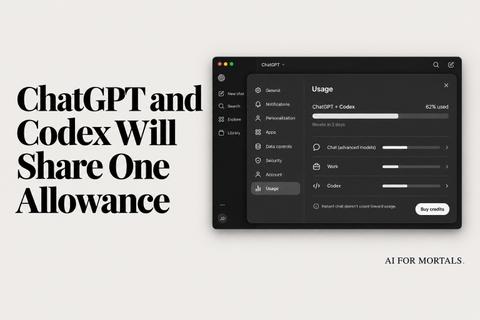
Today a paid plan has two buckets: regular chats have their own limits, and Work and Codex draw from a separate allowance. Under the new system everything you do in ChatGPT, plus your Codex sessions, comes out of one allowance.
That allowance is measured in tokens, the units of text a model reads and writes. A longer or harder task, or a more advanced model like GPT-6.2 Astra, uses more of it than a quick question to a lighter model.

Instant, the fastest setting in Chat, stays outside the limit. It doesn't count toward the allowance, and an OpenAI spokesperson told TechCrunch you can keep using it after the allowance runs out.
In practice, quick questions in Instant are free of the meter, and everything that thinks harder or works longer, from a reasoning chat to a Work job to a Codex task, draws from the same pool.
Who gets one usage limit, and when
The first group is a small slice of Pro subscribers, starting November 24. OpenAI's help page says a few users may see the change before December so it can learn from early feedback.
From December, it covers three plans:
- Plus ($20 a month)
- Pro (from $100 a month, in three tiers)
- Business, OpenAI's plan for work teams
OpenAI hasn't given an exact December date. Its page on the change doesn't mention the Free or Go plans.
Will you hit your ChatGPT limit sooner?
OpenAI's help page says it expects most people won't need to wait for their usage to reset any more often than they do now. The same OpenAI spokesperson added that a small group of the heaviest users may hit their limit sooner.
OpenAI hasn't said how big the shared allowance will be next to the two separate ones people have today. That's the number that decides who comes out behind.
The risk sits in mixing habits. A long Work job, like building a website or a deck, now draws from the same pool as your everyday reasoning chats, so a big job early in the week can leave less for chatting later in it.
Why ChatGPT Plus usage limits have the most to lose
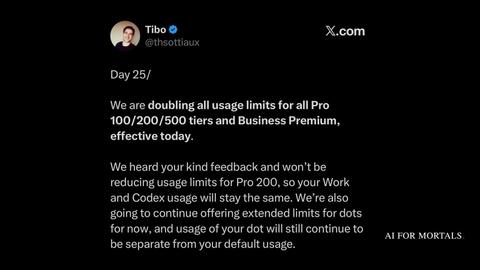
OpenAI spent October adding Work usage to the expensive plans. On October 29 it doubled the Work and Codex allowance on the $100 and $500 Pro plans, and its own help page says "Plus usage is unchanged."

So Pro subscribers go onto one meter with a bigger Work allowance than they had a month ago, and Plus subscribers go onto it with the same one. We went through those Pro changes in OpenAI doubles usage on ChatGPT Pro plans.
On one meter, a Plus subscriber who chats with the reasoning models all day and also runs Codex or Work jobs is putting two habits on the smallest allowance in the change. That's the person most likely to wait for resets more often in December. If you're deciding whether $20 is still enough, our ChatGPT Plus breakdown covers what the plan includes.
Claude already runs chat and coding on one limit
Anthropic got here first. Claude's chats on the web, desktop and phone apps and work in Claude Code all draw from the same pool, with a five-hour limit on most plans and a weekly limit on top.
In September Anthropic also put Claude's chat and Cowork in one window, so Claude picks the right mode for a request and you don't have to choose a tab. OpenAI is following both moves, first the single screen and now the single meter.
How to check your ChatGPT usage limit and when it resets
Once the change reaches your account, your combined usage and reset times show in Settings → Usage, per OpenAI's help page. Checking it after a big Work job or Codex session is the quickest way to see which habit is using up the allowance.
When you reach the limit, OpenAI lists three options: wait for it to reset, upgrade your plan, or buy credits to keep using eligible features. Instant keeps working either way.
To make one allowance last longer:
- Ask quick questions in Instant. Rewrites, lookups and short answers don't touch the meter.
- Save Astra for the jobs that need it. More advanced models use more of the allowance per task, so pick the lighter model for routine work. OpenAI built GPT-6.1 Terra to stretch a plan further on everyday computer jobs.
- Space out the big Work jobs. A long build draws from the same pool as your chats, so run it when you don't need heavy chatting the same day.
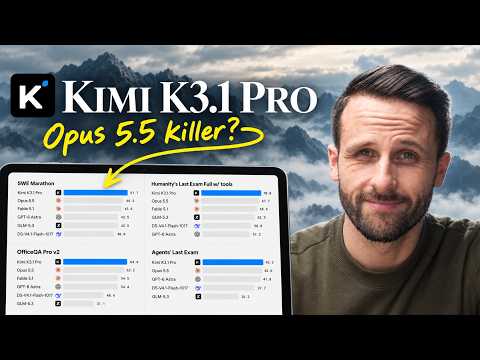
If you're weighing whether Astra is worth spending the allowance on, here's Pat's full review and testing of GPT-6.2 Astra:
Sources
- OpenAI Help: Understanding ChatGPT and Codex usage limits
- Tibo Sottiaux on X: combined Chat and Work rolling out to Pro users
- TechCrunch: OpenAI says heavy ChatGPT users may hit limits sooner
- OpenAI Help: About ChatGPT Pro plans
- ChatGPT pricing
- TechCrunch: Anthropic merges Claude chat and Cowork in one interface

Comments
Sign in to join the conversation.