Canva Launches Its First Homemade AI Image Model
Canva released Canva Craft, the first image model built by its own research team, and it's live now for every Canva user inside Dream Lab.

Canva released Canva Craft, the first image model its own research team built from scratch. It's live now for every Canva user, on every plan, inside Dream Lab, Canva's image generator.
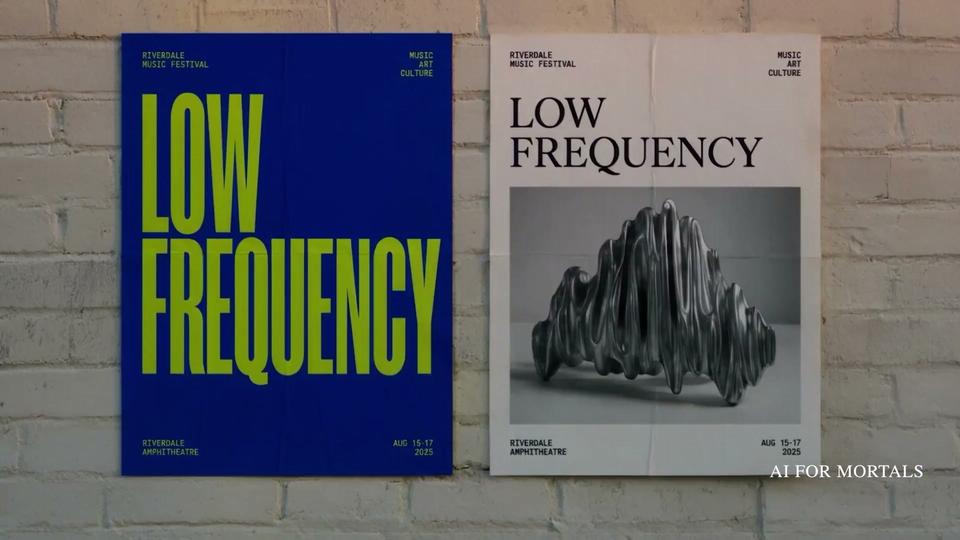
Canva's image tools have leaned on a mix of models, many of them from other companies. Craft is Canva's own, and it was trained to make the things people already make in Canva: posters, social posts, menus and slides, with the text spelled correctly.
Here's Canva's launch video:
Why Craft is built for posters and menus
Most image models learn from photographs. Craft learned from millions of human-made templates in Canva's library, like posters, social posts, presentations, infographics, menus and text-heavy layouts, according to Canva's announcement.
Craft also makes an image in two steps:
- A planning model reads your prompt and writes out the layout first: which elements go in the picture, where each one sits, how big it is, what stands out most, and exactly what text appears.
- A second model draws the picture from that plan, at up to 2K resolution.
Planning the layout before drawing is how Craft gets the words spelled right and in the right spot. It can write text in 55 languages, and you can prompt it in any language.
After training, Canva had its own professional designers judge more than 25,000 pairs of images side by side against other leading models. When the automated scores and the designers disagreed, Canva says it went with the designers.
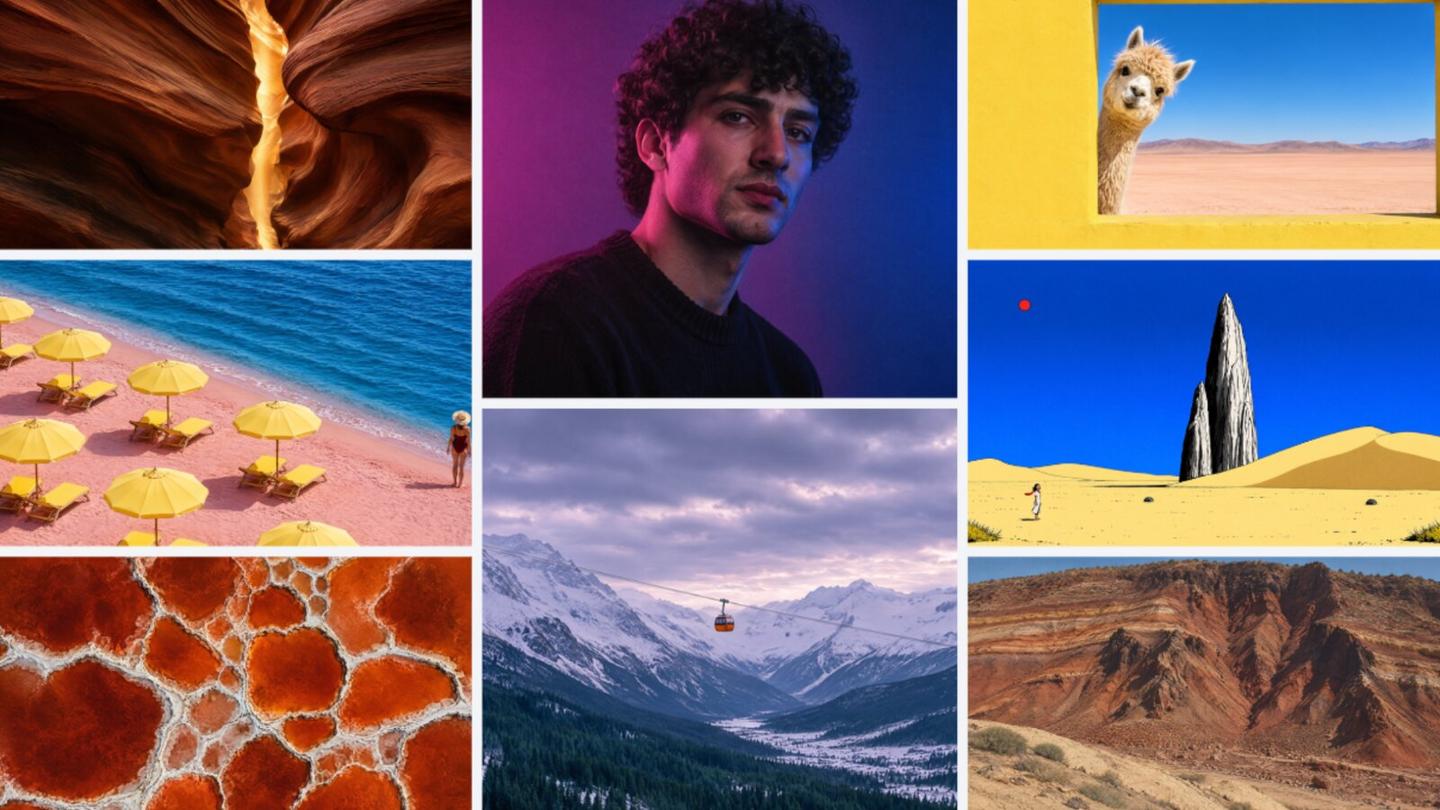
Canva says Craft also handles realistic photos of people, places and food, plus illustration and landscapes.
How to make your first Craft image in Dream Lab
Open Dream Lab from the panel on the bottom left of Canva's homepage, or go straight to canva.com/dream-lab. Under the prompt box, pick Canva Craft as the model and choose a size.
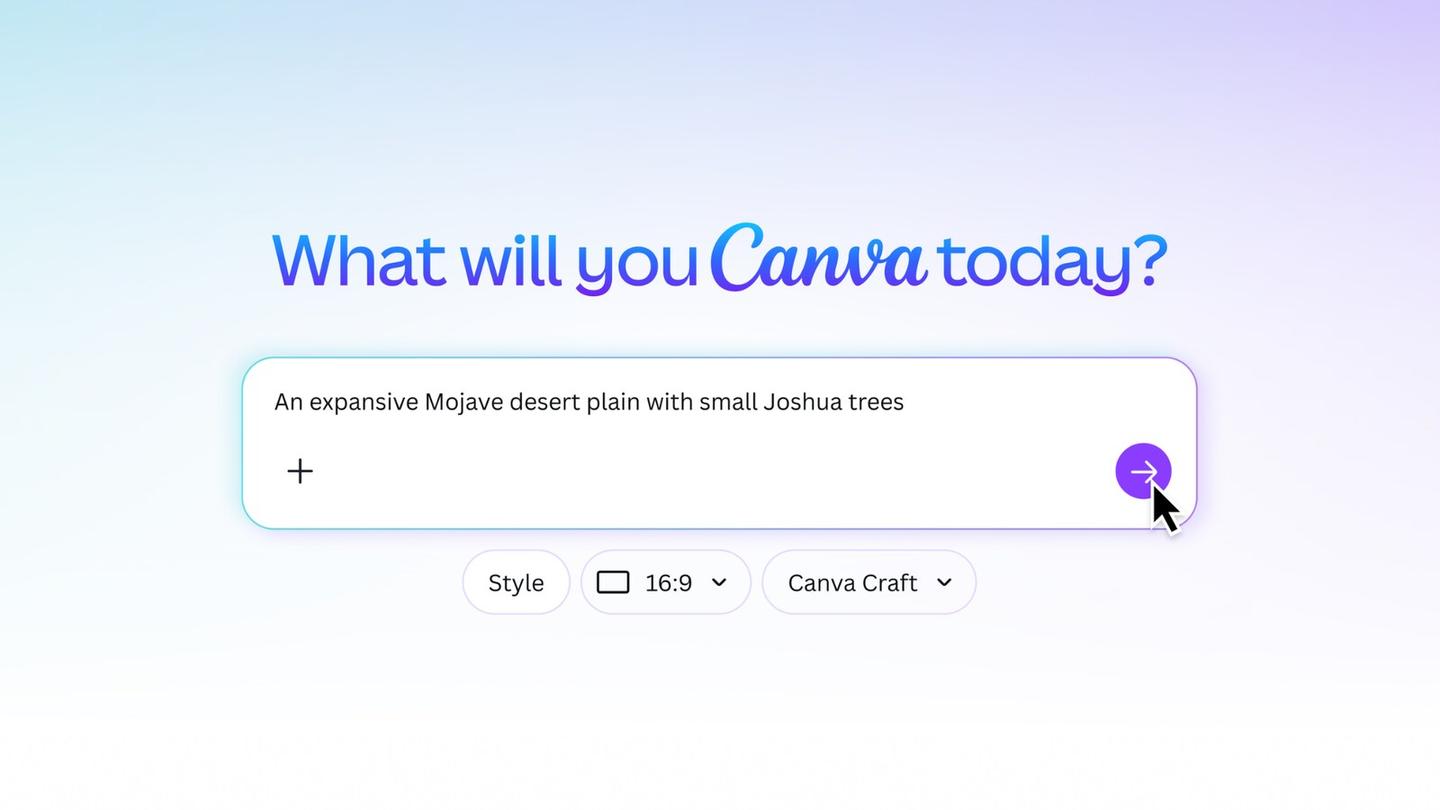
There are more than 30 sizes, from an Instagram story to a wide banner, or you can type in your own. Dream Lab gives you four options for every prompt, and you can refine one with a follow-up like "make the car blue," according to Canva's Dream Lab help page.
Since text and layout are what Craft was trained for, a poster or flyer prompt is a good first test. Something like this:
A poster for a neighborhood farmers market on Saturday mornings in October. Big bold headline "Harvest Market", the line "Every Saturday, 8am to noon, Elm Street Park" underneath, a hand-drawn basket of apples and squash, warm orange and cream colors.
When you've got one you like, Canva's Magic Layers tool can split it into separate pieces, so the headline becomes real text you can edit and the basket becomes an object you can move. Canva says Craft's layout plan makes that split more accurate and faster.
How many Craft images your plan gets
Image generation counts as one of Canva's Premium AI tools, which share one monthly AI allowance with tools like Magic Layers. On the free plan, that's up to 20 uses a month, and on Pro it's up to 200, according to Canva's pricing page.
Business and Enterprise plans get up to 400, according to Canva's AI access help page. Bigger or more complex jobs use more of the allowance, so the real number of images you get can come in lower.
Why Canva built its own model
Running its AI features on other companies' models has been expensive for Canva. Earlier this year it slowed the wider rollout of its Canva AI 2.0 assistant after heavy use sent its costs soaring, and it cut its expected revenue growth for the year from 30% to 20%, Capital Brief reported.
Canva spells out the math in the post introducing Canva Research: with more than a billion designs made in Canva every month, a difference of a few cents per image adds up fast. The lab now has more than 160 scientists and engineers, including researchers from Leonardo.ai, which Canva bought in 2024.
Two faster, cheaper versions, Craft-fast and Craft-ultrafast, are on the way.
Meta made the same move this summer with Muse Image, its first in-house image model, and Figma took a similar route in June, putting Weave, the AI image generator it bought, inside its own app.
Coming soon: Craft images from inside ChatGPT and Gemini
Craft is already available to developers through Canva's public API. Next is the Canva MCP server, which lets AI assistants use Canva directly, so an assistant could make a launch graphic or a social post as one step in a bigger job.
TechCrunch reports that Canva plans to support this in ChatGPT and Gemini. Canva hasn't given a date.
Where Craft fits next to ChatGPT Images and Nano Banana
I haven't tried Craft yet, and I've been a little underwhelmed by the AI features in Canva so far. It would take a lot for Craft to match how good ChatGPT Images 2.5 and Google's Nano Banana are.
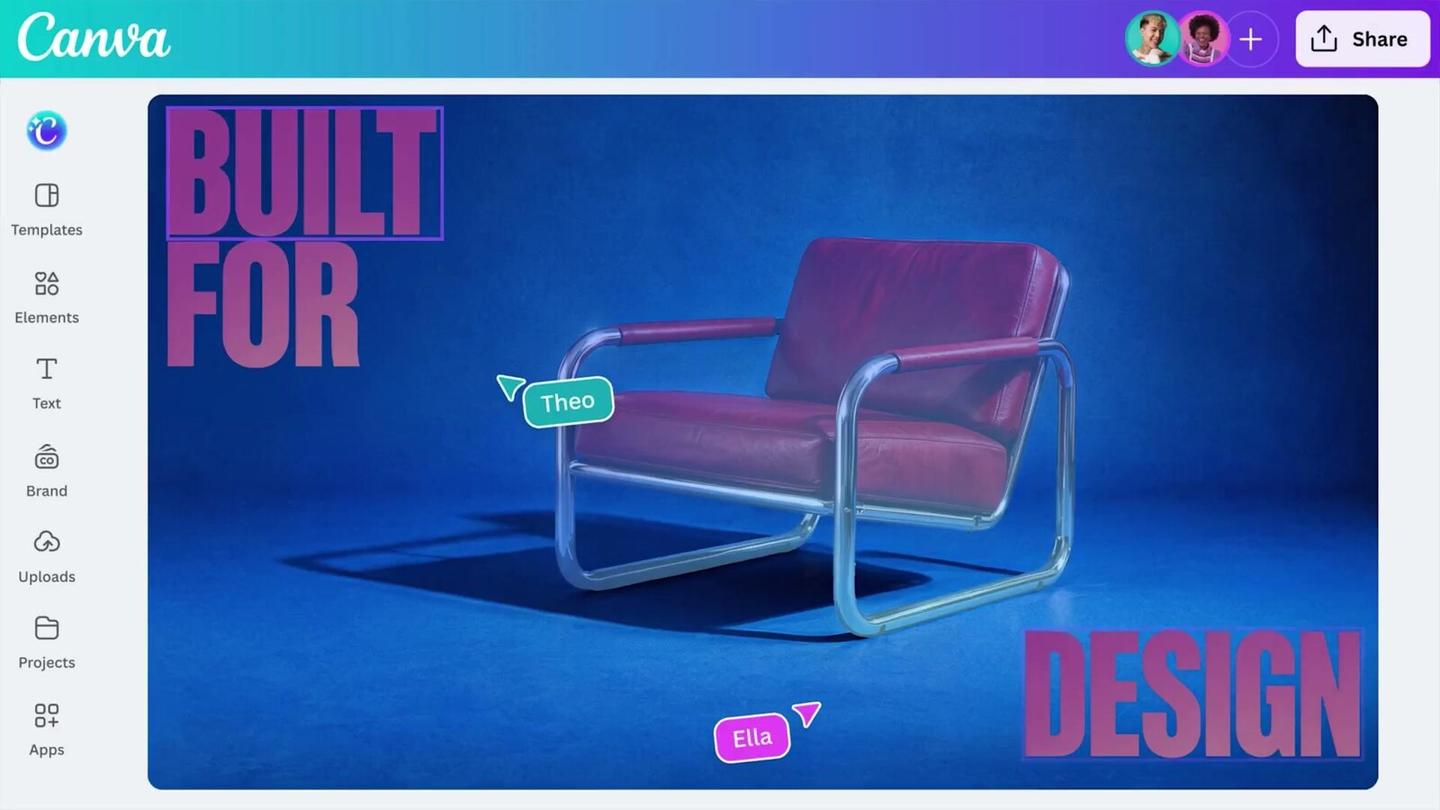
Craft's advantage is that it lives inside Canva, where a lot of people already design. If you're in Canva every day, making the image right there and turning it into editable layers saves the download-and-upload shuffle between apps.
Here's my video testing ChatGPT Images 2.0, the version before 2.5, on more than 50 live generations side by side with Nano Banana:
Sources
- Canva: Introducing Canva Craft
- Canva on X: Canva Craft launch video
- Canva: Introducing Canva Research
- Canva Help Center: Generate images with Dream Lab
- Canva: Pricing and AI allowance
- Canva Help Center: AI access and allowance
- TechCrunch: Canva releases its first image generation model
- Capital Brief: Canva builds its own AI image model
Comments
Sign in to join the conversation.