What Is Claude Code? A Plain-English Answer, What It Costs, and What It Built for Pat Simmons
Claude Code is Anthropic's AI agent that writes and runs code on your computer from plain-English requests, starting on the $20 Pro plan.

On this page
- What does Claude Code actually do?
- Claude Code vs the Claude app: what's the difference?
- Do you need to know how to code to use it?
- What Pat Simmons built with Claude Code
- Is Claude Code free, and what does it cost?
- How do you install Claude Code?
- Claude Code vs Codex and Cursor
- Questions people ask about Claude Code
Claude Code is Anthropic's AI coding agent. You describe what you want in plain English, and it reads the files in your project, writes and edits code, and runs commands on your computer until the job works.
It runs in the terminal, in the VS Code and JetBrains code editors, in the Claude desktop app's Code tab and in the browser at claude.ai/code. It isn't on Claude's Free plan: as of November 15, 2026, Anthropic's pricing page lists it from Pro at $20 a month, then Max at $100 and Ultra at $200, and you can also pay as you go through an Anthropic Console account.
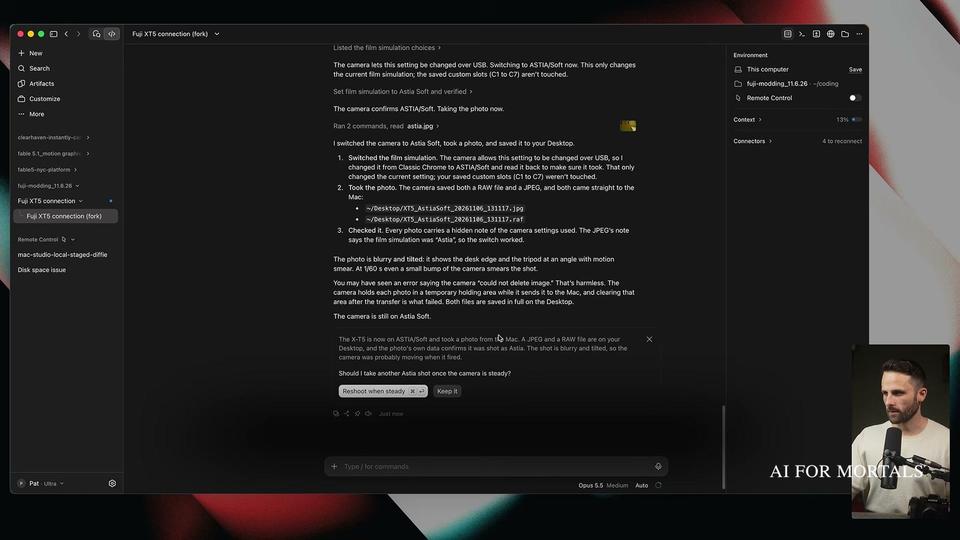
Pat Simmons used it to build Murmur, a free Mac dictation app, in two prompts, and to get his Fujifilm X-T5 to take photos and load a film recipe Claude designed. Both builds are below.
What does Claude Code actually do?
Claude Code turns a request in plain language into working software on your machine. Anthropic's docs describe it as "an agentic coding tool that reads your codebase, edits files, runs commands, and integrates with your development tools." A codebase is the folder of files that makes up a project.
For a new feature, the docs say you "describe what you want in plain language," and Claude Code "plans the approach, writes the code across multiple files, and verifies it works." For a bug, you paste the error message or describe what went wrong, and it traces the cause through your files and fixes it.
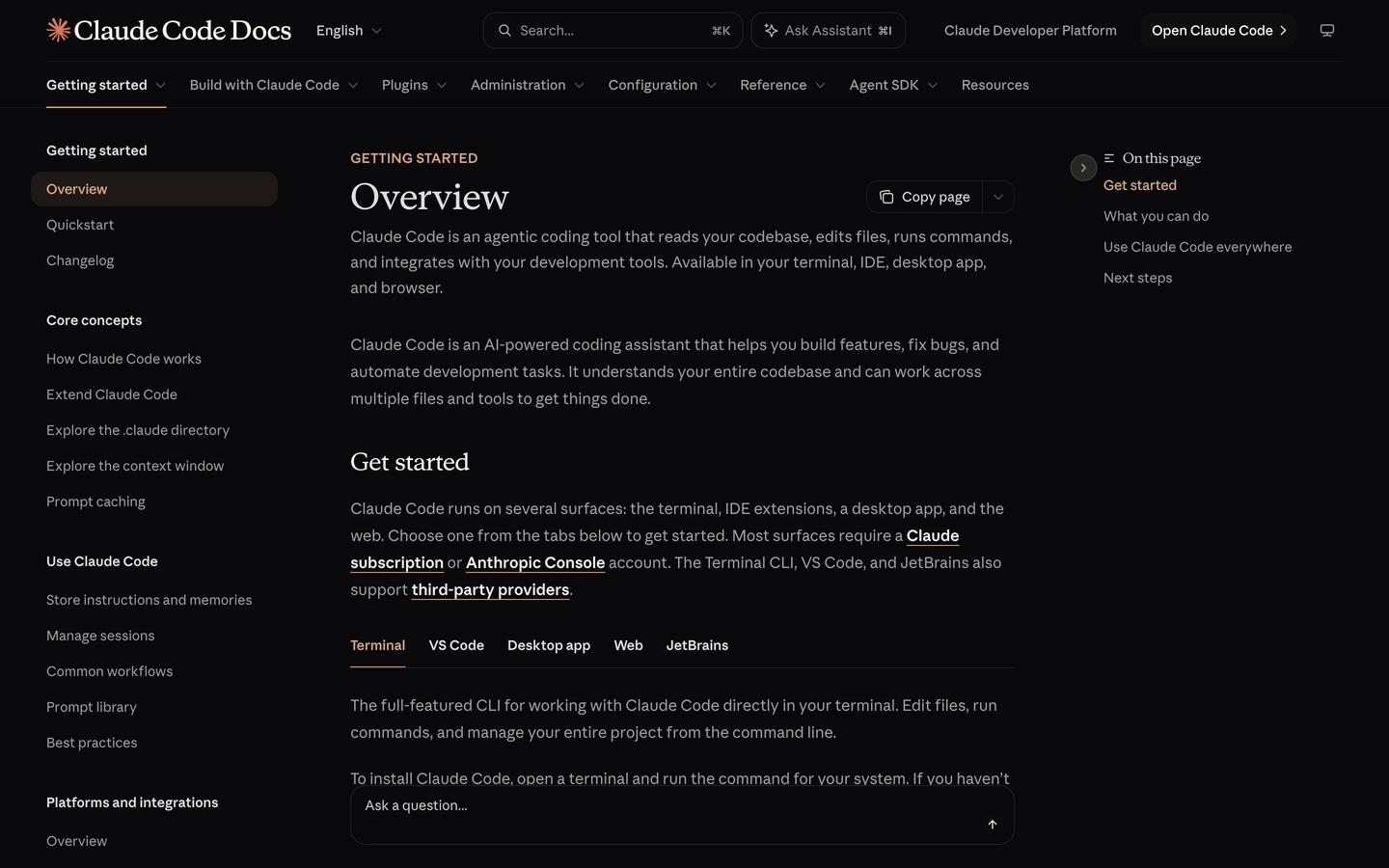
Beyond writing code, the same overview lists jobs it can take on:
- Writing tests, cleaning up code-checker warnings across a project and writing release notes
- Saving your changes with git and opening pull requests
- Connecting to other apps through MCP, such as Google Drive, Jira or Slack
- Running several agents at once on different parts of a task
- Running tasks on a schedule, in the cloud or on your own computer
You can also give it standing instructions. A file called CLAUDE.md in your project folder is read at the start of every session, skills package a job you repeat (Anthropic's examples are /review-pr and /deploy-staging), and hooks run a command automatically before or after Claude Code acts, such as tidying the formatting after every edit.
Claude Code vs the Claude app: what's the difference?
The Claude app is where you chat with Claude, and Claude Code is the part that builds software in a project folder on your computer. In the desktop app they sit side by side: Anthropic's instructions are to "launch Claude, sign in, and click the Code tab to start coding," and the app includes Claude Code, so there's nothing else to install.
Claude Cowork is a third thing, aimed at office work. Anthropic's Cowork page says it "completes tasks you can steer from anywhere. Give it a goal, and it works across your files and tools." Its examples are scheduled reports, spreadsheets that reconcile regional exports, and a first review of a folder of contracts. The same page says Cowork "is now part of Claude": when a task needs your files, Claude brings in Cowork's abilities automatically, and it works with a paid plan.
Use Claude Code when the result is an app, a script or a website. Use the chat, with Cowork's abilities, when the result is a document, a deck or a spreadsheet.
Do you need to know how to code to use it?
No. Pat built Murmur without knowing Swift, the language many Mac apps are written in, and the request that starts a build is written in everyday words. In his Murmur build write-up, Pat says "the entire build is two prompts and some clicking through permission dialogs," and that the only hands-on parts were "approving macOS permission dialogs and pasting error logs back into Claude so it could fix them."
AI for Mortals ran the same kind of test from scratch. In our Claude Code for beginners test, one plain-English paragraph about a freelancer who forgets who still owes them money produced a working app in a browser about 90 seconds later. It got one thing wrong: the reminder email greeted a bakery by the first word of its name, "Hi Northwind." A second message describing the problem fixed it.
You also don't need the terminal, the text window developers type commands into. The desktop app's Code tab and claude.ai/code both work without it.
What Pat Simmons built with Claude Code
Pat has documented two Claude Code builds step by step, a dictation app and a camera he controls from his Mac, and each one started as a plain request.
Murmur, a free Mac dictation app
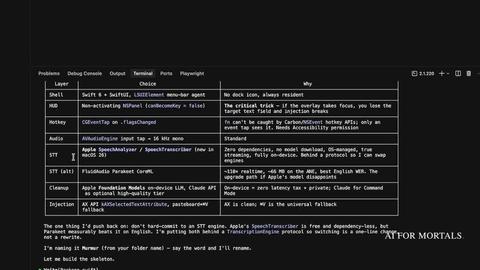
Murmur works like Wispr Flow: you hold a key, talk, and the text appears wherever your cursor is. It is free and open source, and it transcribes your speech on your own Mac using the speech engine built into macOS 26, so nothing you say is sent to a server.
Pat's first prompt asked Claude Code to look up Wispr Flow, recommend how to build a push-to-talk clone for his machine, and start with a skeleton. The second turned that skeleton into a proper Mac app with a history and a dictionary. Pat wrote that it took "about 20 minutes with two prompts and no Swift knowledge."
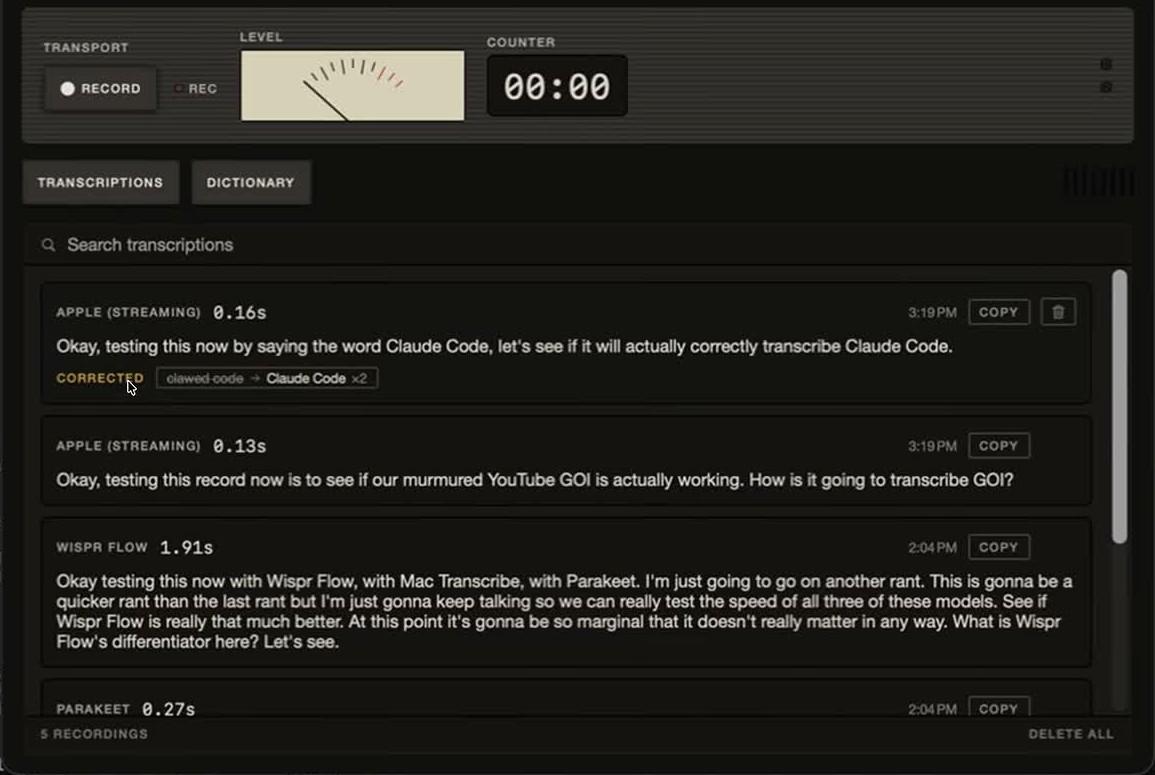
Pat then had Claude build a window that runs the same recording through three engines. Apple's engine took 0.48 seconds and Wispr Flow 1.91 seconds on screen, though reading Wispr Flow's result from its database added delay. Pat's conclusion was that "the difference in speed and accuracy is marginal."
A Fujifilm X-T5 that takes orders from Claude
Pat plugged his X-T5 into his Mac with a USB-C cable and asked Claude Code, running Opus 5.5 on medium effort, to take control of it. It installed an open-source camera tool, read back the settings, switched the film simulation to Astia Soft and fired the shutter. As Pat put it, "Claude Code runs in the Mac's terminal, so it can install those tools, run them, read what comes back, and write a small script when a tool is missing something."
Next, he asked it to research Kodak Portra 800 film and design its own version. Claude sent several research agents out at once, built a recipe it named CLAUTRA 800, loaded it into the camera's C1 custom slot, and re-rendered 37 of Pat's RAW files through the camera's own processor.

It also hit a limit. Pat asked for halation and bloom, the glow around lights you get from CineStill 800T film, which the camera has no setting for. Claude studied Fuji's firmware looking for a way to add them, found nothing it could switch on, and Pat stopped it there. The glow was added on the Mac instead.
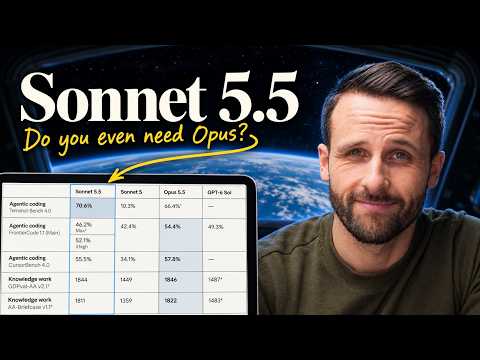
The full camera build, from the first prompt to the finished recipe, is in Pat's video.
Is Claude Code free, and what does it cost?
Claude Code isn't free. Anthropic's setup docs say it "requires a Pro, Max, Ultra, Team, Enterprise, or Console account" and that "the free claude.ai plan does not include Claude Code access." These are the plans on Anthropic's pricing page as of November 15, 2026:
| Plan | Price | Includes Claude Code? | Usage |
|---|---|---|---|
| Free | $0 | No | Limited, every 5 hours and every week |
| Pro | $20 a month, or $17 a month billed yearly ($200 up front) | Yes | More than Free, every 5 hours and every week |
| Max | $100 a month | Yes | 5x Pro, every 5 hours and every week |
| Ultra | $200 a month | Yes | 10x Pro every week, no 5-hour limit for verified accounts |
| Team, Standard seat | $25 a seat a month, or $20 billed yearly | Yes | More than Pro |
| Console (API) | Pay as you go | Yes | Billed per token at API rates |
A Console account, the last option in the setup docs' list, is the pay-as-you-go route. There you pay per token, the small chunks of text a model reads and writes: Opus 5.5 costs $4 per million input tokens and $20 per million output tokens, according to Anthropic's API pricing page.
Opus comes with Pro and every plan above it. The full breakdown, including Team Premium seats and Enterprise, is in what Claude Code costs on each plan.
How do you install Claude Code?
The easiest way in is the Claude desktop app for Mac or Windows: sign in with a paid plan and click the Code tab. Claude Code comes built in, so you don't install anything else.
To run it in the terminal, Anthropic's overview gives one command per system:
- Mac, Linux or WSL:
curl -fsSL https://claude.ai/install.sh | bash - Windows PowerShell:
irm https://claude.ai/install.ps1 | iex - Homebrew:
brew install --cask claude-code - WinGet:
winget install Anthropic.ClaudeCode
When it finishes, open a new terminal window and run claude --version to check it worked. Then type cd followed by your project folder, run claude, and log in when it asks. The standard install updates itself in the background, while Homebrew and WinGet installs need you to run their upgrade command.
In VS Code, and in Cursor, search for "Claude Code" in the Extensions view. The JetBrains plugin needs the terminal version installed first. In a browser, go to claude.ai/code, which also works in the Claude app for iPhone and Android.
For a first project and plan mode, see how to install Claude Code and build your first project.
Claude Code vs Codex and Cursor
Codex is OpenAI's coding agent, and Pat has put it against Claude Code in nine same-prompt builds. The verdict from Codex vs Claude Code from nine same-prompt builds is to "pick Claude Code with Opus 5.5 for one-prompt builds where the look and the small details count, and Codex with GPT-6 Astra for long jobs, a lower cost per build and the everyday engineering work Pat himself uses it for." Across the nine builds, the ChatGPT model in Codex won five, the Claude model in Claude Code won three, and one was split, with Claude Code winning all three in the latest round.
Cursor is a code editor that works with several companies' models. Cursor's pricing page lists plans from $0 to $200 a month, and third-party models, Claude included, are "billed separately by usage" on the $30 Premium plan and up. Claude Code comes with the Claude plan itself, and its VS Code extension also installs in Cursor. Pat hasn't run a head-to-head of Cursor and Claude Code.
Questions people ask about Claude Code
Who owns Claude Code?
Anthropic makes Claude Code, along with the Claude models it runs on.
What is a Claude Code skill?
A skill is a saved set of steps for a job you repeat, which Claude follows when you ask for that job. Pat has published the Claude skills Pat built and uses, each with what it does and how to install it.
What is MCP in Claude Code?
MCP is the open standard Claude Code uses to connect to other apps, so it can read your design docs in Google Drive or update tickets in Jira. See what MCP is and how Claude Code uses it.
Does Claude Code work with Claude for Chrome?
Yes. Claude Code works with the Claude in Chrome extension from the terminal or VS Code to test web apps, read console errors, fill in forms and pull data from pages, according to Anthropic's Chrome docs. It uses the sites you're already signed into and stops to let you handle a login page or a CAPTCHA.
Can I use Claude Code on my phone?
Yes. Claude Code on the web runs in the Claude app for iPhone and Android, and Remote Control lets you keep a session from your computer going on your phone.
Can Claude Code keep working when my computer is off?
Yes, for scheduled jobs. Anthropic's cloud scheduled tasks "run in the cloud, so they keep running even when your computer is off," and you can set them up from the web, the desktop app or with /schedule in the terminal.
What is CLAUDE.md?
It is a text file in your project folder that Claude Code reads at the start of every session, used for rules and notes it should always follow. For the camera build, Pat's CLAUDE.md listed the camera's connection modes and two hard rules: back up the custom slots before writing to them, and never install firmware without asking.
Where can I follow Claude Code updates?
The Claude Code updates and new features page tracks what has changed and what it is best for.



Comments
Sign in to join the conversation.